
 How to Buy Crypto (ShakePay)
IPTV Canada — Reliable Streaming with a Free 24-Hour Trial
Live TV, sports, and a full VOD library on any device — Smart TV, Firestick, phone, or computer. Test it yourself for 24 hours before you pay a cent.
24h free trial · No credit card · Cancel anytime
15,000+
Live Channels
60,000+
VOD Titles
4K
Stable Streaming
6AM-11PM
ET, Daily Support
Pricing
Simple Pricing, No Surprises
Two real plans, real numbers in CAD — pick the one that matches how you watch.
Standard
- ✓ 15,000+ live channels (HD/FHD).
- ✓ 60,000+ movies & series (VOD).
- ✓ 1 connection included — not simultaneous.
- ✓ From CAD 7.49/mo (6-month plan).
Premium
- ✓ 40,000+ live channels (up to 4K).
- ✓ 120,000+ movies & series (VOD).
- ✓ 1 connection included — not simultaneous.
- ✓ From CAD 14.99/mo (3-month plan).
7-day money-back · No contract · Cancel anytime
Standard vs Premium
IPTV Standard vs IPTV Premium
The short version — same real numbers as above, side by side, priced in CAD.
Why StreamIPTV
See the Service — Not Just Promises
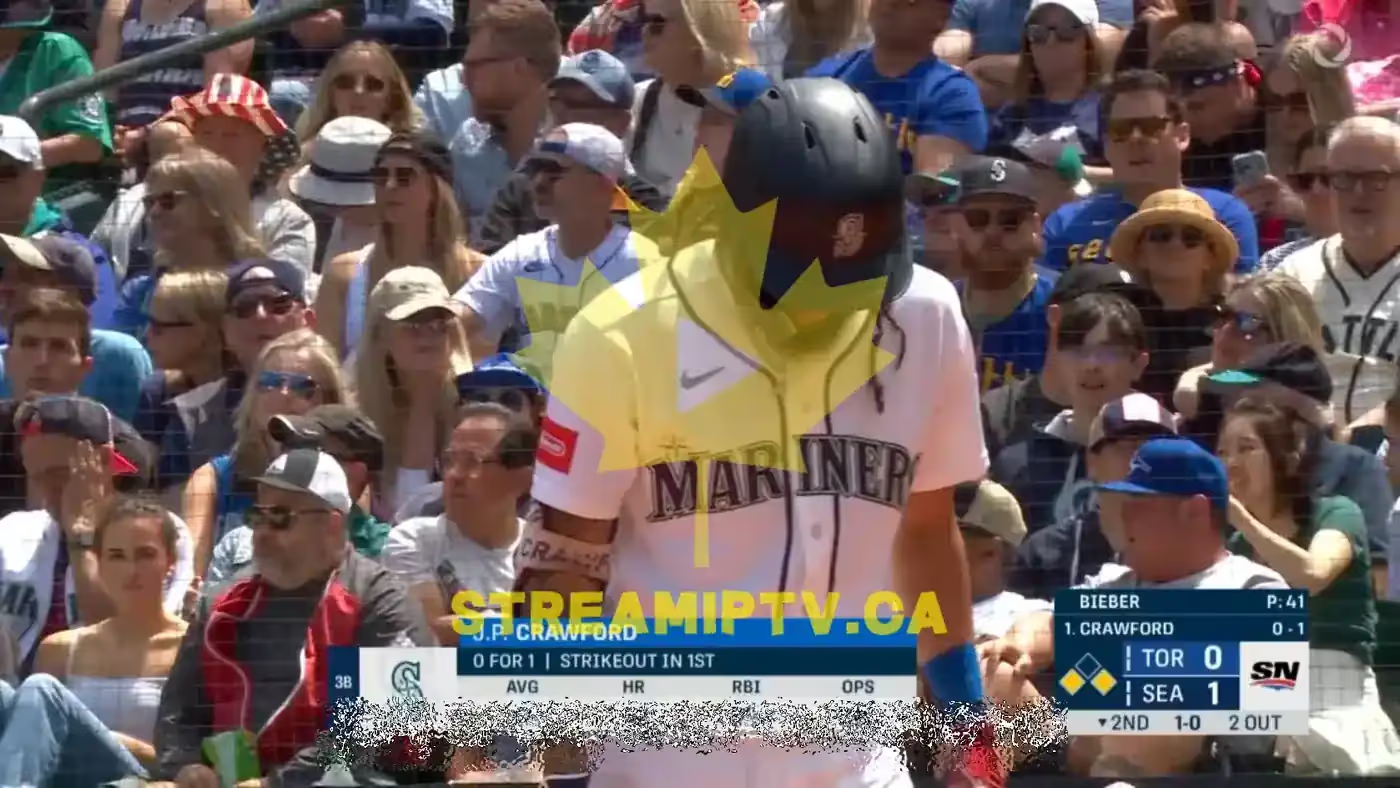
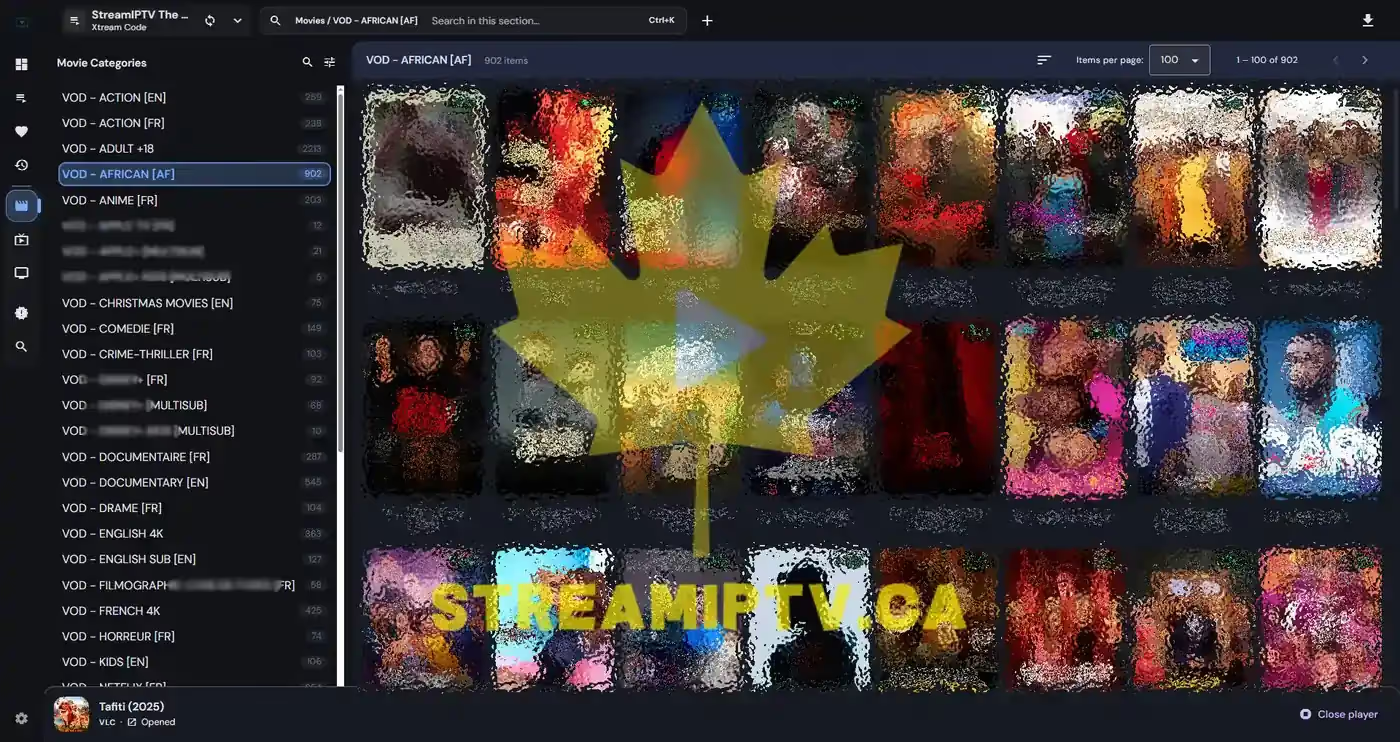
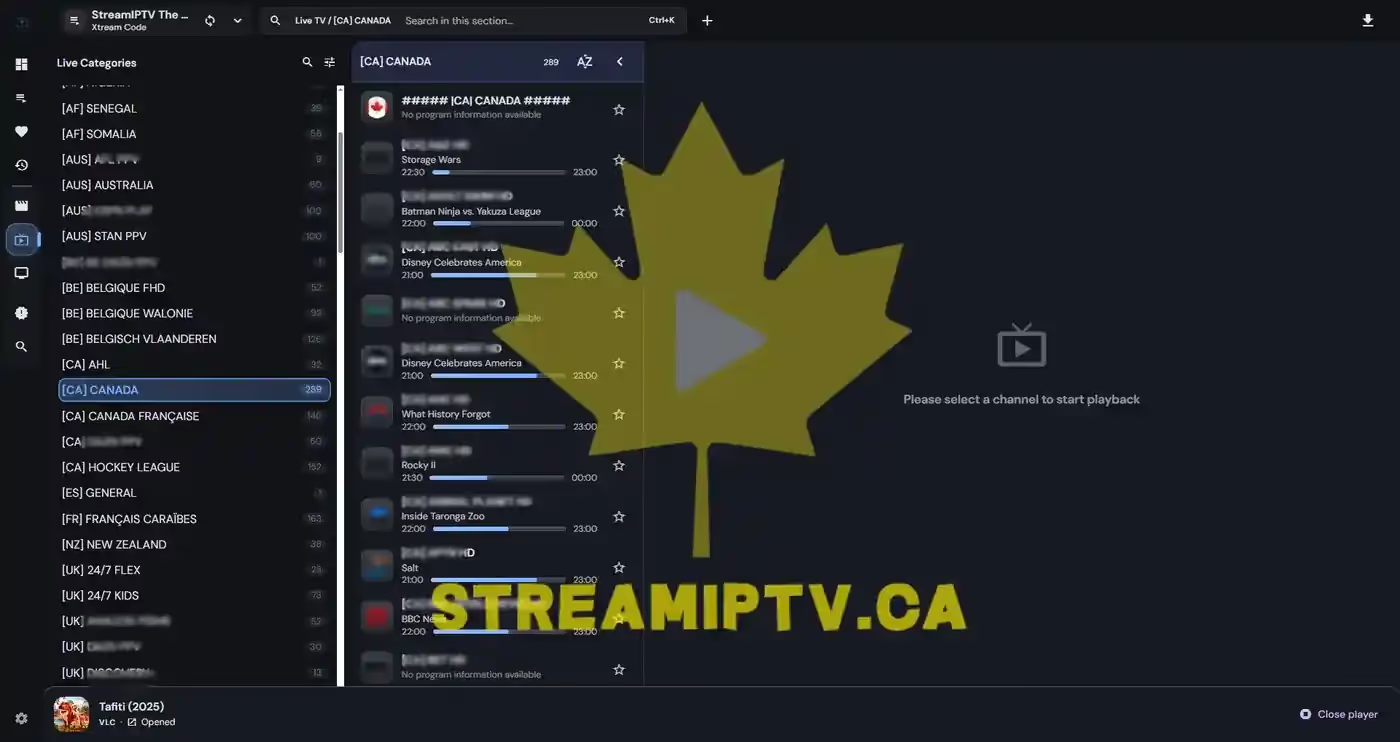
Every screenshot below is taken from the actual StreamIPTV service. No stock photos. No renders. What you see is exactly what you get.
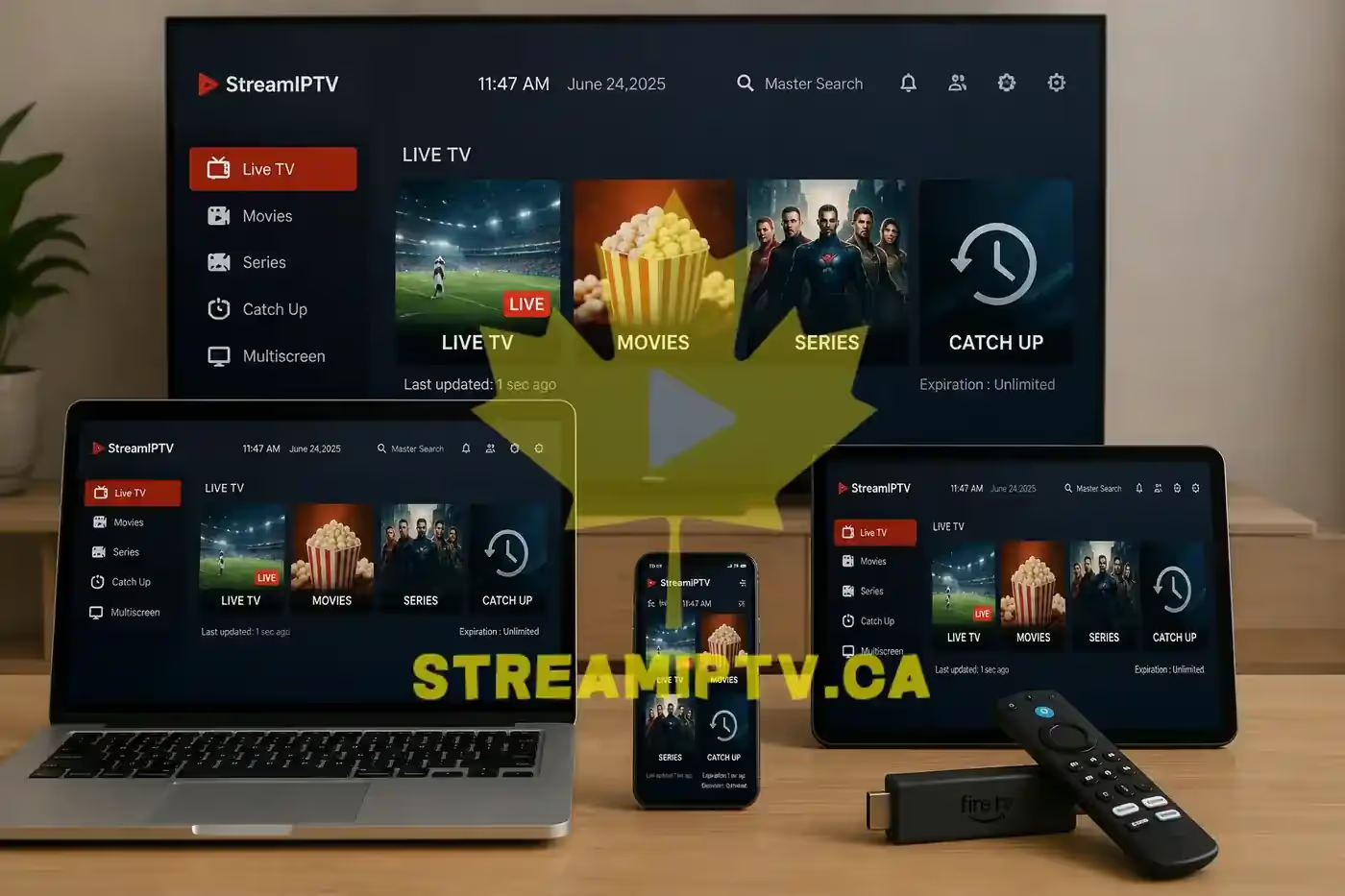
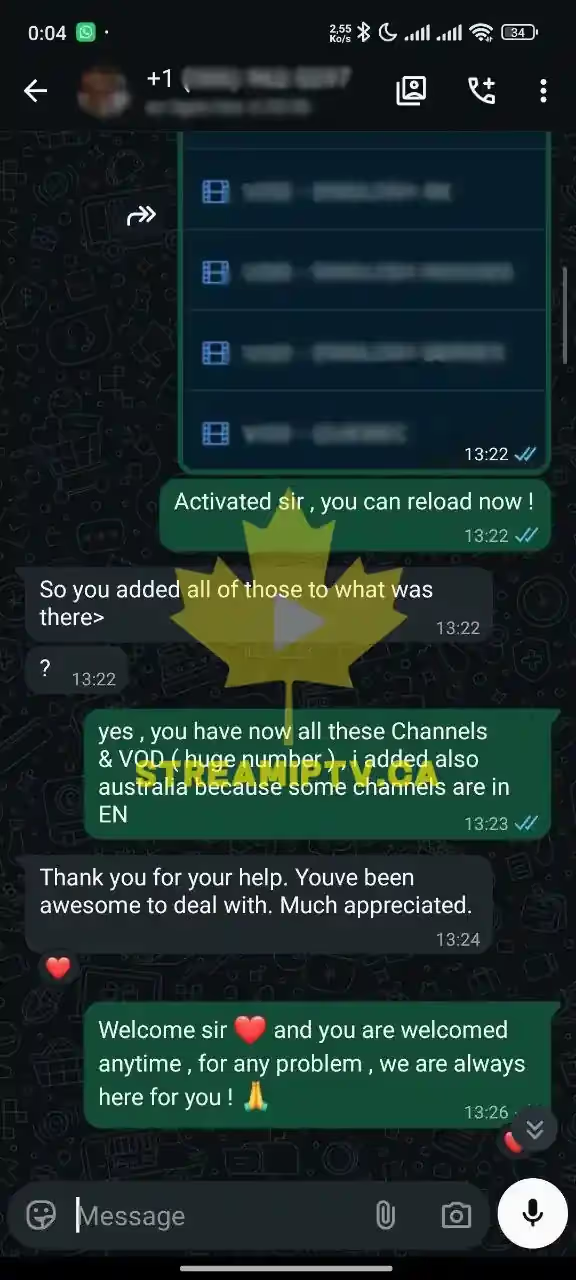
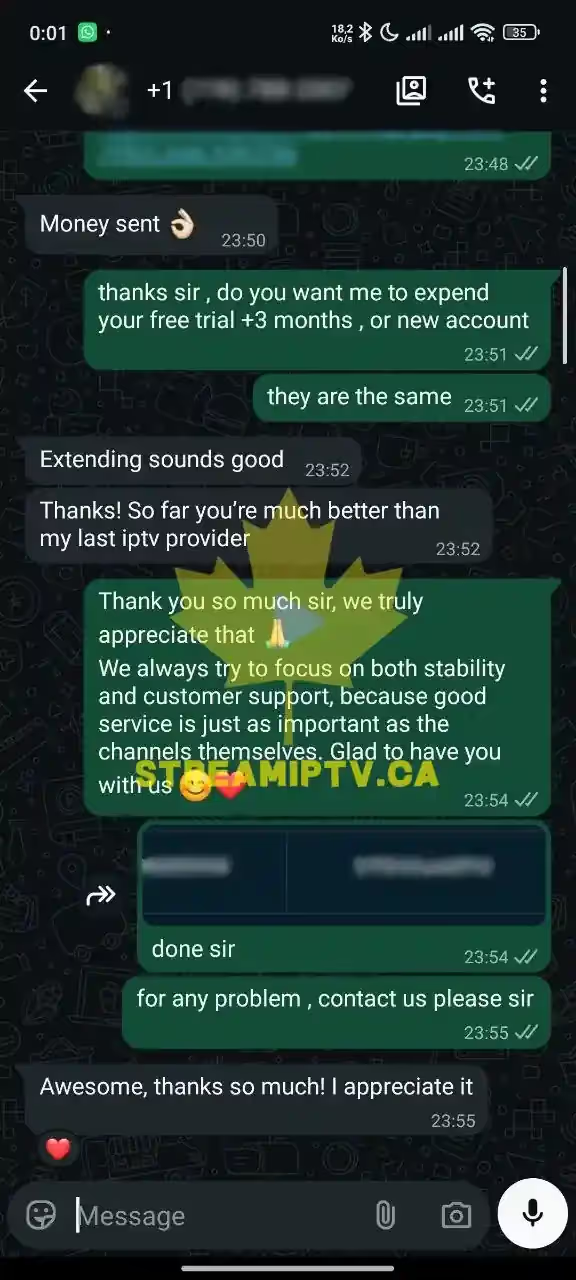
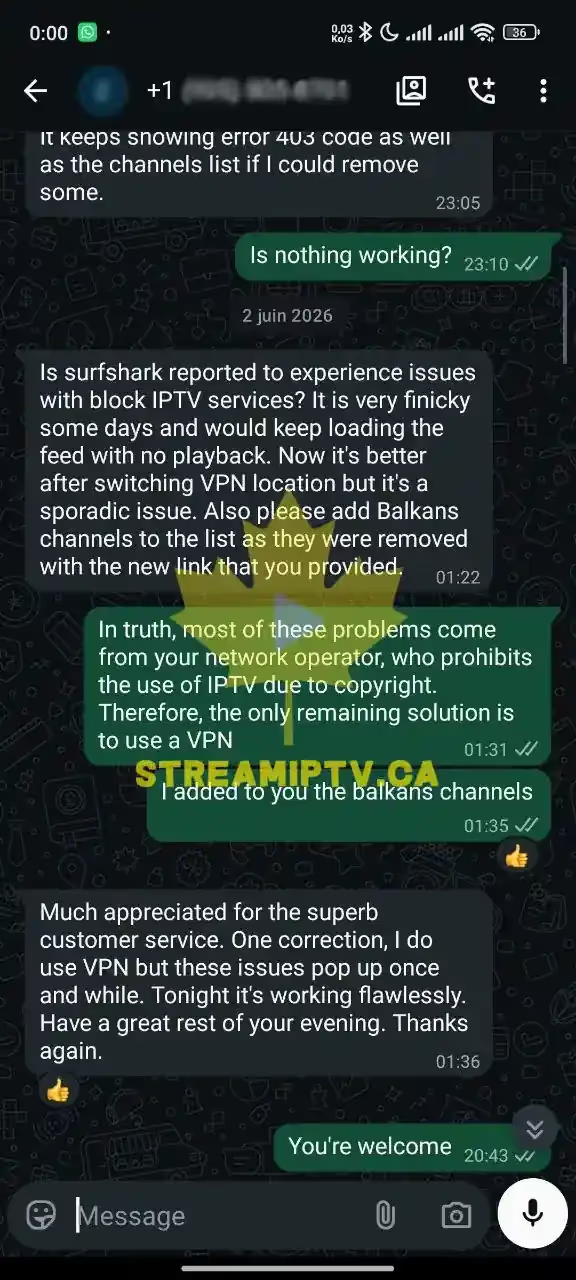
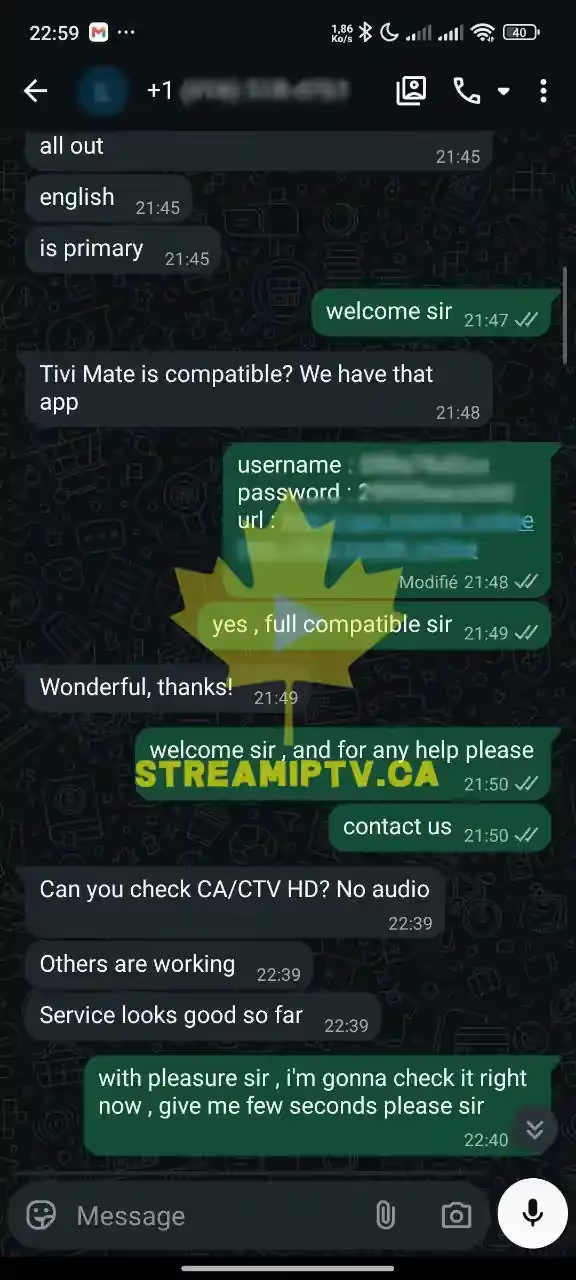
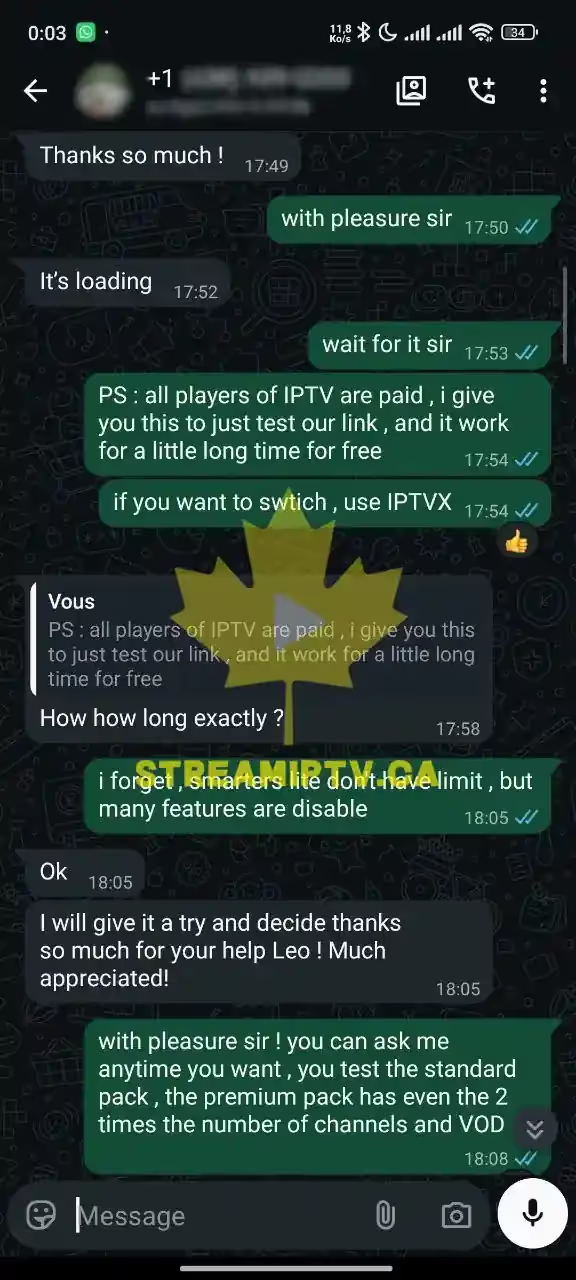
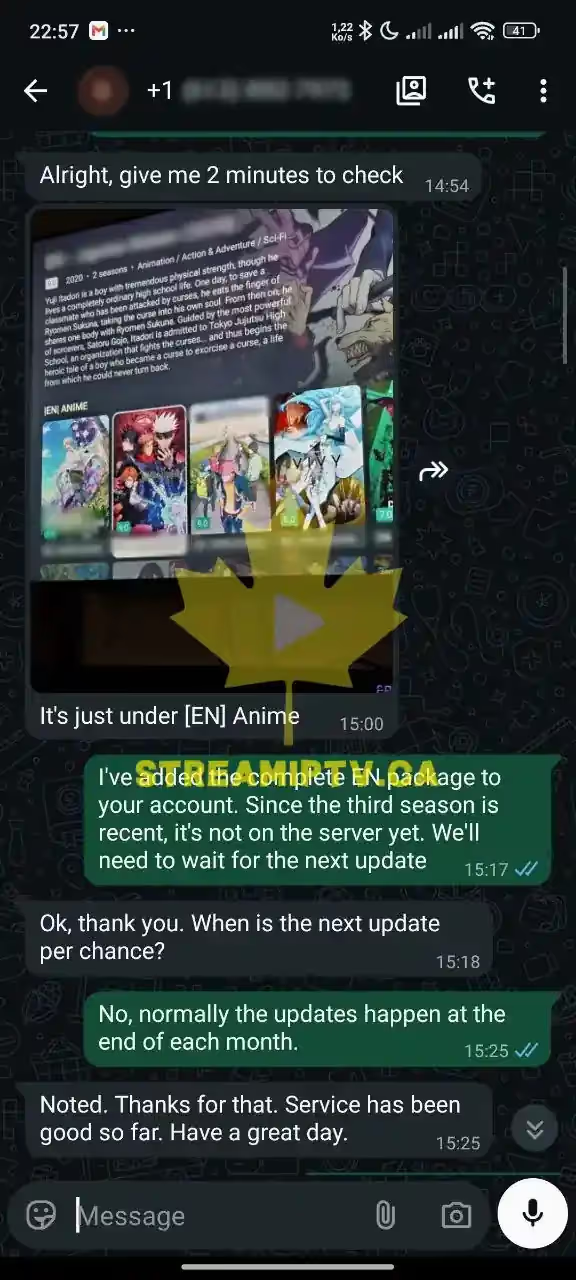
Real Activation Conversations.
Actual WhatsApp screenshots, unedited — tap any to zoom in
Learn
What Is an IPTV Service Canada Households Rely On — And How It Works
What Is IPTV?
IPTV stands for Internet Protocol Television. Instead of receiving channels through a satellite dish or a cable box, IPTV streams live TV and on-demand content directly over your internet connection. There's no equipment to install and no technician visit required — just a stable internet connection and a compatible device, whether that's a Smart TV, a streaming stick, a phone, or a computer. StreamIPTV Canada uses this same technology to deliver 15,000+ live channels and tens of thousands of movies and shows, with picture quality adapting automatically to your connection speed.
Channel & Content Categories
A StreamIPTV Canada subscription covers more than live TV. The 15,000+ channel lineup spans sports (including out-of-market games), news in English and French, movies, kids' programming, and international channels for Canada's many communities. Alongside live channels, the on-demand library — 60,000+ titles on Standard, 120,000+ on Premium — adds recent movies and full TV series you can watch anytime, not just what happens to be airing live. Together, that's a single subscription covering what used to require separate cable, streaming, and specialty-channel add-ons.
M3U Links vs. Xtream Codes: Which One Do You Use?
After activation, StreamIPTV emails two ways to connect: an M3U playlist link, or an Xtream Codes login (a server URL plus a username and password). Both point at the exact same channel list and VOD library — neither is "better," they're just two connection formats that different player apps expect. Apps like VLC or basic M3U-only players want the playlist link pasted directly in. Full-featured apps such as IPTV Smarters Pro, TiviMate, and GSE Smart IPTV support both, and generally give a richer EPG (program guide) experience when set up with Xtream Codes. If a setup guide asks for one and the emailed credentials show the other, the fix is simple: either format works with either app, use whichever field the app's login screen actually presents.
Live TV vs. VOD: What's the Difference?
Live channels behave like traditional TV — a fixed schedule you tune into, with an EPG showing what's airing now and later, the same way a cable guide would. VOD (video-on-demand) is the separate movie-and-series library, browsable and searchable like Netflix, watched whenever it's convenient rather than at a broadcast time. A StreamIPTV subscription includes both in the same app: switch between the live channel grid and the VOD catalog from the same player without a second login or a separate subscription.
Channel Library
Every Category, One Plan
A real breakdown of what's inside an IPTV service Canada subscription — not just a headline channel count.
A lot of providers advertise a raw channel number and stop there. What matters is whether the categories you actually watch are covered and kept up to date — StreamIPTV organizes its library so browsing feels like a modern streaming app, not an old-school channel list. Every category renews at the same price; nothing gets unlocked later as an upsell.
Hockey, football, basketball, soccer, combat sports — Canadian and international feeds, plus PPV events for the cards a regular sports package skips.
National, regional, and 24-hour business news channels — never just one network's take.
Video on demand: weekly new releases, full back catalogs, and catch up TV so a show that already aired isn't gone.
Cartoons and family programming, organized separately from the general lineup.
Major city and regional stations coast to coast, in both English and French channel feeds.
UK, US, Arabic channel, and South Asian content for households with ties outside Canada.
15,000–40,000+ channels depending on plan · prices in CAD, from CAD 7.49/mo
Every category above ships with a real EPG (electronic program guide). Browsing live channels works the same way a cable guide does: see what's airing now, what's next, and jump ahead without leaving the app. Categories stay current because the underlying feeds refresh continuously, rather than rebuilt on a fixed schedule. That's also why a channel that briefly drops during a provider-side update typically comes back within minutes, not a full day.
Compatibility
Works On Every Device You Own
No extra hardware to buy — StreamIPTV runs in Full HD (and 4K on Premium) on the devices already in your home, over an anti-freeze infrastructure built for no buffering during peak hours.
Smart TV
Samsung, LG, Sony
Fire TV
Stick & Cube
Apple TV
All models
Android TV
Boxes & Google TV
Phone & Tablet
iOS & Android
PC & Mac
Windows & macOS
How connections work.
1 connection = 1 account. You can install the app on every device you own, but it streams on one device at a time per connection. Watching alone on one screen? One connection covers it. Want multi-screen viewing — two people streaming different things at once, say one TV and one phone? That needs two connections. Standard and Premium plans include 1 connection; additional connections for multi-screen households can be added at checkout.
Device Guide
Setup Notes for Every Screen You Own
Specific guidance per device, so there is no guessing which app to install.
Smart TVs (Samsung, LG, Sony).
Samsung and LG support Smart IPTV or SS IPTV directly from their app stores. Sony and other Android TV sets install TiviMate or IPTV Smarters Pro from Google Play — same as any Android TV device.
Fire TV Stick & Cube.
The most popular setup path: install Downloader from the Fire TV app store, sideload IPTV Smarters Pro or TiviMate, then enter your emailed Xtream Codes credentials. Under 10 minutes, start to finish.
Apple TV, iPhone & iPad.
GSE Smart IPTV and IPTV Smarters Pro are both on the tvOS/iOS App Store — no sideloading. Enter your M3U link or Xtream Codes exactly as received and the channel list populates immediately.
Android & Android TV Boxes.
Any Android TV box — generic units, Nvidia Shield, Android-based MAG boxes — installs TiviMate, IPTV Smarters Pro, or XCIPTV from the Play Store. Native MAG firmware uses portal URL + MAC address instead.
Windows & macOS.
VLC Media Player handles M3U playlists natively — the simplest desktop option. For a fuller program guide, IPTV Smarters Pro also has a Windows/Mac desktop client. No extra hardware needed either way.
Quick fix if a channel buffers or stutters.
Try another channel first (confirms it's not one bad feed) → restart the app, then the router → on Wi-Fi, switch from 2.4GHz to 5GHz if your router supports it. These three steps resolve most playback issues without touching account settings. Anything that persists past a router restart is worth a message to support with your device model and app name included.
Watch It Work
Setup Takes Under 10 Minutes
Free trial → install a free app → sign in → watch. No technician, no equipment to buy.
Setting up an IPTV service Canada subscription is closer to logging into a streaming app than a technical project — no cable box, no technician visit, no satellite dish. Everything happens on the device already in your hand.
Request access
Start with the free trial or a plan. Credentials — an M3U link or Xtream Codes login — arrive by email within minutes.
Install a free app
IPTV Smarters Pro or TiviMate for Fire TV/Android, GSE Smart IPTV for iPhone/iPad, Smart IPTV for Samsung/LG. All free from the app store.
Sign in
Enter the credentials exactly as sent — copy-paste avoids the most common mistake, a mistyped server URL.
Watch
The full channel list and VOD library load immediately. Most customers are streaming within 10 minutes of checkout.
Cost Comparison
How Much You Save vs. Cable
Estimated yearly savings
~CAD 1,100/year
Standard plan (CAD 7.49/mo) vs. a typical ~CAD 100/mo Canadian cable bill. Actual savings depend on your current provider and bundle.
| Cable / Satellite | StreamIPTV | |
|---|---|---|
| Contract | Usually 1-2 years. | None — pay for the period you choose. |
| Equipment | Receiver box rental fee. | None — your own device. |
| Channels | A few hundred, fixed bundle. | 15,000+ live channels. |
| Typical cost | ~CAD 100/mo. | From CAD 7.49/mo. |
The CAD 1,100/year figure comes from a straightforward comparison. A typical Canadian cable or satellite bundle runs close to CAD 100/month once regional sports fees, a receiver rental, and taxes are added. It's often more once an introductory discount expires after the first year. A StreamIPTV Standard plan starts at CAD 7.49/mo when billed on a longer term, with no equipment rental and no separate sports surcharge layered on later. The price shown at checkout is what renews. There's no promotional rate that quietly jumps after month twelve — the single biggest hidden cost in most cable contracts.
Works anywhere in Canada.
Cable bundles are fixed by postal code. An IPTV subscription isn't tied to a physical wire — the same plan works identically in a downtown condo, a rural property, or after a move between provinces.
Test before you switch.
Keep your current cable plan active, run the free 24-hour trial side by side, and compare channel quality on the same TV during real prime-time. A stable internet connection is the one real prerequisite.
Coast to Coast
Serving Every Canadian Province
Why an IPTV provider Canada can rely on has to work the same everywhere, not just in one city.
Being a genuine IPTV provider Canada-wide means holding up identically everywhere. Bell fibre in Toronto, Telus in Vancouver, Shaw in Calgary — it's provider-agnostic by design, built to perform the same in every province.
Modest bandwidth needs.
10–15 Mbps for HD/FHD, 25 Mbps recommended for 4K. Ethernet gives the steadiest results for multi-device homes; 5GHz Wi-Fi is fine for single-stream setups. No regional throttling, no province locked out of any category.
Rural-friendly.
The bandwidth threshold for a stable HD stream is lower than a single 1080p YouTube stream — most rural satellite and fixed-wireless plans handle it fine. Jitter and packet loss matter more than raw speed, which is why Ethernet helps even on fast connections.
Time zones handled automatically.
The electronic program guide (EPG) reflects each device's local time zone, so a household in Newfoundland and one in British Columbia both see accurate, correctly-timed listings — no manual adjustment needed.
Also streaming in every other Canadian city and territory — instant activation, no local install needed.
Built For Canada
IPTV Canada — One Subscription, Every Province
What StreamIPTV actually is, and why it holds up against every other option on the market.
IPTV Canada is shorthand for a simple idea: television delivered over your internet connection instead of a coaxial cable line or a satellite dish. StreamIPTV builds an entire service around it — live channels, sports, news, and a full on-demand library, all from a single app on whatever screen you already own. Choose a plan, get your credentials by email, and you're watching within minutes.
Built for Canadian load.
What separates a genuine canadian iptv service from an anonymous reseller is accountability. StreamIPTV's server pool is tuned for playoff-hockey traffic spikes and multi-screen Sunday football slates, with automatic failover so one overloaded node doesn't blank a screen mid-game.
Same price for everyone.
Pricing is quoted in CAD, plans start at CAD 7.49/month, and every plan carries the same 7-day money-back guarantee and free 24-hour trial — testable before you pay, priced the same regardless of how long you've subscribed.
One app, not five.
Where one Netflix subscription used to cover most needs, most households now juggle four or five apps to match what a single cable package gave them. A properly built iptv service canada households rely on consolidates that back into one app, one bill.
15,000+
Live channels
99.9%
Uptime
<3 min
Activation
7 days
Money-back
Testimonials
Testimonials — What Real Customers Say
Verified purchase reviews only — no cherry-picking.
Pulled from purchases tied to a completed order on file — not curated quotes. Unverified feedback isn't mixed in, and the occasional rough review stays up.
"Had one brief outage during a major football game. Support sorted it within 10 minutes. That kind of responsiveness is rare. The VOD library at 120,000+ titles "
Customer
"Premium plan for 12 months was a no-brainer at this price. Every major league — NHL, NFL, NBA, MLB, UEFA — all in HD or 4K. My cable bill was triple this and ha"
Customer
"The French-language channel selection is excellent — better than cable. Arabic and Spanish channels are there too. Picture quality is consistently sharp. Highly"
Customer
"J'ai un téléviseur OLED 65 pouces et la qualité 4K de StreamIPTV Premium est époustouflante. Les chaînes sportives en 4K (NHL, UEFA) sont magnifiques. Jamais de"
Customer
"Comparé à mon abonnement câble à 150$/mois, c'est le jour et la nuit en termes de rapport qualité-prix. 40 000+ chaînes dont toutes les chaînes québécoises, les"
Customer
"RDS, TSN, TVA Sports, beIN Sports, ESPN — tout est là en HD ou 4K. Je regarde tous les matchs du Canadien sans la moindre coupure. Le support a été fantastique "
Customer
Why StreamIPTV
Choosing an IPTV Provider Canada Households Can Trust
The IPTV space has a lot of anonymous resellers, which makes finding a trustworthy IPTV provider Canada households can rely on harder than it should be. Here's what to actually check before you pay anyone.
Verified reviews, not just claims.
Real client reviews are collected and shown on the site, not hidden behind a generic 5-star badge with no source.
Live server status, not just a promise.
Uptime is published in real time on this page — see the live status below instead of taking "99.9% uptime" on faith.
Real human support, daily.
Support that actually replies, not a bot loop or a seller who disappears after payment.
A 7-day money-back guarantee.
If it doesn't work for you, contact support within 7 days for a refund — no fine print built to avoid paying out.
Transparent By Design
A Real Business, Not a Reseller Ghost
StreamIPTV, 155 Rexdale Blvd, Etobicoke, ON M9W 5Z8, Canada. Clear pricing, clear policies, real support.
The IPTV space has a real trust problem — anonymous resellers with no address or published refund terms are common enough that skepticism is the right default. StreamIPTV's response is to be checkable: a real street address, plain-language legal pages, and a support team reachable by name over WhatsApp rather than a ticket number.
7-Day Refund
No questions asked.
Secure Checkout
Encrypted payment.
Prices in CAD
No hidden fees.
Visa · MC · PayPal
Debit & crypto too.
Privacy Policy Terms Refund Policy Disclaimer Regulations DMCA About Us Contact
FAQ
Top 10 Questions About IPTV Canada
The questions people ask most before choosing an IPTV Canada provider — answered in full, no fine print hidden.
How does StreamIPTV compare as a Canadian IPTV provider in 2026?
Is IPTV legal in Canada?
What is included in the free 24-hour IPTV trial?
What devices does StreamIPTV support?
How many connections do I need for my household?
Can I cancel my IPTV Canada subscription anytime?
How is StreamIPTV different from other Canadian IPTV providers?
Why should I trust an IPTV service in Canada like StreamIPTV with my payment?
What should I check before choosing a Canada IPTV service?
How fast is activation after I subscribe to StreamIPTV?
Tutorials
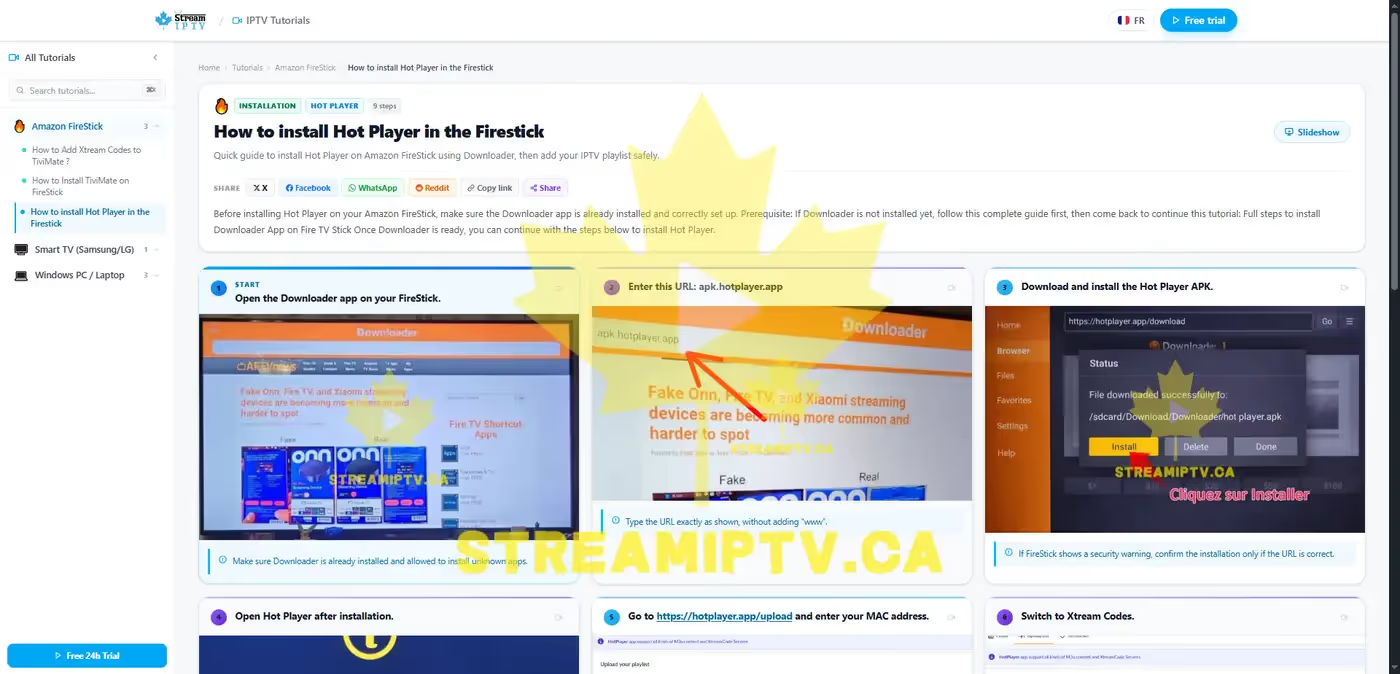
Set Up in Minutes, on Any Device
Real, guided tutorials built for people who just want it to work.
Troubleshooting Guides Included
Stuck after setup? Every device also has dedicated problem-fixing guides.
Real Screenshot Slideshow
Every step shown with an actual screenshot, not a drawing.
Condensed, Few-Steps Format
No fluff — just the steps you need, in order.
Clear English Guides
Every guide is written in plain English with real screenshots — no jargon.
Reseller Program
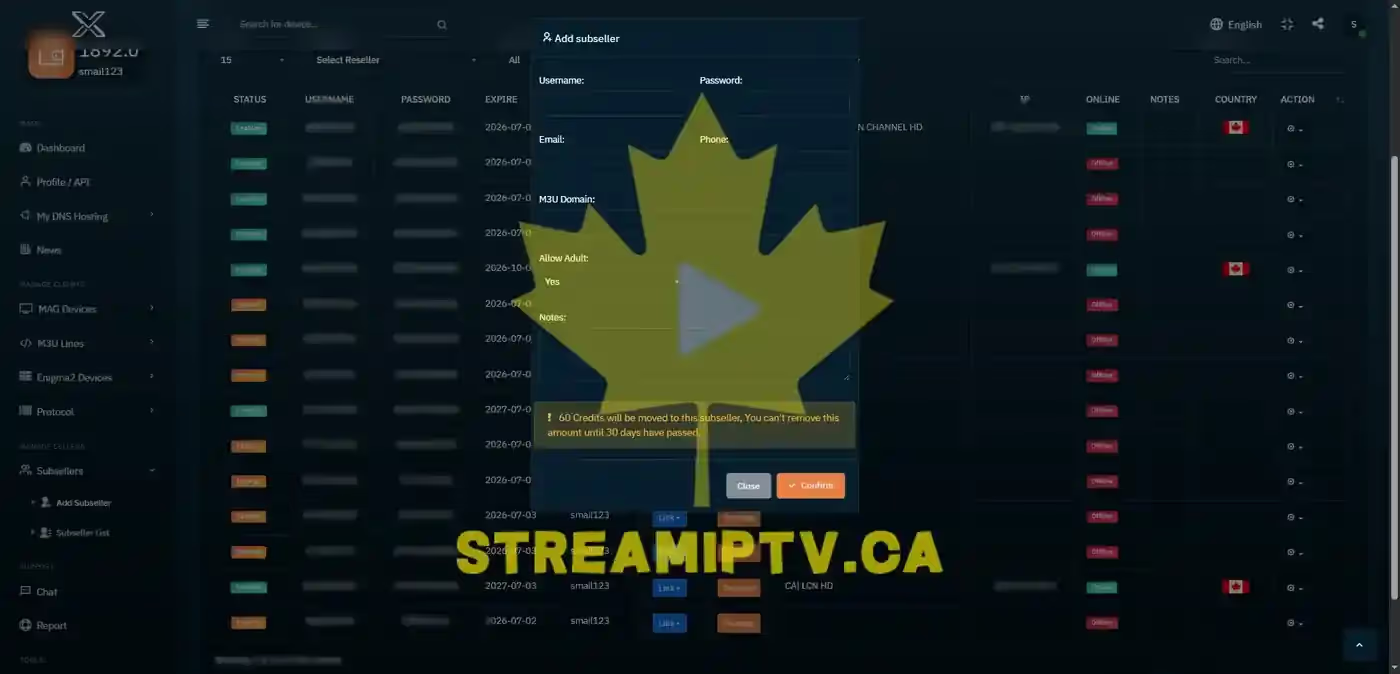
Turn IPTV Into a Real Income Stream
Join Canadians already reselling StreamIPTV to their own client base. You get wholesale pricing on every plan and a real management panel to create and track client accounts. Reseller support stays separate from regular customer support, so you can grow without ever being left waiting.
- ✓ Your own reseller dashboard & client panel.
- ✓ Wholesale pricing on Standard and Premium plans.
- ✓ Dedicated reseller support line.
- ✓ No minimum commitment — grow at your own pace.
IPTV Canada Blog
IPTV Canada — Guides, Tips & Streaming News
Setup guides, device tutorials, troubleshooting tips, and Canadian IPTV best practices — updated regularly.
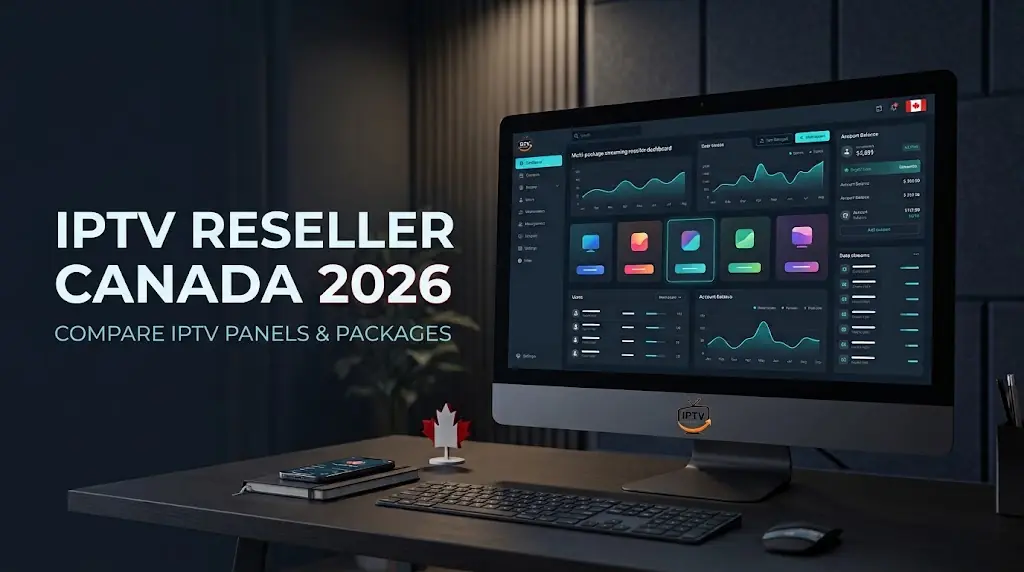
IPTV Reseller canada 2026: Compare IPTV Panels & Packages
Searching reseller canada options? Compare IPTV panels, credit costs and key risks, then explore Canadian packages on reseller-iptv.ca.
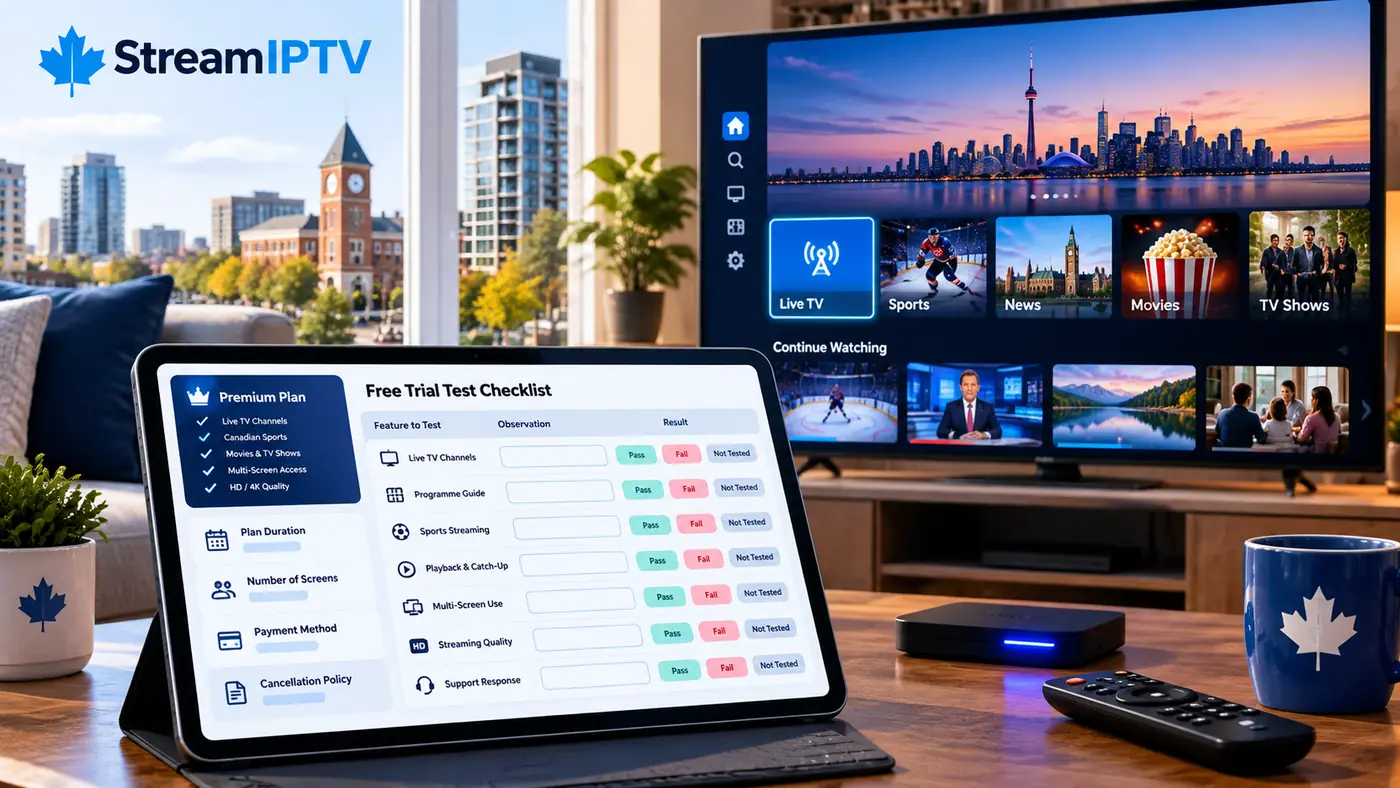
IPTV Brampton: What to Check Before Buying a TV Plan
IPTV Brampton buyers: compare real viewing rights, billing terms, support and trial quality before subscribing. Use this practical 2026 checklist.
Tivimate IPTV Canada: Player, Setup, EPG & Premium
Tivimate IPTV explained for Canadians: devices, playlists, EPG, Premium, recording, and smart setup choices. Use it with more confidence.
Explore StreamIPTV
Everything You Need, One Click Away
Real pages, real screens — pricing and reseller info are above, here's the rest of what StreamIPTV Canada offers.
A help center and troubleshooting guides for fast fixes, clear answers on IPTV legality in Canada, and real-time server status.
Help Center
Real setup screenshots and step-by-step answers whenever you get stuck.
Learn more →Troubleshooting
Buffering or freezing? See exactly where to look and fix it fast.
Learn more →Is IPTV Legal?
What Canadian law actually says, explained clearly.
Learn more →About StreamIPTV
Who we are, and why Canadian IPTV shoppers trust the service.
Learn more →Server Status
Real-time uptime — checked live, never guessed.
Learn more →Server Status
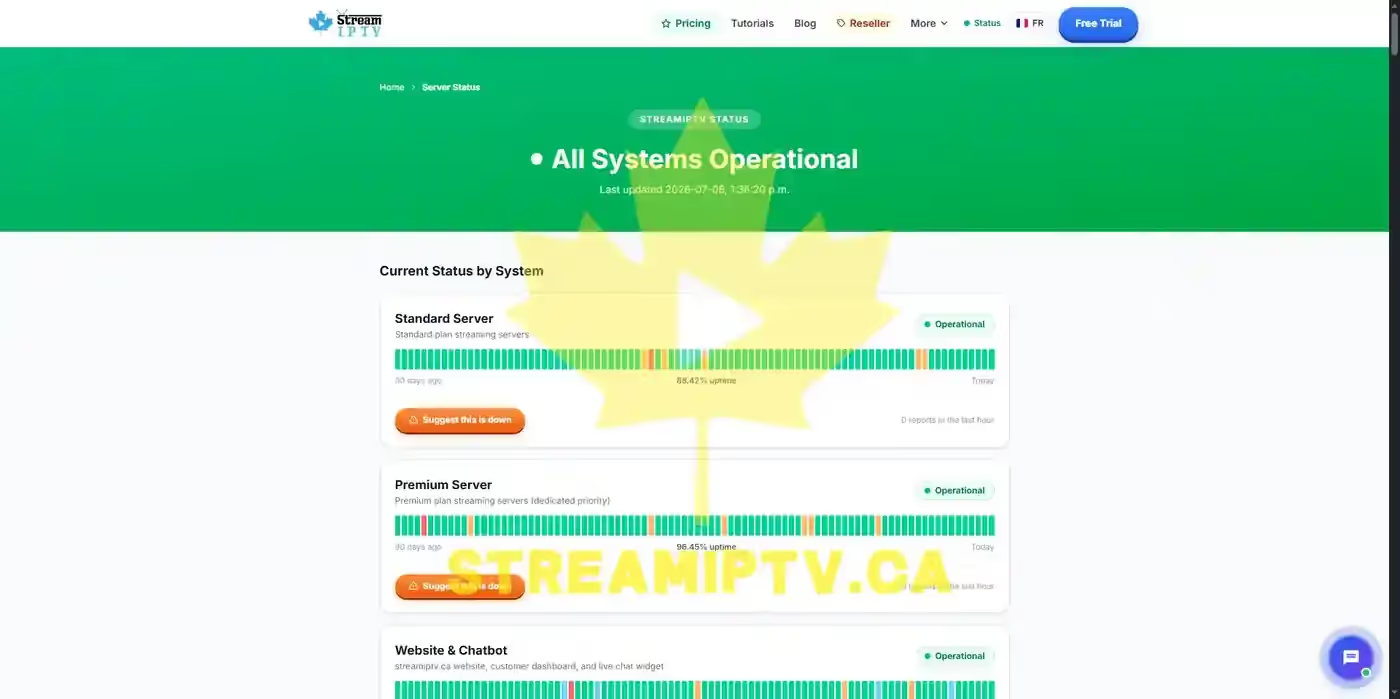
Live Status, Not Just Our Word
We publish real uptime for every server — Standard, Premium, website, and support — updated continuously, not a "trust us" banner. If something's actually down, the status page shows it.
- ✓ Live uptime for every server, updated continuously.
- ✓ Anyone can flag an issue — a public "Suggest this is down" button.
- ✓ Full incident history, not just today's snapshot.
About Us
The Real People Behind StreamIPTV
We started StreamIPTV because Canadians deserve a reliable, affordable alternative to overpriced cable. No call centers, no scripts — just a small team that answers your messages personally, from setup to renewal.
- ✓ Real human support — WhatsApp & email, every day.
- ✓ Honest pricing — no hidden fees, no auto-renewal traps.
- ✓ 7-day money-back guarantee on every plan.
- ✓ Based in Canada, serving customers across Canada and beyond.

Steven Mitchell
Co-Founder & CEO

Jean-François Leblanc
Head of Customer Support

Olivia Hayes
Blog Manager & WhatsApp Support

Michael Torres
Lead Developer
Legal & Refunds
Clear Rules, No Fine Print
Everything about refunds and legal terms, in one place.
We'd rather you read this now than get surprised later. Four short pages, no legal jargon — what happens if you're not happy, what StreamIPTV is (and isn't), and how we handle copyright concerns. It takes two minutes and it's the last thing between you and a fully informed decision.
Still have a question none of these answered?
Continue to Contact & Support →