
 How to Buy Crypto (ShakePay)
OntarioIPTV.ca in 2026: A Complete Guide to the Service
Canadian households are looking hard at their TV bills, and many are searching for a simpler way to watch live television at home. OntarioIPTV.ca is built around that search: an Ontario-focused IPTV service that runs on devices you already own, with plans priced in Canadian dollars and support you can reach by phone, email or WhatsApp.
What stands out first is how much of the buying decision the site answers before you spend anything. Plans, device guides, setup tutorials, a refund policy and a free trial are all public. You can read the whole thing in an evening.
This guide walks through what the website offers, page by page. You'll see the current plans, how the free trial works, which devices are supported and where to find help, with a direct link to each section so you can check every detail yourself.
1. What OntarioIPTV.ca Offers
IPTV delivers television over your internet connection instead of a cable or satellite line. There is no technician visit and no rented box. You install an app, enter the login details you receive by email and start watching.
The IPTV Ontario page explains the idea in plain language and is the best place to start if you are new to the format. The service is organized around two tiers:
- Standard: 30,000+ live channels on a high-performance server, with HD and 4K streams.
- Premium: 40,000+ live channels on a priority server, 4K Ultra HD quality, a full VOD and catch-up library, and dedicated setup assistance.
The site groups its lineup into categories such as Canadian sports, news, French-language channels, movies, kids and family, and international programming. Plans have no long-term contract and do not auto-renew, so you choose when to come back.
2. Plans and Pricing at a Glance
The OntarioIPTV.ca pricing page is refreshingly direct. Every plan is paid up front for a fixed term, every price is in CAD, and the effective monthly cost is shown beside it. These are the prices listed at the time of writing, for one screen:
| Term | Standard | Effective monthly | Premium | Effective monthly |
|---|---|---|---|---|
| 3 months | $39.99 | $13.33 | $59.99 | $20.00 |
| 6 months | $44.99 | $7.50 | $79.99 | $13.33 |
| 12 months | $69.99 | $5.83 | $119.99 | $10.00 |
| 24 months | $119.99 | $5.00 | $229.99 | $9.58 |
Prices can change, so treat the pricing page as the final word. Its screen selector covers one to five simultaneous screens and updates each price as you choose, which makes it easy to budget for a bigger household.
Which plan suits which household?
The longer the term, the lower the monthly rate, so the choice comes down to how much you want to commit:
- Trying IPTV for the first time? After the free trial, the 3-month Standard plan is the smallest commitment.
- Want the best balance? The 12-month Standard plan is the one the site marks as most popular, at $69.99 for the full year.
- Thinking long term? The 24-month Standard plan has the lowest effective rate, at $5.00 a month.
- Multilingual home or a keen film viewer? The 12-month Premium plan adds the VOD and catch-up library, plus the larger lineup.
- Staying with Premium for the long run? The 24-month Premium plan brings that tier to its lowest monthly rate.
Six-month terms are available too, for both Standard and Premium. You can browse all eight options in the OntarioIPTV.ca shop.
How it compares with a cable bill
The site's IPTV vs cable vs Netflix comparison sets out monthly costs, live channels, contract terms and device support side by side. It puts a mid-tier cable package at $90 to $130 a month. Set against that, a full year of the 12-month Standard plan costs less than a single month at the top of that range.
For a deeper breakdown, read IPTV vs cable in Canada: the real cost breakdown and the step-by-step guide to cutting the cord.
3. The Free Trial: Test Before You Pay
The strongest feature on the site may be the simplest. The OntarioIPTV.ca free trial needs no credit card and no payment. Standard and Premium trials are both available, and the login details usually arrive within a few hours.
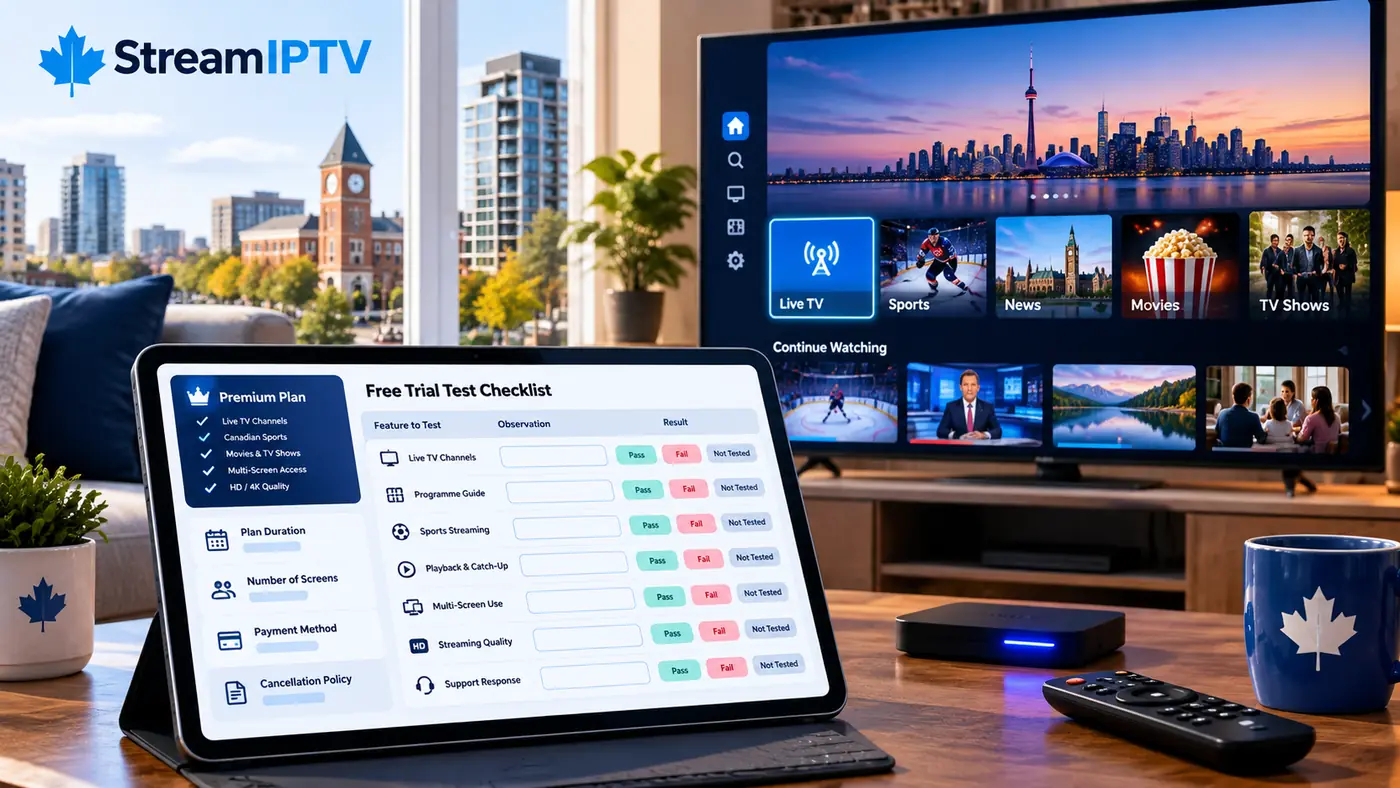
A trial is worth far more than any feature list, because it tests your real conditions: your TV, your Wi-Fi and the channels your family watches. Plan it around something you care about:
- Pick the screen you use most and set up the app there.
- Run a live game or newscast at the time your household usually watches.
- Try the channel guide, and check the French or international channels you need.
- Test a second device if you plan to watch on more than one screen.
For more on getting the most from a test period, the blog has a dedicated guide to IPTV free trials in Canada.
4. Devices and Setup
You probably won't need new hardware. The supported devices page covers Samsung, LG, Sony and Hisense Smart TVs, Amazon Firestick and Fire TV Cube, Android TV boxes such as Nvidia Shield, iPhone and iPad, Android phones and tablets, and Windows and Mac computers. Chromecast, Roku, Formuler and Enigma2 are listed as compatible as well.
The IPTV setup tutorial is one of the best-organized parts of the site. It works device by device, puts the average setup time at about five minutes, and gives clear speed guidance: 25 Mbps or more for HD and 50 Mbps or more for 4K.
The recommended apps are IBO Player and Hot Player, and TiviMate and IPTV Smarters are supported too. If you want help choosing, these two guides are a good next step:
Thinking about buying a dedicated box? Read the IPTV box guide for Canada first. Picture-focused viewers can check the guide to 4K IPTV in Canada, which explains what you need for Ultra HD at home.
5. Sports, French Channels and Family Viewing
For sports fans
Sports sit at the heart of the OntarioIPTV.ca lineup. The site advertises hockey, basketball, baseball, football, soccer, golf, tennis, curling and motorsports, with no separate sports add-on. Its NHL season viewing guide and guide to watching the NHL without cable are useful reads as a new season gets going.
For French-speaking and bilingual homes
Canada's bilingual viewers get real attention here. The site lists 300+ French-language channels, offers a dedicated IPTV Quebec page written in French, and publishes a guide to French channels on IPTV.
For families
A big channel lineup calls for good household controls, and the site handles this well. Its parental controls guide explains how to add PIN protection in apps and restrictions on Firestick, Smart TV, iPhone, iPad and Android devices. If you have children at home, set this up on day one.
6. Local Pages for Ontario and Beyond
OntarioIPTV.ca has put real work into local content, with pages that speak to viewers city by city. In Ontario, you'll find guides for Toronto, Ottawa, Mississauga, Hamilton, Brampton, London, Kitchener, Windsor, Kingston and Barrie.
Pages also cover Montreal, Vancouver, Calgary, Edmonton and Winnipeg.
7. Support, Refunds and Getting Help
After-sales support is where many IPTV buyers feel let down, so this is a strong point in the site's favour. The support team is reachable Monday to Saturday, 8 AM to 8 PM ET, and the Premium tier lists VIP support seven days a week. You have several ways in:
- The IPTV support centre gathers setup help, billing questions and troubleshooting in one place.
- The OntarioIPTV.ca FAQ answers common questions about plans, devices and service.
- The contact page lists phone, email and WhatsApp details, along with a message form.
The refund policy offers new subscribers a 7-day guarantee, and it spells out the conditions and exclusions in writing. Take a few minutes to read it along with the delivery policy, the terms of service and the privacy policy.
To learn who runs the service, the About OntarioIPTV.ca page covers its background, which dates to 2022.
8. A Practical Note Before You Subscribe
IPTV is a delivery technology, and it is legal in itself. The legal question for any provider is whether it holds the rights to distribute the channels it offers. That matters most for premium sports and live events.
OntarioIPTV.ca discusses this in its own article, Is IPTV legal in Canada?, and publishes a copyright policy. We have not independently verified the rights behind any provider's lineup, and this guide is not legal advice. The sensible approach with any IPTV service, this one included, is to ask the provider directly about the channels you care about, and to read its guide to IPTV safety before you pay.
9. Who Else Should Look at OntarioIPTV.ca?
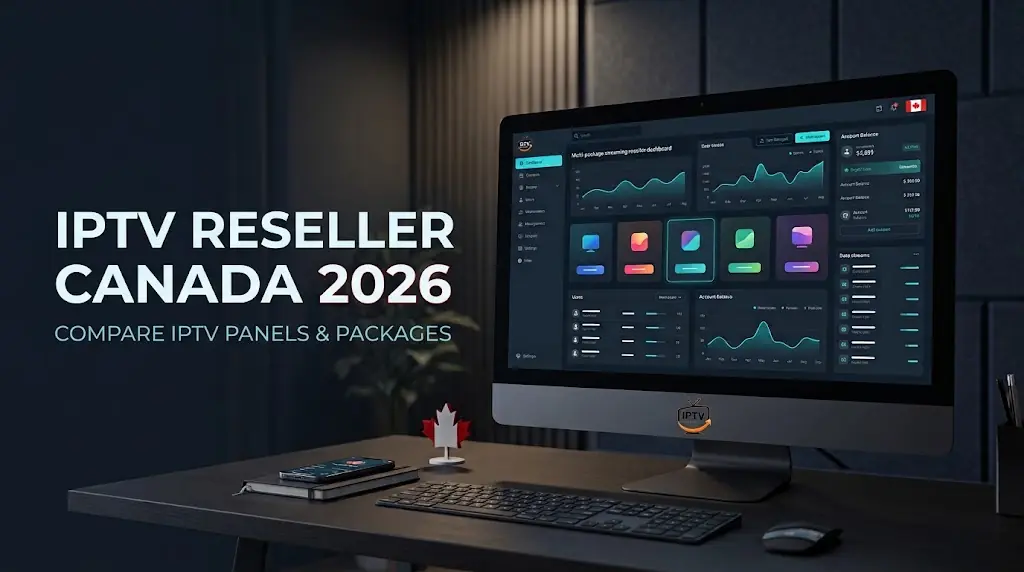
The site also serves entrepreneurs. Its IPTV reseller program describes panel access and line credits for people building a customer base, with pricing shared after an application.
Everyday buyers will get more from the OntarioIPTV.ca blog, which covers practical topics like how to compare IPTV providers without fake reviews, IPTV price comparisons and how to switch away from Rogers or Bell.
Frequently Asked Questions
How much does OntarioIPTV.ca cost?
Standard plans start at $39.99 CAD for 3 months, and Premium plans start at $59.99 CAD for 3 months. The lowest listed effective rates are $5.00 a month for Standard and $9.58 a month for Premium, both on 24-month terms. Check the current plans before you buy.
Does OntarioIPTV.ca have a free trial?
Yes. The site offers a free IPTV trial that requires no credit card, for either tier. Trials are reviewed before activation, and details usually arrive within hours.
What devices work with OntarioIPTV.ca?
Smart TVs, Firestick, Android TV boxes, iPhone, iPad, Android phones and tablets, and Windows and Mac computers are all supported. The device list has the details.
What is the difference between Standard and Premium?
Standard includes 30,000+ channels. Premium raises that to 40,000+ and adds a priority server, 4K Ultra HD quality, and a full VOD and catch-up library, along with dedicated setup assistance.
Can I get a refund?
New subscribers can request a refund within the first 7 days, subject to the conditions in the refund policy.
The Bottom Line
OntarioIPTV.ca gives Canadian viewers a clear way to explore IPTV: straightforward CAD pricing, a no-card free trial, detailed setup guides and a support team with published hours. The site is well organized too, so most questions have an answer before you need to ask.
The easiest next step costs nothing. Start the free trial, test it on your own TV, and then compare the plans if it fits your home.




Comments (0)
Leave a comment