
 How to Buy Crypto (ShakePay)

Best IPTV in Canada: How to Choose One Before You Pay
Your cable bill keeps climbing. So you open Google and type two words: best IPTV. Then the results get confusing fast. One page ranks ten providers with star ratings nobody can verify. The next warns you that IPTV will get you in trouble. Meanwhile, you still have no idea which service will actually work on your TV in Ottawa, Calgary or Halifax.
This guide skips the fake rankings. Instead, it gives you a decision framework. You will learn how to check a provider's licensing, how to test picture quality during a trial, and how to spot the red flags before your card gets charged. In other words, you will be able to judge any Canadian IPTV service yourself.

What Does the Best IPTV Service Actually Mean in Canada?
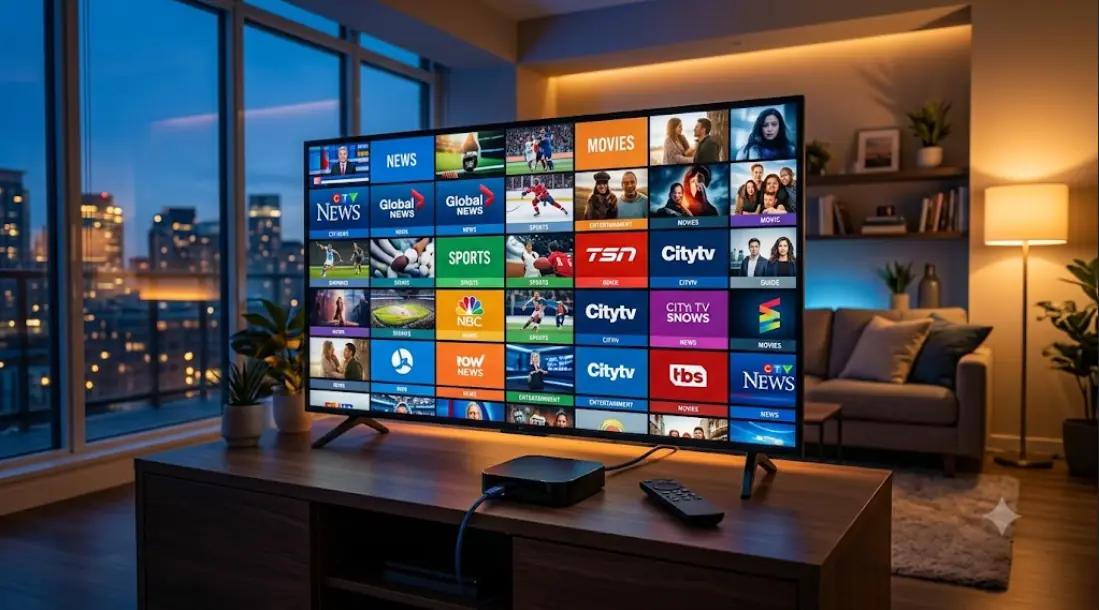
IPTV stands for Internet Protocol Television. In plain terms, it delivers live TV channels over your internet connection. There is no coaxial cable and no satellite dish. As a result, the same service can run on a smart TV, a streaming stick, a tablet or a laptop.
That flexibility is why so many Canadians are switching. However, "best" is not a single answer. A hockey household in Winnipeg needs different channels than a bilingual family in Montréal. Someone in a rural area with slower internet has different priorities again.
So the best IPTV option for you comes down to four things. First, is the provider operating legally? Second, does it carry the channels you actually watch? Third, does it stream cleanly on your setup? Finally, will it still exist in six months? Every section below tackles one of those questions.
Legal or Not? How IPTV Rules Work in Canada
Let's clear this up first, because it drives every other decision. The technology itself is legal. Canada does not ban streaming TV over the internet. What Canadian law regulates is who has permission to distribute the content.
Two laws matter here. The Copyright Act protects broadcasters and content owners. The Broadcasting Act sets the rules for distributing programming in Canada. Meanwhile, the CRTC (Canadian Radio-television and Telecommunications Commission) is the body that oversees broadcasting licences and exemptions.
As a result, a legal IPTV provider is one that holds proper distribution rights for what it carries. Services from Bell, Rogers, Telus, VMedia and similar Canadian operators fall into this camp. On the other hand, a service that redistributes premium channels without rights is operating outside the law — no matter which country its servers sit in.
A VPN does not change the legality of the content you watch. It only hides your traffic. That's a distinction a lot of forum posts get wrong.
For you as a viewer, the practical risk is rarely legal. It's financial and it's practical. Unlicensed services get shut down. When that happens, you lose your money and your channels with no warning and no refund.
The Checklist: How to Compare IPTV Providers Fairly
Channel counts are the least useful number in this whole category. Nobody watches 12,000 channels. Instead, run every candidate through the checks below.
Licensing and business transparency
Look for a real company behind the service. A legitimate Canadian IPTV provider publishes a business address, clear terms, and a proper billing process. On the other hand, watch for providers that only accept crypto or e-transfer. Also be wary if the "About" page says nothing about who runs the company.
Stream quality and uptime
Ask how the service performs during peak events, not on a Tuesday afternoon. Playoff nights and season finales are when weak infrastructure falls apart. That said, you can't take a marketing page's word for it. You have to test this yourself, which we cover further down.
Channels that genuinely matter to Canadians
Make a short list before you shop. For example: local news, CBC, TSN or Sportsnet, a French-language option, and whatever your kids watch. Then check that list against the lineup. A service with local Canadian channels beats one with 400 foreign feeds you'll never open.
| What to check | Green flag | Red flag |
|---|---|---|
| Company details | Named business, Canadian contact info | Anonymous site, no address |
| Pricing | Clear monthly rate, published terms | Price too low for the content offered |
| Payment | Standard card or invoicing | Crypto or e-transfer only |
| Support | Real ticket system, published hours | A chat app handle and nothing else |
| Trial | Short trial or refund window | Long prepaid plan required upfront |
What Should You Expect to Pay for an IPTV Subscription?
Prices change often, so always check the provider's current page. Still, one rule holds up well. Licensed services pay real money for content rights. Those costs show up in the subscription price.
So when a service offers every premium sports package, every movie channel and every network for pocket change, do the math. No company can licence that much content at that price. In fact, unusually low pricing is the single clearest signal that a service lacks proper rights.
Additionally, look at contract length. Canadian telecom providers often bundle TV with internet and lock you into a term. Independent providers tend to offer month-to-month plans instead. Neither model is automatically better. However, monthly billing gives you an easy exit if the service disappoints.

Which Devices Work Best for IPTV in Canada?
Your device affects picture quality more than most people expect. An underpowered box will stutter even on a perfect stream. Meanwhile, a decent device makes an average service feel smooth.
IPTV on a Samsung or LG smart TV
Modern Samsung and LG TVs run their own app stores. Some IPTV apps are available there directly, which keeps things simple. However, older models can struggle. Smart TV processors age badly, and app support gets dropped over time. If your TV is more than five or six years old, a separate streaming device is usually the better fix.
IPTV on a Firestick, Android box or Apple TV
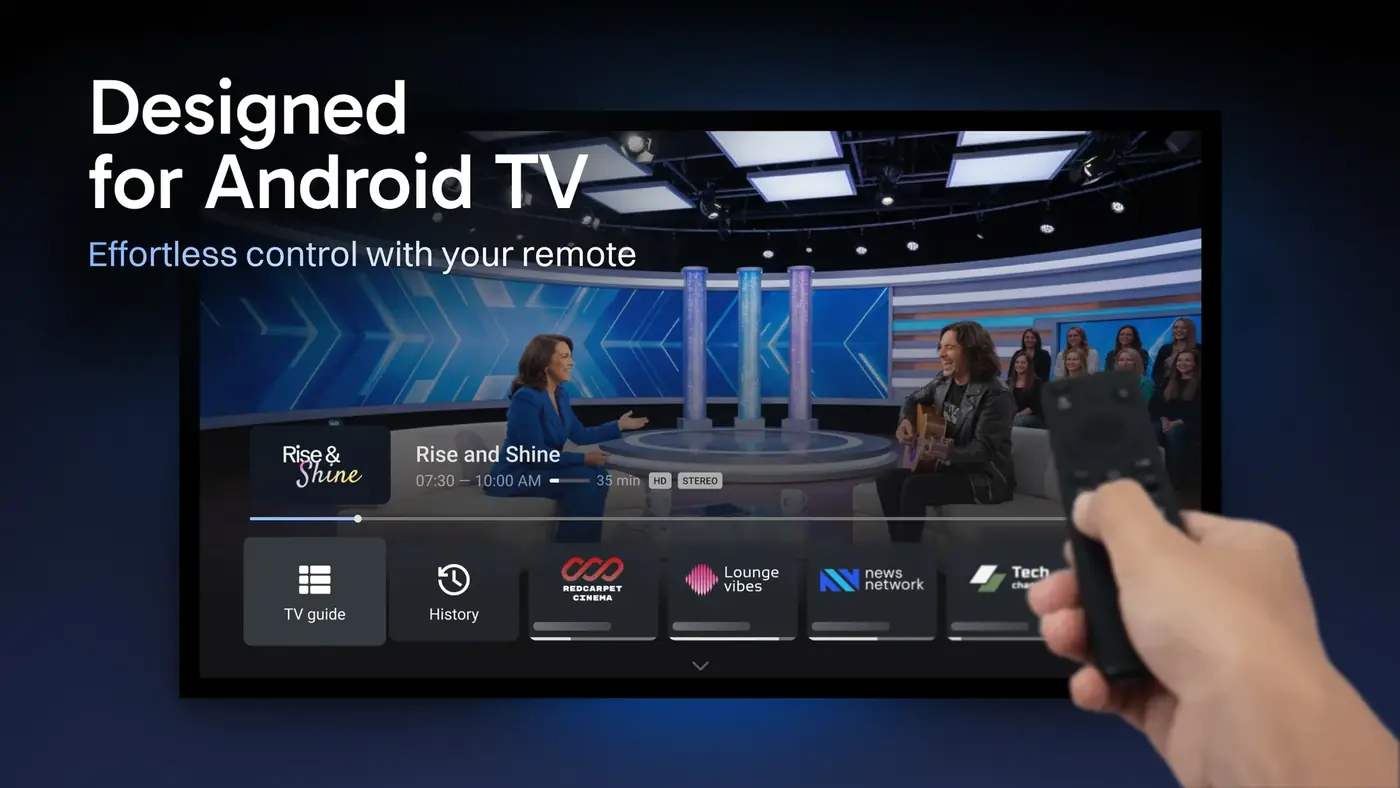
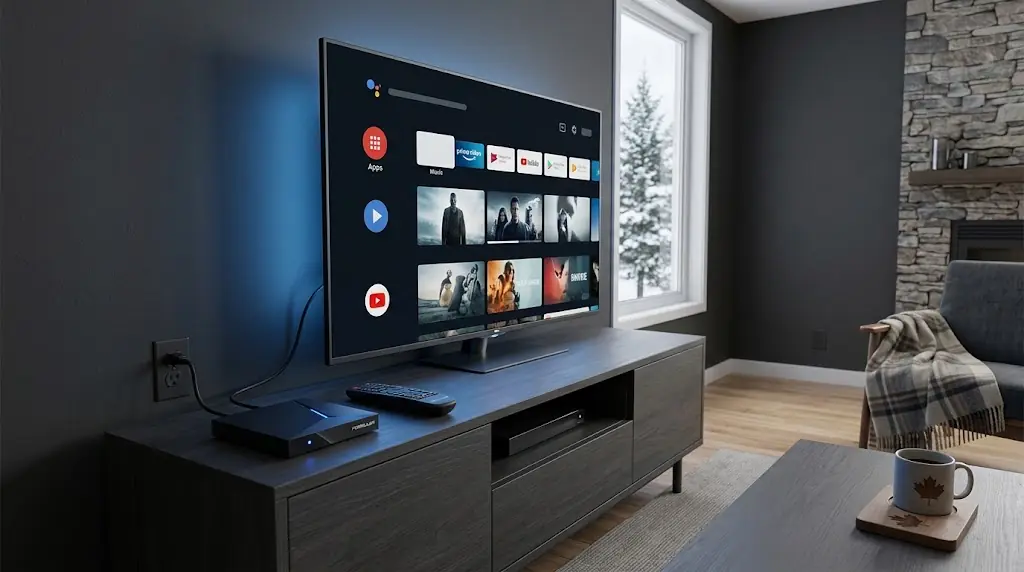
Streaming sticks and boxes give you more app choice and faster menus. They're also cheap to replace when they age out. Apple TV and Android TV devices both handle live streams well. Before you buy, though, confirm the provider actually supports that platform.
Most services set you up with three details. You enter them once in the app, and the channel list loads:
Server URL: http://your-provider-address:port
Username:   your-account-username
Password:   your-account-password
Keep those credentials private. Sharing them across households usually breaks the terms of service. Additionally, it can get your account suspended without a refund.
Internet Speed, Buffering, and Your Home Network
Here's the part most buyer guides skip. A large share of buffering complaints have nothing to do with the IPTV provider. They come from the home network instead.
How much internet speed do you need for IPTV?
Live TV is steady rather than heavy. One HD stream needs far less than most Canadian plans provide. The trouble starts with multiple streams at once. For example, two TVs plus a gaming console plus a video call will strain a slower plan.
Consistency matters more than raw speed. A stable 50 Mbps connection outperforms an unstable 300 Mbps one for live TV. As a result, before blaming a provider, check these three things:
- Wired beats wireless. Run an ethernet cable to your main TV if you can. This single change fixes more buffering than anything else.
- Router placement. A router in a basement corner behind a furnace will struggle. Move it up and out into open space.
- Peak hours. Evening congestion is real on some networks. Test your service between 7 and 10 p.m., not at noon.
If problems only appear on one device, the device is the suspect. On the other hand, if every screen stutters at the same time, look at your internet or the provider. The setup guides on streamiptv.ca walk through these checks device by device.
How to Choose the Best IPTV Service in Canada (Step by Step)
Follow this order. It takes about a week, and it saves you from prepaying for something that doesn't work.
- Write your must-have channel list. Keep it to ten items or fewer. Include local news, sports and any French-language channels your household needs.
- Check your internet plan first. Note your speed and how many people stream at once. Fix obvious Wi-Fi problems before you shop.
- Shortlist two or three providers. Run each one through the checklist above. Drop any provider that hides its company details.
- Verify licensing claims. Look for real information about rights and Canadian operations. If a site claims CRTC approval, look for evidence rather than a badge graphic.
- Start with the shortest plan or trial available. Never prepay for a year on a service you haven't watched.
- Test during peak hours. Watch a live sports broadcast on a weekday evening. That's the hardest test any service faces.
- Test on every screen you use. Living room TV, bedroom TV, phone. Confirm how many simultaneous streams you're allowed.
- Contact support once before committing. Ask a simple question. Their reply time tells you what to expect when something breaks.
- Then commit. Only after all of that should you move to a longer plan.
Mistakes Canadians Make When Cutting the Cable Cord
A few patterns come up again and again. Avoiding them will save you money and frustration.
Cancelling cable too early. Keep the old service running for two weeks of overlap. That way, you have a fallback if the new setup disappoints.
Chasing channel counts. Ten thousand channels sounds impressive. In practice, you'll rotate through the same eight. Judge the lineup by your list, not theirs.
Prepaying for a year. The discount looks appealing. However, it also removes every bit of leverage you have if quality drops.
Ignoring the internet side. Some people switch providers three times chasing a buffering problem caused by a ten-year-old router. Check your own gear first.
Assuming a VPN solves everything. It doesn't change what a service is licensed to carry. It can also slow your connection and make streams worse.
One more note on terminology. IPTV is also called internet protocol television, streaming TV, or simply live TV over the internet. Providers may market themselves as an IPTV service, an IPTV subscription or an online TV platform. The underlying technology is the same in each case.
FAQ
Is IPTV legal in Canada?
Yes, the technology is legal. Canadian law targets unauthorized distribution of copyrighted programming, not internet-based TV itself. So your choice of provider is what determines whether you're on solid ground.
What is the best IPTV app for a Samsung or LG smart TV?
That depends on your provider, since each one supports specific apps. Always ask the provider which app they officially recommend for your TV brand. Using an unsupported app is a common cause of playback errors.
Do Canadian IPTV providers offer a free trial?
Many do, though trial length varies widely. Some offer a short trial instead of a refund window. Read the terms carefully, because a "trial" that requires a full prepayment isn't really a trial.
Can I watch local Canadian channels through an IPTV service?
Licensed providers carry regional feeds, including local news for your market. Unlicensed services often substitute a national feed instead. If your local newscast matters, ask specifically before signing up.
How much internet speed do I need for IPTV streaming?
Most Canadian home plans handle one or two HD streams easily. Count your simultaneous streams and add headroom for gaming and video calls. Connection stability matters more than the headline speed number.
Why does my IPTV keep buffering in the evening?
Evenings are peak network hours in most neighbourhoods. Crowded Wi-Fi channels also get worse when everyone's home. Try a wired connection to your main TV before you blame the service.
Do I need a VPN to use IPTV in Canada?
A VPN doesn't make unlicensed content legal, and it won't improve your picture. In fact, it usually adds latency. If you're using a properly licensed provider, you don't need one for TV at all.
Can I use one IPTV subscription on more than one TV?
Usually yes, but there's a limit on simultaneous streams. Two to five is typical across the industry. Confirm the exact number before you buy, especially in a busy household.
What's the difference between IPTV and apps like Netflix or Crave?
Streaming apps are mostly on-demand libraries. IPTV delivers live linear channels with a programming schedule and a channel guide. Many households end up running both together.
Is a dedicated IPTV box better than a streaming stick?
Not necessarily. A current-generation streaming stick handles live TV fine for most people. Dedicated boxes help mainly with heavy multitasking or older TVs with weak processors.
Can I keep my current internet provider if I switch to IPTV?
With independent providers, generally yes — they run over any decent connection. Telecom-bundled TV services are the exception, since they often require that company's internet. Check this before you cancel anything.
How do I cancel an IPTV subscription without losing money?
Cancel through the provider's official account portal, not a chat message. Save the confirmation email as proof. Additionally, avoid long prepaid terms so you're never locked into a service that stops working well.


Comments (0)
Leave a comment