
 How to Buy Crypto (ShakePay)
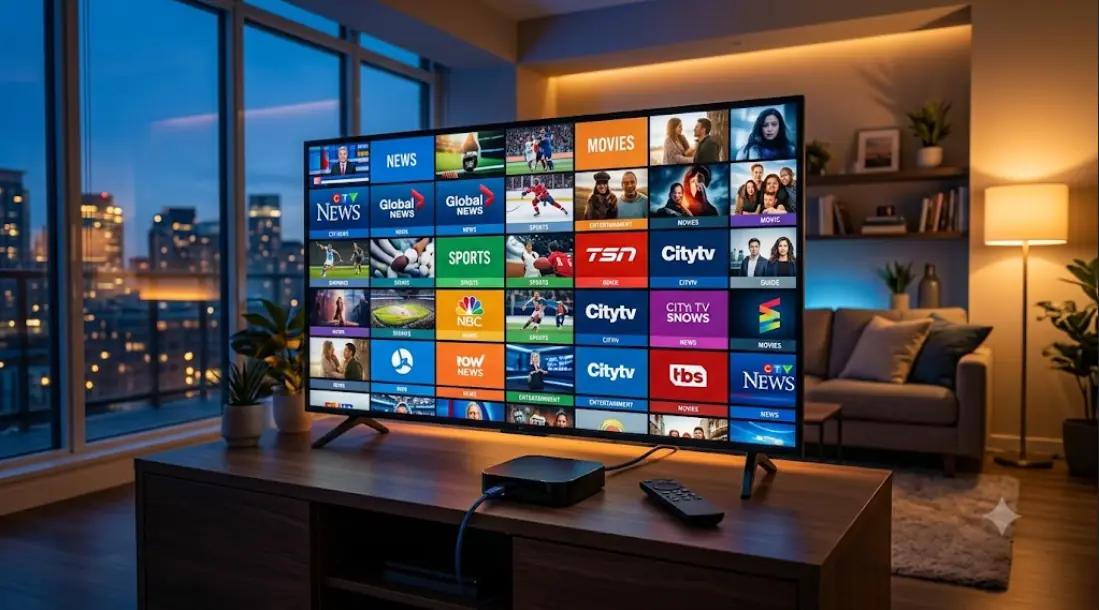
Buying an IPTV Box in Canada: A Straight-Talking 2026 Guide
You are ready to drop cable. Now you are staring at dozens of listings for an iptv box, and every one claims to be the best. Some cost less than a pizza. Others cost more than a month of satellite. The specs read like alphabet soup.
Here is the part most guides skip. The device is the easy half of this decision. In fact, plenty of Canadian households do not need to buy one at all. This guide starts there, then walks through what actually matters if you do buy.
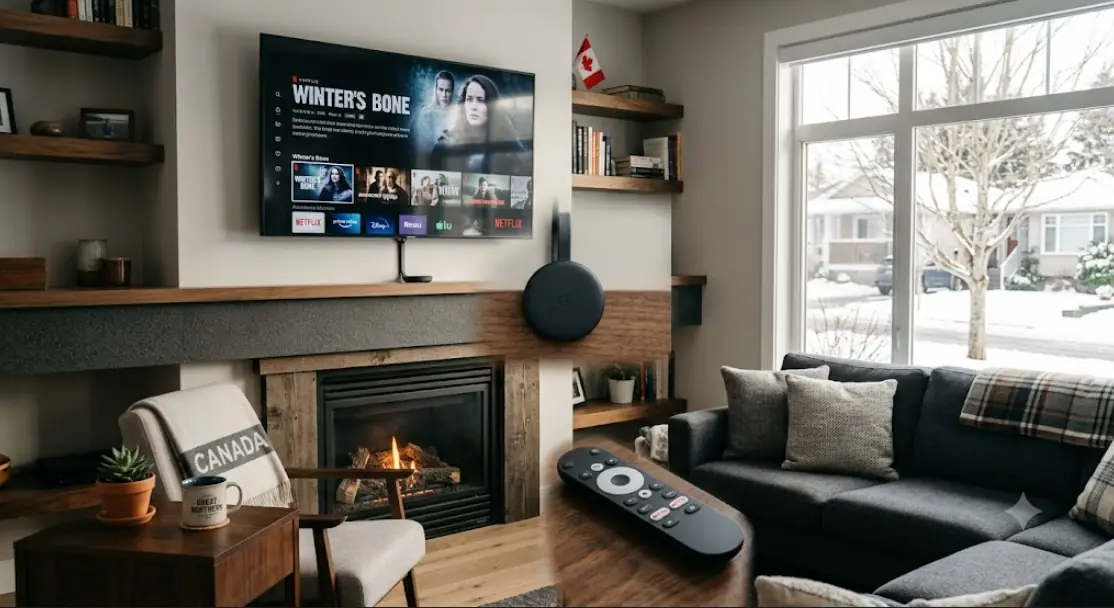
Do You Actually Need to Buy Anything?
Start with this question before you spend a dollar. A streaming device only does one job. It runs a player app and sends the picture to your TV.
Check what you already own first:
- A smart TV from roughly 2020 or newer. Samsung, LG, Sony and Hisense sets often carry IPTV player apps in their own stores.
- A Fire TV Stick or Chromecast with Google TV. Both handle live TV fine.
- A games console. Limited app choice, but worth checking.
- An Apple TV 4K. Excellent hardware, though fewer player apps exist.
If one of those is already plugged in, test your service on it first. However, there are real reasons to add a dedicated device. Older smart TVs slow down badly after a few years. Their app stores also shrink over time as manufacturers drop support. Meanwhile, a $50 stick often outruns the TV's own software by a wide margin.
The One Purchase Mistake to Avoid in Canada
This is the most important section here, so read it twice. Some sellers advertise a "fully loaded" or "preloaded" box. It arrives with channels already working and no subscription to pay. Sometimes a "lifetime" package is bundled in.
Avoid these completely. The hardware itself is ordinary and legal. The problem is what is installed on it. Nobody licenses every sports and movie network for a single one-time payment. That is not how broadcasting rights work anywhere.
Canadian courts take this seriously. The Federal Court ordered ISPs to block an unlicensed IPTV service back in 2019, and the Federal Court of Appeal upheld that decision in 2021. Later orders have covered live sports streams too. As a result, a preloaded box can simply stop working one evening. There is no support line to call and no refund.
Buy hardware from a hardware seller. Buy your channels from a service that names its company and publishes real terms.
The safer path is boring and it works. Get a plain streaming device, then subscribe to a licensed service separately. You can swap either one later without losing the other.
What Specs Actually Matter in an IPTV Box
Spec sheets are designed to confuse. Only a handful of numbers change your experience.
Processor, memory and storage
Live TV is harder on a device than Netflix. Channels change constantly. The programme guide has to load thousands of entries. So look for at least 2 GB of RAM. Below that, apps freeze when the guide refreshes.
Storage matters less, but 16 GB or more gives room for app updates. Bargain boxes often ship with 8 GB and fill up within a year. Additionally, a modern chipset keeps channel surfing quick. A slow processor shows itself in a two-second pause every time you press a button.
Why the Ethernet port matters most
If you remember one thing, remember this. A wired connection beats Wi-Fi for live TV, every single time. Live streams cannot buffer far ahead. Any brief dip appears on screen right away.
Many cheap sticks have no Ethernet port at all. That is fine for a bedroom TV. For the main screen where you watch hockey, choose a box with a wired port. On the other hand, if running a cable is impossible, pick a device with dual-band Wi-Fi and put it near the router.
| Spec | Minimum to look for | Why it matters |
|---|---|---|
| RAM | 2 GB | Stops app freezes when the guide loads |
| Storage | 16 GB | Room for updates and cache |
| Network | Gigabit Ethernet | Stable live streams, especially sports |
| Video output | 4K with HDR support | Matches modern Canadian TVs |
| Operating system | Current Android TV or Google TV | Keeps getting app and security updates |
The Four Types of Streaming Devices, Compared
Forget brand rankings for a moment. There are really only four categories, and each suits a different buyer.
| Type | Strengths | Trade-offs |
|---|---|---|
| 4K streaming stick | Cheap, tiny, easy to move | Usually Wi-Fi only, limited storage |
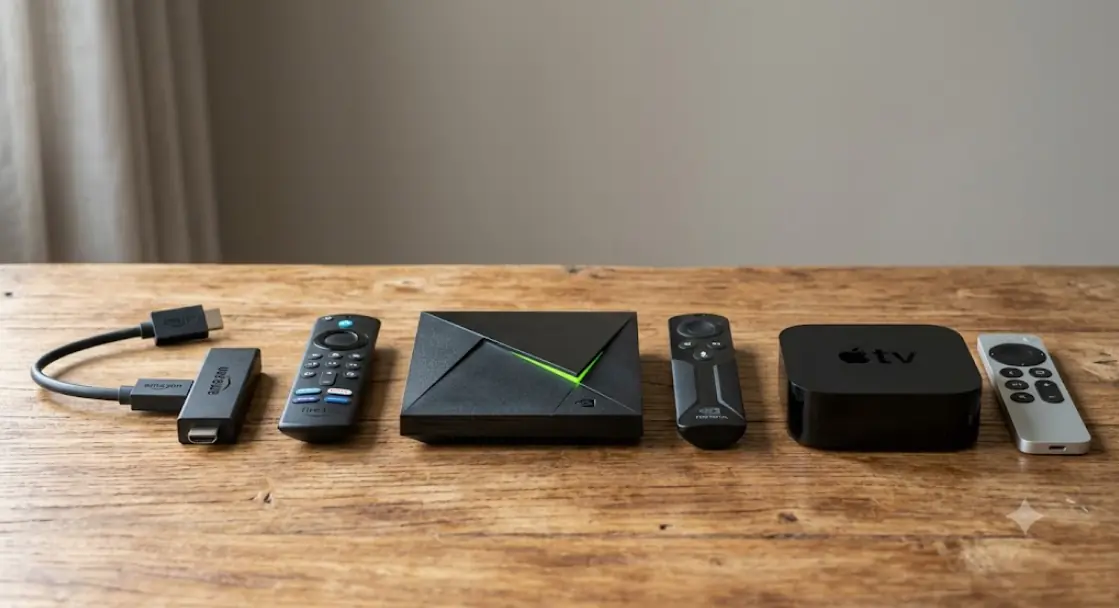
| Android TV box | Ethernet port, wide app choice, expandable | Quality varies enormously between brands |
| Dedicated IPTV set-top box | Built for live TV, strong guide performance | Costs more, fewer general streaming apps |
| Apple TV 4K | Fast, smooth, long software support | Priciest option, smaller player selection |
One caution about generic Android boxes. Unbranded models flood online marketplaces. Many run outdated Android versions that never receive updates. Consequently, apps stop installing after a year or two. Stick to a named brand you can look up.
Matching a Device to How Your Household Watches
The right choice depends on your viewing habits, not on a spec race.
Sports fans and prime-time viewers
Buy the Ethernet-equipped box. Live sports at 8 p.m. is the hardest test any setup faces. Everyone in the neighbourhood is streaming at once. A wired connection and 4 GB of RAM handle that pressure. For example, a fast guide makes flipping between two games actually pleasant.
Second TVs, kids' rooms and casual viewing
A basic 4K stick is plenty. Nobody needs premium hardware for a bedroom TV showing news at breakfast. Save the money and put it toward a better main-room device. That said, avoid the very cheapest no-name sticks. They tend to overheat and stutter within months.
Where to Buy Safely in Canada
Where you buy matters almost as much as what you buy. A few practical rules save real headaches.
- Choose sellers with a clear return window. You want the option to send it back if performance disappoints.
- Check the warranty and who honours it. A Canadian retailer is far easier to deal with than an overseas shipper.
- Watch for duties on direct imports. A cheap box shipped from abroad can pick up extra charges at the border.
- Confirm the power plug and voltage. Imported units sometimes ship with the wrong adapter.
- Be careful with used listings. A resold device may still hold the previous owner's accounts and unknown apps.
If a listing advertises channels rather than hardware, walk away. That is a subscription in disguise. A genuine iptv box listing sells you a processor, some memory and an HDMI port. Nothing more.
How to Set Up a New Streaming Box in Under Ten Minutes
- Connect the hardware. Plug the box into an HDMI port and into power. Use the TV's main HDMI input if you can, since it usually supports the best picture modes.
- Get it online. Attach an Ethernet cable if you have one. Otherwise, join your 5 GHz Wi-Fi network rather than the 2.4 GHz one.
- Run the initial updates. Let the device finish its first system update before installing anything. This step prevents most early crashes.
- Install the player app your provider recommends. Download it from the official app store on the device. Never sideload a file sent to you in a chat message.
- Enter your login details. Your service supplies either a username, password and server address, or a single playlist link.
- Let the channel guide load fully. The first sync can take a few minutes. Do not restart the app halfway through.
- Test during busy hours. Watch a live channel between 7 and 10 p.m. That window reveals weak spots fast.
Some player apps ask for a playlist URL instead of a login screen. The two standard formats look like this:
M3U playlist:
http://your-provider-domain.com:PORT/get.php?username=USERNAME&password=PASSWORD&type=m3u_plus&output=ts

Xtream Codes login:
Server URL: http://your-provider-domain.com:PORT
Username:   USERNAME
Password:   PASSWORD
Your provider gives you those exact values. Treat them like a bank password. Sharing them usually breaks the terms of service and can shut your account down.
Keeping Your Box Fast After the First Year
Streaming devices slow down over time. Most of that is fixable at home.
Simple fixes that solve most problems
- Clear the player app's cache once a month. The guide data piles up quietly.
- Uninstall apps you never open. Free storage keeps the system responsive.
- Restart the box weekly. A scheduled reboot prevents most slow-downs.
- Give it air. Boxes tucked inside a closed cabinet overheat and throttle themselves.
- Keep the system software current, but read the notes before major updates.
Heat deserves special mention. A hot device drops frames during long sports broadcasts. If the top feels warm to the touch, move it into open air. Additionally, avoid stacking it on top of a receiver or a games console.
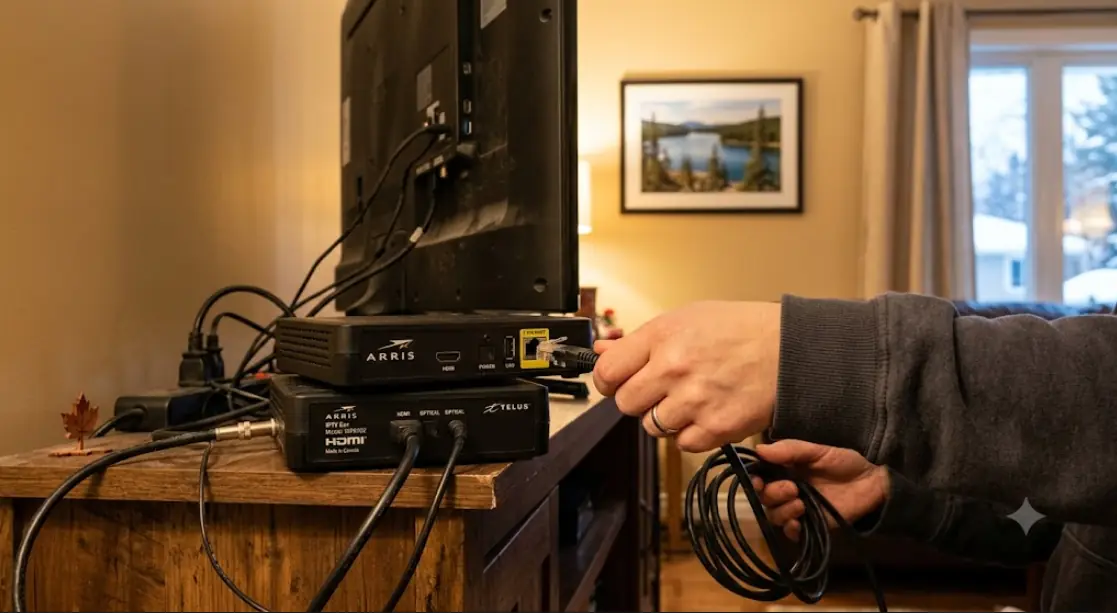
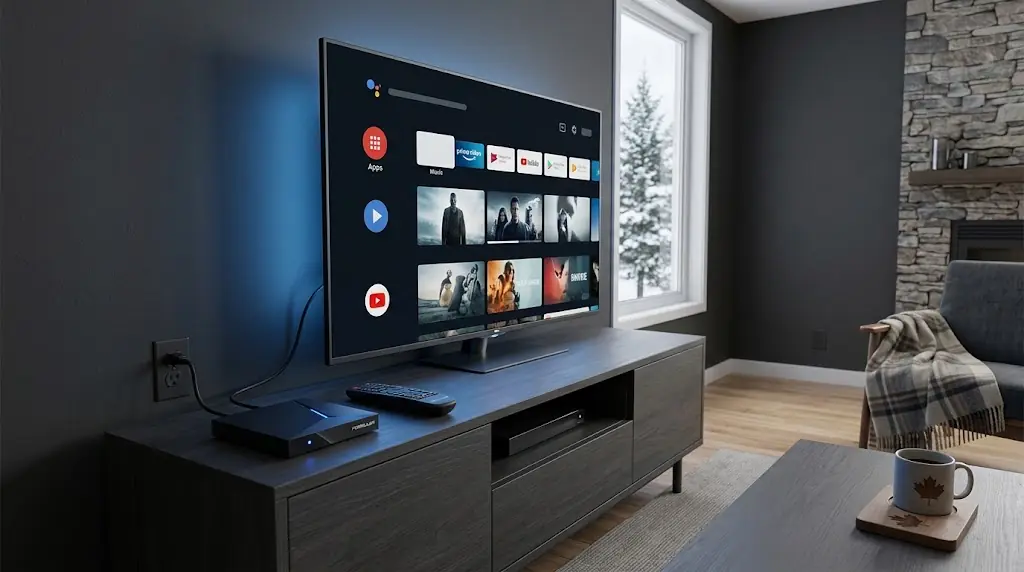
Also called a streaming box, Android TV box, set-top box or media player, this little device is simply a computer for your television. Buy a decent one, keep it cool, and it should serve you for years. If you want platform-by-platform walkthroughs before you set yours up, streamiptv.ca organises its guides by device.
FAQ
What exactly is an iptv box and how does it work?
It is a small computer that plugs into your TV's HDMI port. It runs a player app, connects to your service over the internet, and displays live channels. The box supplies no channels on its own.
Do I need a separate streaming device if I own a smart TV?
Often not. Check your TV's app store first for a compatible player. Buy a device only if the TV cannot install the app, or if its menus feel sluggish.
Is it legal to buy a streaming box in Canada?
Buying the hardware is perfectly legal. Legality depends on the subscription you pair with it. A service that holds proper broadcasting rights is lawful, and one that does not is a different matter entirely.
Are fully loaded or preloaded boxes worth the money?
No. You are paying a premium for software someone installed for you. Those installs frequently break, and the seller rarely offers real support afterwards. A plain device plus a licensed subscription costs about the same and lasts longer.
Which is better for IPTV, an Android TV box or a Firestick?
An Android TV box usually wins on stability because of its Ethernet port and extra memory. A Firestick wins on price and portability. Choose the box for your main TV and the stick for secondary rooms.
How much RAM does a streaming device need for live TV?
Two gigabytes is a reasonable floor. Four gigabytes gives noticeably smoother guide scrolling and faster channel changes. Anything below 2 GB struggles once your channel list grows.
Does my device really need an Ethernet port?
For live sports on the main TV, yes. Wired connections avoid the small dropouts that ruin a live stream. For casual viewing on a bedroom screen, strong 5 GHz Wi-Fi is usually fine.
Can I use one device on more than one television?
Physically, yes — just unplug it and move it. However, most subscriptions limit how many streams run at once. Check your plan's connection limit before assuming you can watch two TVs simultaneously.
Why does my android box get hot and start stuttering?
Poor airflow is the usual cause. Devices throttle their own speed when they overheat. Move it out of an enclosed cabinet and away from other electronics.
Will an older streaming box still work well in 2026?
Sometimes, but watch for two warning signs. If it no longer receives system updates, apps will eventually refuse to install. Also, devices without 4K output cannot show the picture quality your TV supports.
Can I take my streaming device with me when I travel?
The hardware travels fine and works on any TV with HDMI. Your subscription's own terms decide whether the service works elsewhere. Check with your provider before you count on it.
What internet speed should I have for a 4K streaming box?
Plan for roughly 25 Mbps for each 4K stream, plus headroom for other devices. A 100 Mbps home plan comfortably handles a typical household. Stability matters more than the headline number.
Do these devices come with channels included?
A legitimate one does not. It is empty hardware, exactly like a phone without a SIM plan. Any seller promising thousands of channels in the box price is selling something else.





Comments (0)
Leave a comment