
 How to Buy Crypto (ShakePay)
Sports IPTV in Canada: How to Choose a Legal Service That Actually Works
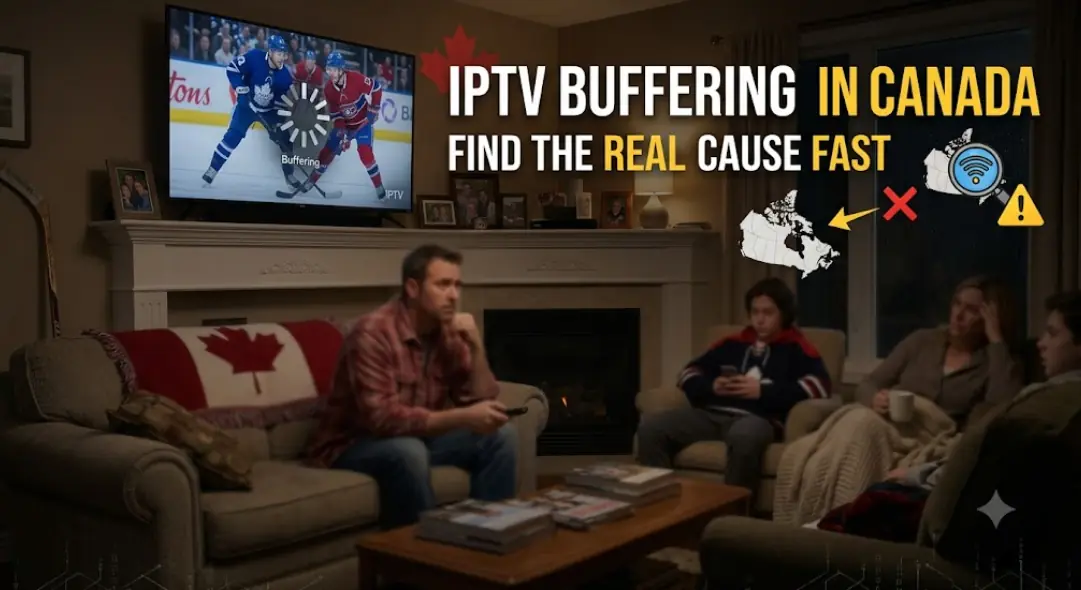
The puck drops in eight minutes. Your stream freezes on a spinning circle. Then it drops to a blurry mess, and the goal horn goes off somewhere in the blur. Almost every Canadian cord-cutter has lived this moment. It usually happens at the worst time, too — playoffs, a rivalry game, a Grey Cup Sunday. That's why so many people search for sports IPTV and end up more confused than when they started.
The problem is that most guides on this topic dodge the two questions that matter. First, which services are actually allowed to sell you live games in Canada? Second, what does your home setup need so the stream holds up in the third period? This guide answers both. It also covers the 2026 rules, the real speed numbers, and the fixes that work.

What sports IPTV actually means for Canadian viewers
IPTV stands for Internet Protocol Television. In plain terms, it means TV delivered over your internet connection instead of a coaxial cable or a satellite dish. That's it. It's a delivery method, not a brand and not a legal category.
This matters more than people realize. When you open Sportsnet+ on your TV, that's IPTV. When you watch a game on TSN+, that's IPTV too. So is Fubo, so is DAZN, and so is a game on Prime Video. In other words, most Canadians already use IPTV every week without calling it that.
The confusion starts because the phrase also gets used for a very different thing. Some sellers offer a subscription with thousands of channels for a low monthly price. They promise every league, every network, every pay-per-view. Those services are also technically IPTV. However, they usually have no licence for any of it.
So the honest way to shop is simple. Stop asking "is IPTV good?" Instead, ask "does this specific service have the rights to what it's selling me?" That single question sorts almost everything else out.
Is IPTV legal in Canada? What the law actually says
Streaming TV over the internet is perfectly legal in Canada. There's no law against the technology itself. The Copyright Act deals with the content, not the pipe it travels through.
Here's the practical version. A broadcaster buys the exclusive right to show a game in Canada. If another service retransmits that game without permission, that's copyright infringement. As a result, the legality of your subscription depends entirely on who you pay and what they're licensed to carry.
Canadian courts have been active on this. Since 2019, the Federal Court has ordered internet providers to block piracy sites, starting with the well-known GoldTV case. Since 2022, courts have also granted "dynamic" orders that block IP addresses in real time while a game is on. More recently, a Federal Court order issued on 3 July 2026 targeted a list of unauthorized subscription IPTV brands and free streaming sites. It also created a faster process for adding new addresses as operators move around.
That last point explains a pattern many people notice. An unlicensed service works fine for regular channels, then dies exactly when the game starts. Meanwhile, licensed apps keep running normally. The blocking is aimed at the live event window, not at your connection.
How to tell a licensed sports service from an unlicensed one
You don't need a lawyer for this. A few signals do most of the work:
- Price that makes sense. Sports rights are expensive. A package with every league for a few dollars a month cannot be paying for them.
- A real Canadian business identity. Look for a legal company name, a Canadian address, and published terms of service.
- Normal payment methods. Licensed services take regular credit cards. Be cautious when the only options are crypto, e-transfer to a personal account, or gift cards.
- Honest channel claims. No Canadian service legally carries "every channel in the world." That claim alone is a red flag.
- CRTC registration. Under Canada's Online Streaming Act, large online streaming services must register with the CRTC. A service that dodges questions about this deserves a second look.
- Blackout language. Legitimate providers explain regional blackouts openly, because they're bound by them.
That said, one warning sign isn't proof of anything. Look at the whole picture instead.
Where Canadian sports rights actually live right now
Canadian rights are split. No single subscription carries everything, and anyone who tells you otherwise is selling something. Here's roughly how the major leagues break down for Canadian viewers.
| League or event | Where Canadians usually find it |
|---|---|
| NHL (national games) | Sportsnet and Sportsnet+, CBC for Hockey Night in Canada, TVA Sports in French |
| NHL Wednesday nights, from 2026-27 | Prime Video, under a sublicence from Rogers |
| MLB (Blue Jays) | Sportsnet and Sportsnet+ |
| NBA | TSN and Sportsnet |
| NFL | TSN and CTV for national games, plus DAZN's Game Pass on Fubo |
| CFL | TSN |
| Premier League | Fubo Canada, which holds the exclusive Canadian rights |
| Olympics and major national events | CBC and Radio-Canada |
One change is worth flagging. Rogers renewed the NHL's national Canadian rights in a 12-year deal that begins with the 2026-27 season and runs through 2037-38. Part of that package went to Prime Video, which will carry Wednesday night games in English and French plus some playoff series. So if you built your hockey plan a couple of seasons ago, it's worth reviewing before October.
Rights also shift year to year. Always check the broadcaster's own site before you commit to a full season.
Blackouts and why "every game, no blackouts" is a warning sign
Blackouts exist because rights are sold by region. A local broadcaster pays for your market, so an out-of-market service has to black out that game. This is contract law, not a technical glitch.
For example, an Alberta viewer might have full access to a national broadcast but not to another team's regional feed. That's normal, and every licensed service works this way. On the other hand, a service advertising zero blackouts anywhere is telling you it ignores the rules. Using a VPN to dodge a blackout also breaks the terms you agreed to, and can put your account at risk.
IPTV internet speed requirements for live sports
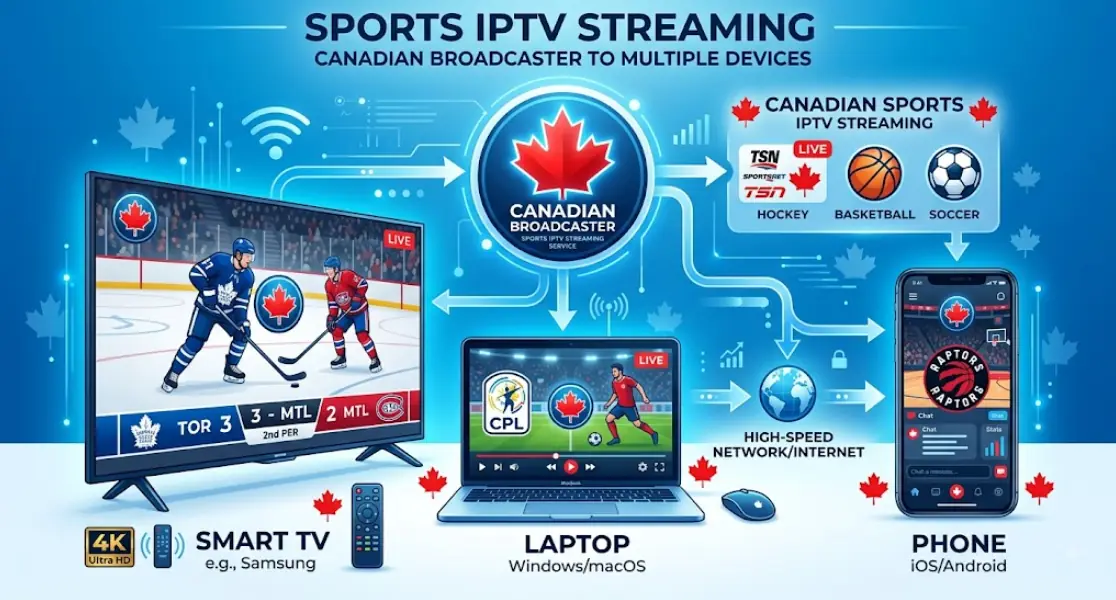
Live sport is the hardest thing you can ask a stream to do. Fast motion, crowd texture, and a moving camera all eat bandwidth. A movie can look fine at a bitrate that turns a hockey rink into mush.
Use this as a practical planning guide, then check your provider's own stated minimum.
| Quality | Speed per stream | Good for |
|---|---|---|
| SD (480p) | 3–5 Mbps | A phone or a second screen |
| HD (720p–1080p) | 8–15 Mbps | Most living-room viewing |
| 4K / UHD | 25–40 Mbps | Big screens and premium tiers |
Now the part people forget: these numbers are per stream. Add up everything running at once. A 4K game, a tablet upstairs, and a console downloading a patch can easily need 60 Mbps together. Additionally, upload speed matters if anyone is on a video call in the next room.
Latency counts too. A ping under 50 ms keeps live streams stable. Anything above 100 ms tends to cause stutter, even on a fast plan. Fixed wireless and some rural connections in Alberta struggle here more than fibre does.
Wi-Fi or wired: what actually holds up during a live game
If your TV sits near the router, run an Ethernet cable. It's the single biggest upgrade most people can make, and it costs about twenty dollars.
Wired connections don't drop when someone opens the microwave. They also don't share airtime with a dozen other devices. If a cable really isn't possible, use the 5 GHz band instead of 2.4 GHz. Next, move the router off the floor and out of the media cabinet. Finally, keep it away from cordless phones and baby monitors, which sit on the same frequencies.
How to set up sports IPTV on a smart TV, step by step
Setup is usually simpler than people expect. The exact screens differ by brand, but the order stays the same.
- Connect your TV to the internet, ideally by Ethernet. Then run a built-in speed test if your TV offers one.
- Open the app store on your TV. Samsung uses Tizen, LG uses webOS, and many others run Google TV or Fire TV.
- Install the official app for the service you subscribed to. Never sideload an app from a link sent by a seller.
- Sign in with the credentials you created on the provider's own website.
- Set video quality to automatic at first. After that, lock it to a fixed quality only if auto keeps switching mid-game.
- Test on a live event, not a recorded clip. Live and on-demand behave very differently.
Some providers use a playlist or portal login instead of a branded app. In that case, they'll give you details in one of these two formats. Enter them exactly as supplied — a single wrong character breaks the whole thing.
M3U playlist URL
http://your-provider-domain.com:PORT/get.php?username=USER&password=PASS&type=m3u_plus&output=ts

Xtream Codes login
Server URL: http://your-provider-domain.com:PORT
Username:   USER
Password:   PASS
Keep those details private. They work like a password, and sharing them can get your account cancelled. If you want a walkthrough for your exact TV brand, the setup guides on streamiptv.ca cover the common models.
When you need an IPTV box instead of the TV's own apps
Older smart TVs age badly. The panel still looks great, but the processor slows down and the app store stops updating. Meanwhile, streaming apps keep getting heavier.
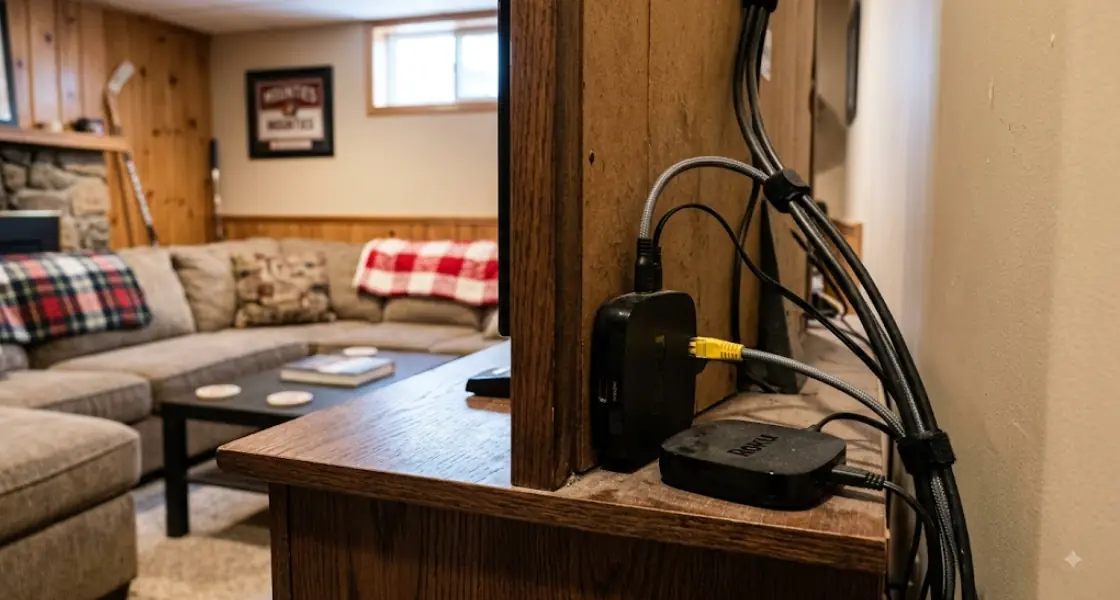
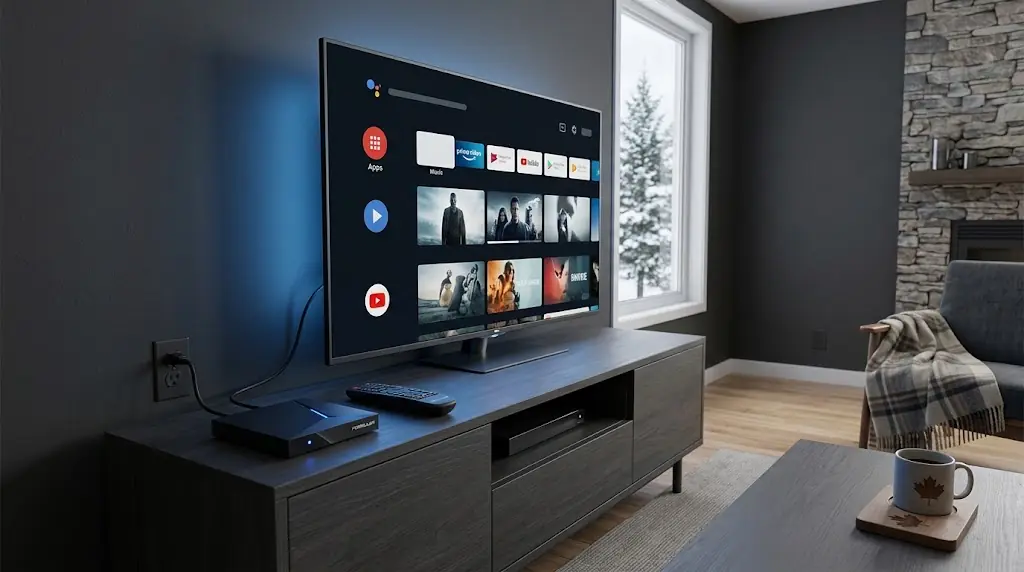
A separate streaming box or stick solves this cheaply. It handles the decoding, so your TV just displays the picture. For a chilly Calgary basement or a older set in the spare room, this is often the best twenty minutes you'll spend. Look for a device that supports the codecs your service uses, and one with an Ethernet port if you plan to watch in 4K.
IPTV buffering fix: what to try before you blame your provider
Buffering feels like a provider problem. In fact, it usually starts inside your own home. Work through these in order, and stop when the picture steadies.
- Restart the router and the TV. Unplug both for thirty seconds. This clears more problems than anything else on the list.
- Run a speed test on the TV itself, not on your phone. The TV's result is the one that matters.
- Switch to Ethernet for one game as a test. If buffering stops, your Wi-Fi was the cause.
- Pause other devices. Cloud backups and game downloads are silent bandwidth hogs.
- Clear the app cache or reinstall the app. Corrupted cache files cause odd stutters.
- Drop the quality one step. A clean 1080p beats a stuttering 4K every single time.
- Check the TV's software update. Old firmware breaks newer app versions.
If the stream buffers on every device and every network, the problem is upstream. At that point, contact your provider with the date, time, and event name.
The one pattern that isn't your network
Watch for this specific symptom. Everything works all week. Then the stream fails only during live games, and only for certain leagues. That timing is a strong hint that the service isn't licensed to carry those events in Canada.
No router setting fixes that. Switching to a licensed provider does.
IPTV vs cable for Canadian sports fans
Cable still has real strengths. It's stable, it doesn't care about your Wi-Fi, and one bill covers everything. Streaming trades that simplicity for flexibility and, often, a lower cost.
| Factor | Traditional cable | Licensed streaming |
|---|---|---|
| Contract | Often 1–2 years | Usually month to month |
| Cost control | Bundled tiers | Pay per service, cancel anytime |
| Reliability | Very consistent | Depends on your connection |
| Devices | Set-top box per TV | TV, phone, tablet, laptop |
| Coverage | Most channels in one place | Split across several apps |
| Local channels | Included | Free over the air, or via a streaming bundle |
For a Calgary household, the maths usually comes down to how many sports you follow. A fan who only watches the Flames and the Stampeders can build a cheaper package with two apps. On the other hand, a household that follows hockey, football, soccer, and baseball may find cable simpler and no more expensive. Weigh the total, not the headline price of one app.
Also called live sports streaming, internet TV for sports, or OTT sports, this category goes by several names in Canada. The technology is the same underneath. Only the licensing separates one option from another.
FAQ
Is IPTV legal in Canada?
Yes, the technology is legal. Streaming licensed content over the internet breaks no law. What creates legal risk is paying a service that resells channels it has no rights to. The service operator faces the bigger exposure, but your subscription can vanish overnight when a court order lands.
What internet speed do I need for sports IPTV in 4K?
Plan for at least 25 Mbps for a single 4K stream, and closer to 40 Mbps for comfort. Then add headroom for everything else in the house. A 4K live feed is far less forgiving than a 4K movie, because fast motion needs a higher bitrate.
Are there legal IPTV providers in Alberta?
Yes. Any licensed Canadian streaming service works province-wide, so Alberta viewers use the same apps as everyone else. Local cable and telecom companies also sell internet-delivered TV packages. Availability of fibre versus fixed wireless varies more than the services themselves do.
What's the best IPTV service in Calgary for hockey fans?
There's no single winner, because it depends on which teams you follow. Start by listing the five events you'd hate to miss. Then check which licensed service carries each one. Build your subscription from that list rather than from an advertisement.
Can I watch local Calgary channels online?
Often, yes. Several Canadian broadcasters stream their local feeds through free apps or their own websites, sometimes with a TV provider login. An over-the-air antenna is another option worth remembering. It costs nothing monthly and delivers the sharpest possible local picture.
Does IPTV vs cable in Calgary really save money?
It can, but only with discipline. Two or three streaming subscriptions plus internet often beats a full cable bundle. However, adding a fourth and fifth app erases the gap fast. Review your subscriptions at the end of each season and cancel what you didn't use.
Why does my live sports stream buffer only during games?
Two common causes. Either the whole country is watching at once and the service is under load, or the service isn't licensed for that event in Canada. Licensed platforms scale for big nights and publish status pages. Check that page before you troubleshoot your router.
Do I need an IPTV box for Calgary homes, or is a smart TV enough?
A smart TV made in the last three or four years is usually enough. Older sets benefit hugely from a separate box. The giveaway is app slowness: if menus lag before playback even starts, the TV's processor is the bottleneck.
How much data does live sports streaming use?
You can estimate it from the bitrate. A stream running at about 5 Mbps uses roughly 2 GB per hour. A 25 Mbps 4K feed uses several times that. If your internet plan has a data cap, a full season of games adds up quickly, so check your limit first.
Can I use a VPN to get around regional blackouts?
We don't recommend it. Blackouts come from the contract you agreed to when you subscribed. Using a VPN to defeat them breaches those terms and can get your account closed. It may also raise copyright issues. Picking a service that legitimately carries your team is the cleaner path.
Why does my stream look worse than cable HD?
Streaming quality adapts to your connection in real time. When bandwidth dips, the picture softens instead of freezing. Cable sends a fixed-quality signal, so it looks steadier. A wired connection and a lower fixed quality setting usually close most of the gap.
What should I check before paying for any sports streaming subscription?
Confirm four things. Check the exact events included for your region, the number of simultaneous streams allowed, the cancellation terms, and whether a free trial exists. Then test it during one real live event before the season starts. That single test tells you more than any review.




Comments (0)
Leave a comment