
How to Pay with Shakepay in Canada – Step-by-Step Bitcoin Payment Guide
Slideshow Mode
Follow each step fullscreen. Swipe, drag or use ←→ keys.
Learn how to pay with Shakepay in Canada. Follow our step-by-step guide to create an account, verify your identity, deposit CAD via Interac e-Transfer, buy Bitcoin, and send your payment securely.
Welcome to our Shakepay Payment Guide! This step-by-step tutorial will help you buy Bitcoin (BTC) and complete your payment using Shakepay, a Canadian cryptocurrency platform.
Whether you're new to Bitcoin or already have a Shakepay account, we'll walk you through the entire process, from creating your account to sending your payment.
What you'll learn:
- How to download Shakepay and create an account.
- How to complete identity verification (KYC).
- How to add Canadian dollars (CAD) using Interac e-Transfer.
- How to buy Bitcoin with your CAD balance.
- How to send Bitcoin to the payment wallet securely.
- How to confirm that your transaction was sent.
Estimated time: Account registration usually takes 5–15 minutes, plus identity verification and deposit processing. Bitcoin withdrawals and blockchain confirmations may take additional time.
Before you begin: You'll need a valid email address, Canadian phone number, accepted government-issued ID, and an eligible Canadian bank account.
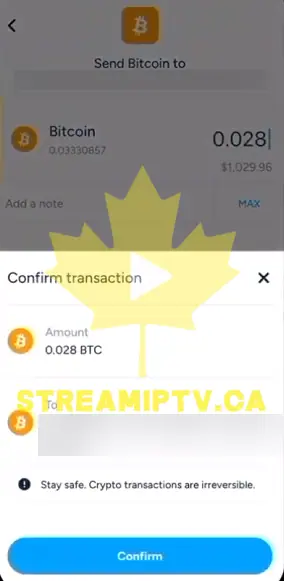
Important: Bitcoin payments are generally irreversible. Always verify the recipient's wallet address and select the Bitcoin mainnet network before confirming a payment. Only send cryptocurrency to a recipient you trust.
Start
Find Shakepay on the App Store or Play Store

Download the Shakepay App

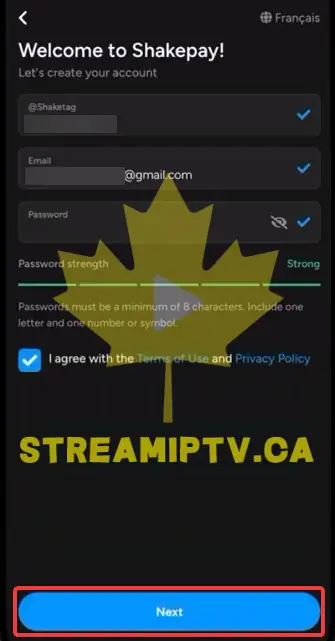
Create Your Account
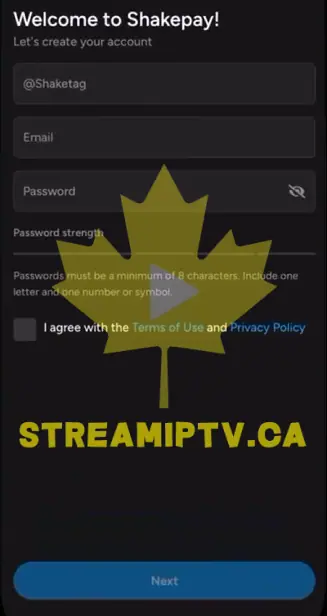
Accept the Terms and Continue
Verify Your Email Later, Then Enter Your Phone Number
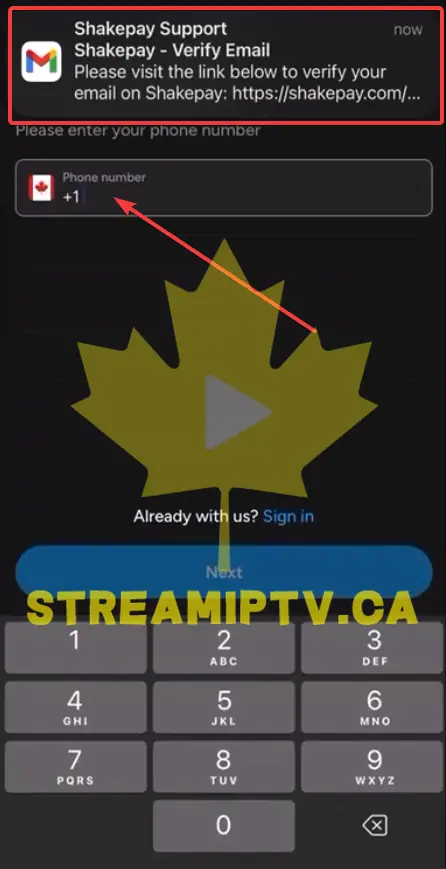
Continue With Your Phone Number

Receive the SMS Verification Code
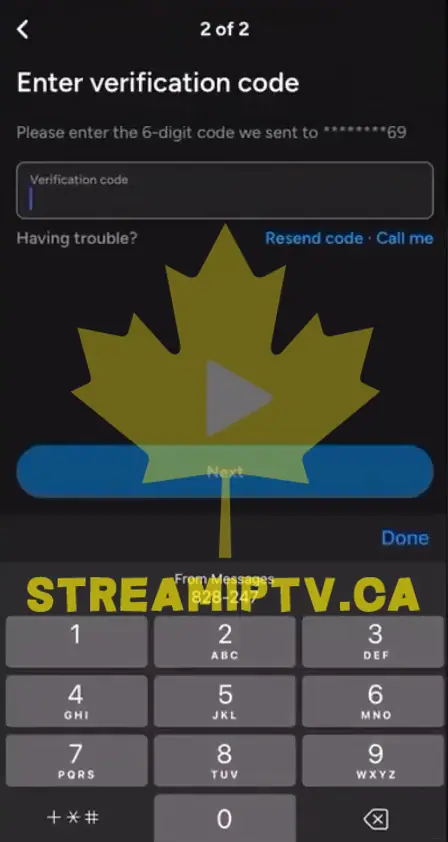
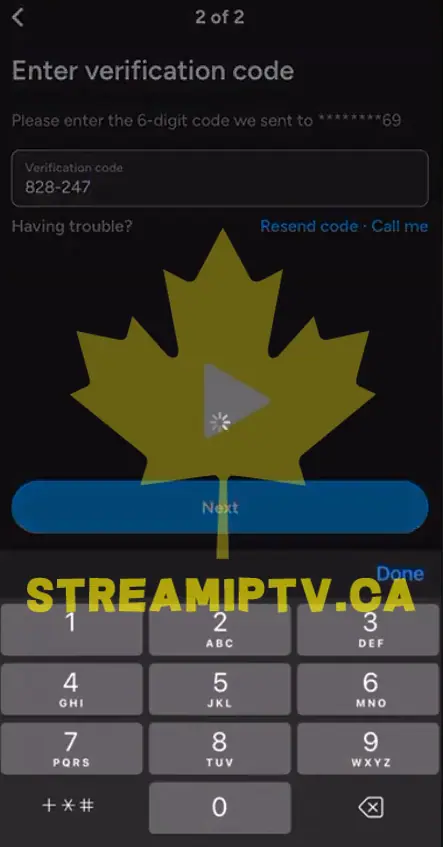
Enter the SMS Code
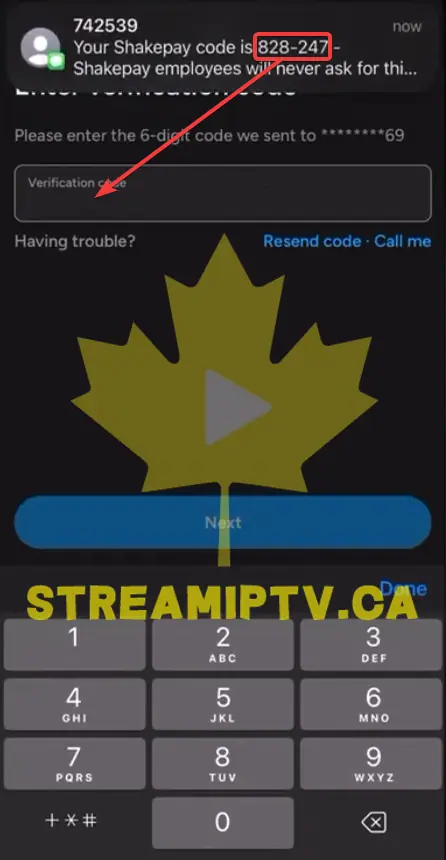
Continue to the Next Step
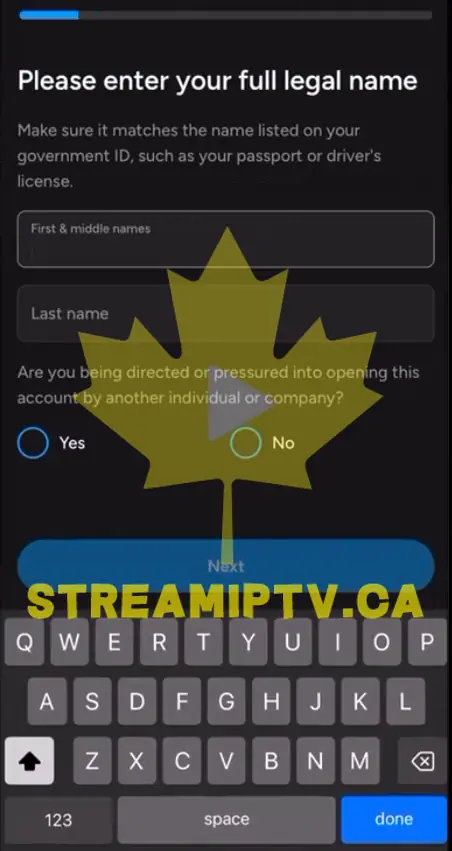
Enter Your Legal Name
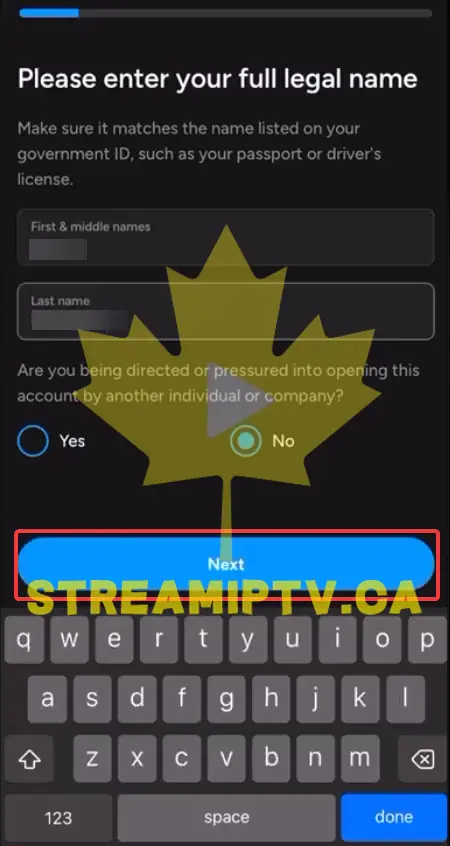
Confirm Your Name Details
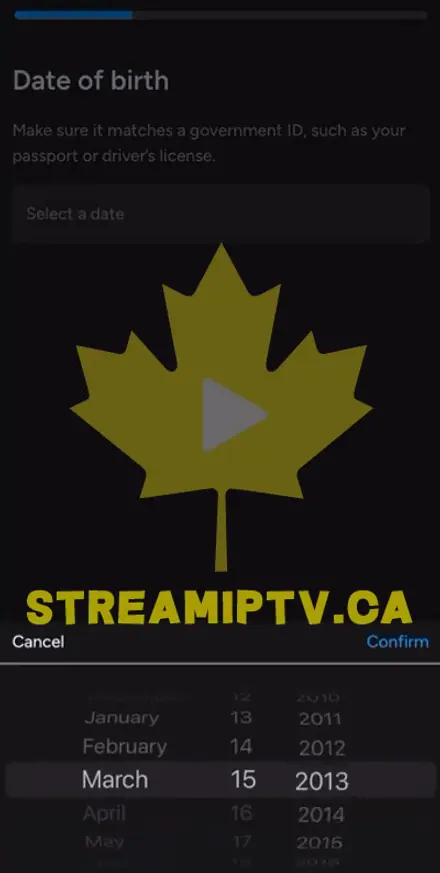
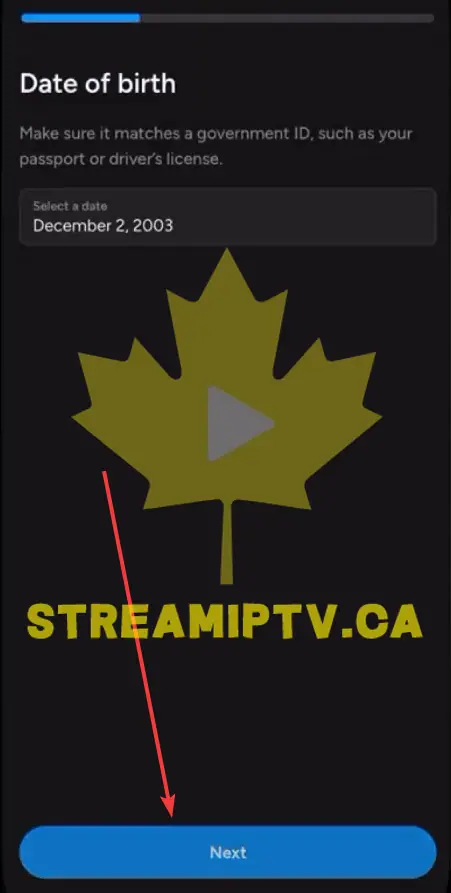
Enter Your Date of Birth
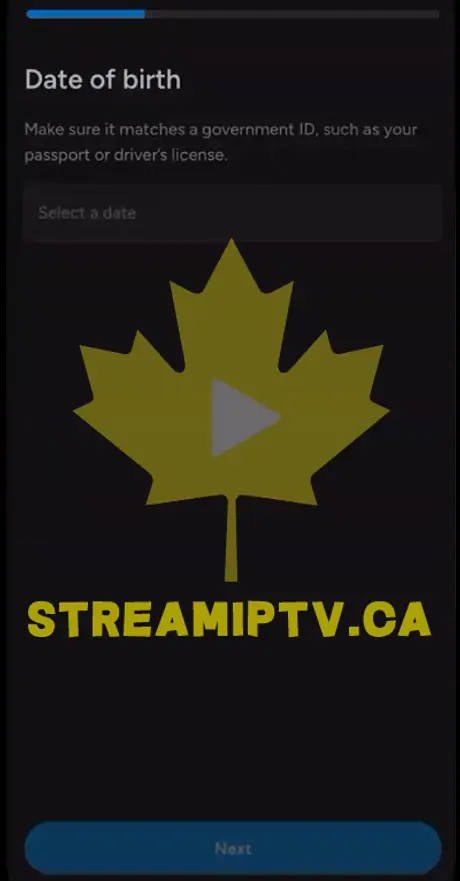
Select Your Birth Date
Continue After Selecting Your Birth Date
Enter Your Residential Address
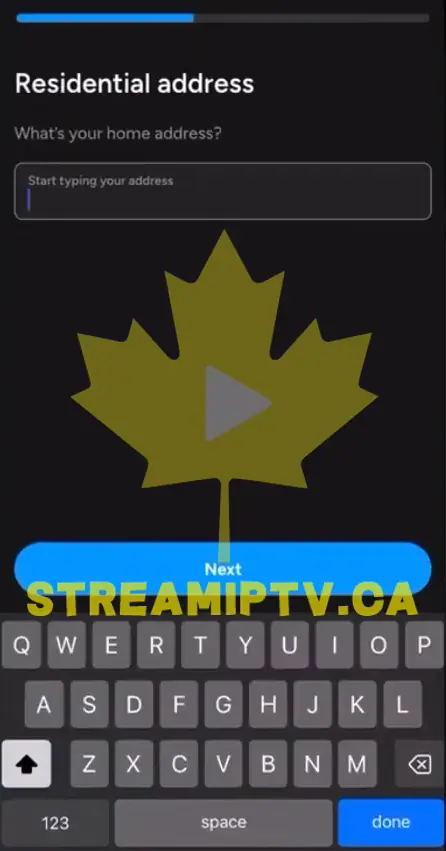
Confirm Your Address Information
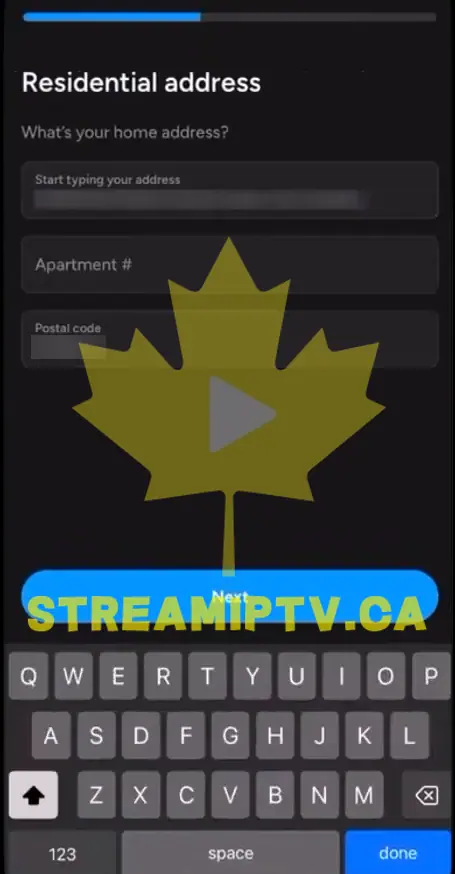
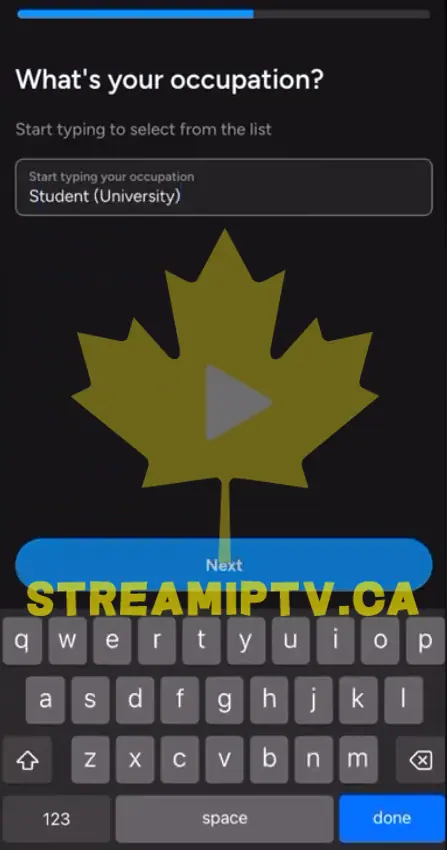
Choose Your Occupation
Select How You Heard About Shakepay

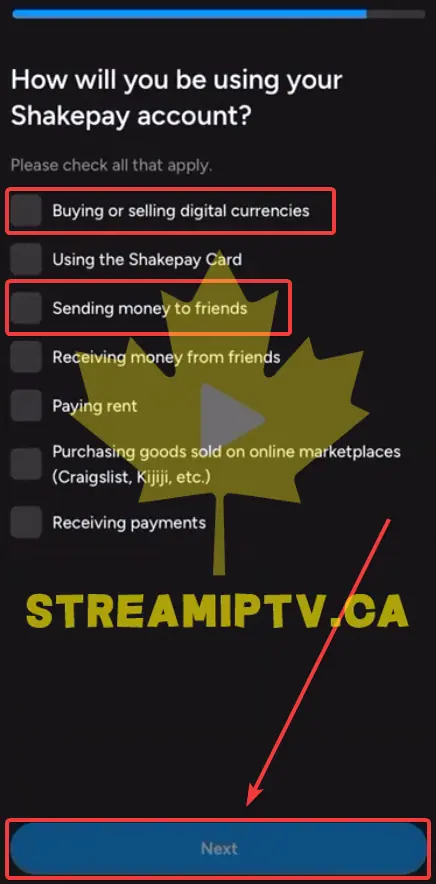
Choose How You Will Use Your Account
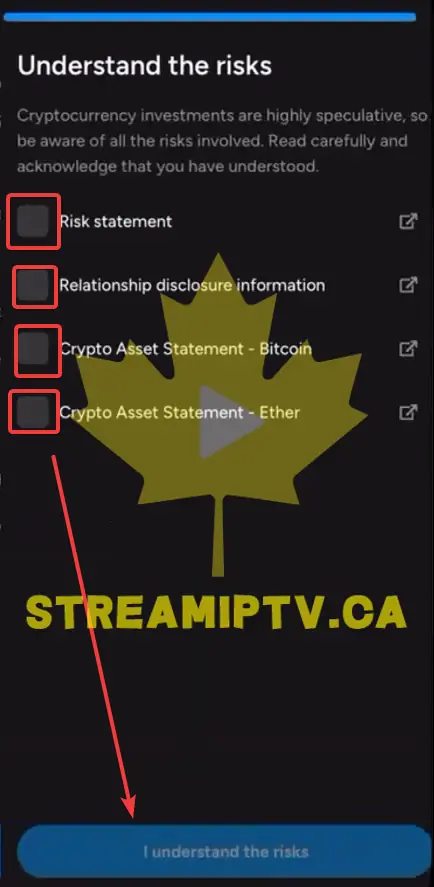
Accept the Risk Disclosure
Review and Confirm Your Information
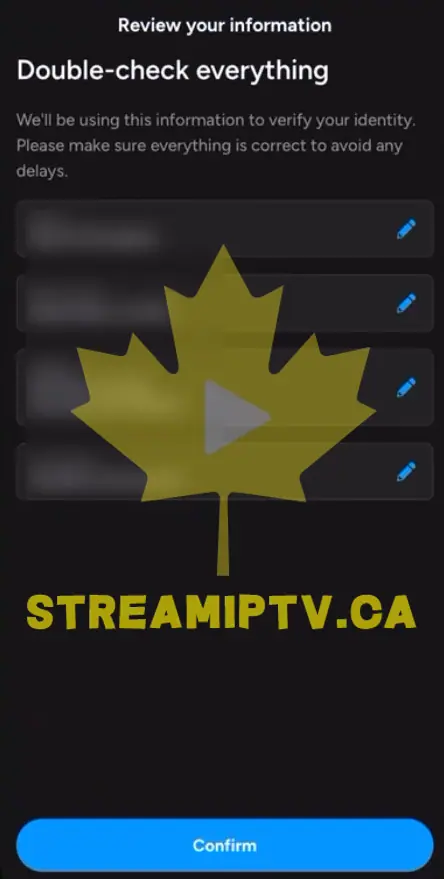
Allow Notifications and Verify Your Email
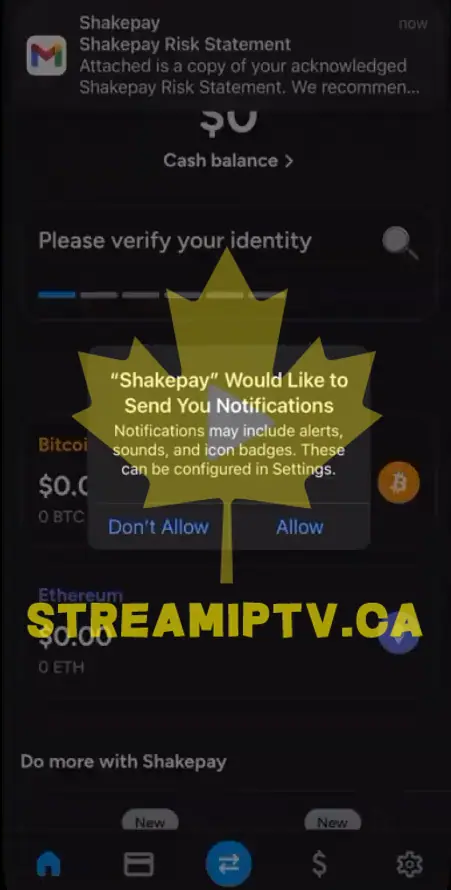
Skip 2FA for Now (Optional)
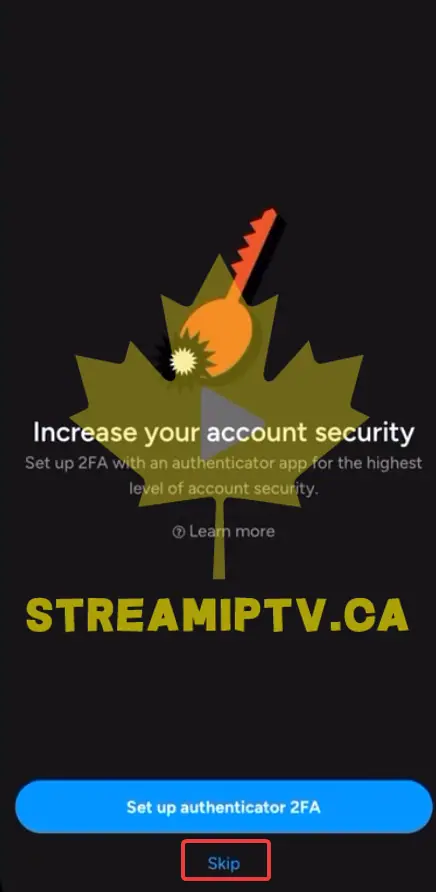
Complete the Selfie Verification (KYC)
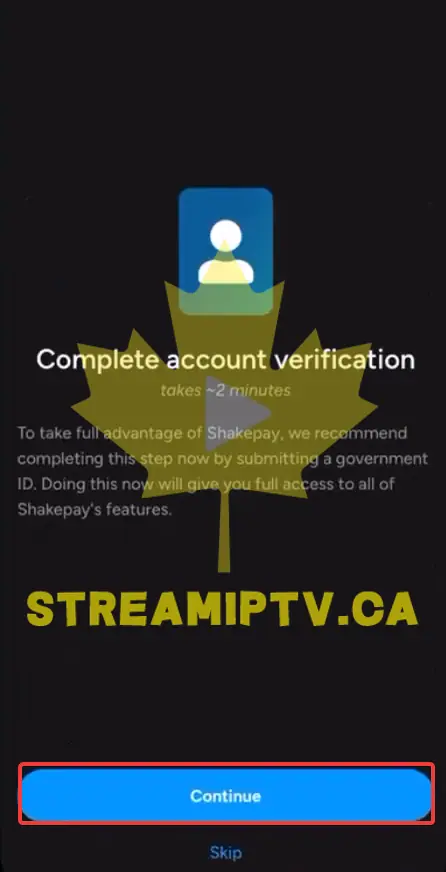
Go to the Home Page and Tap Add
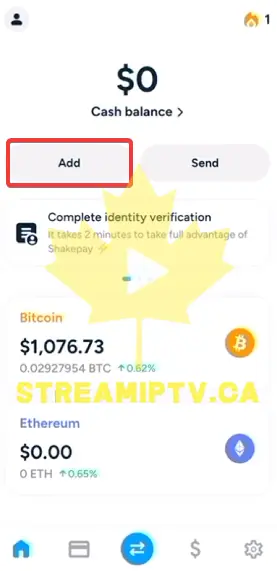
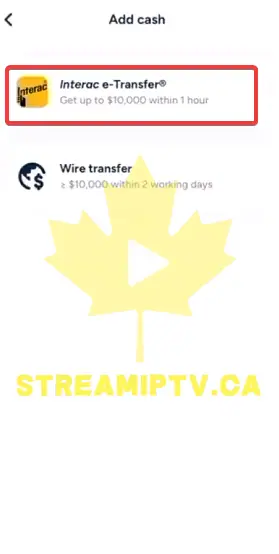
Choose Interac e-Transfer
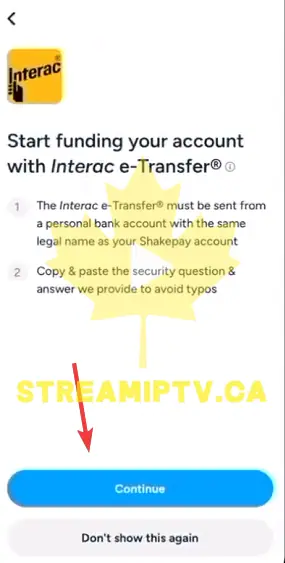
Continue to Funding Instructions
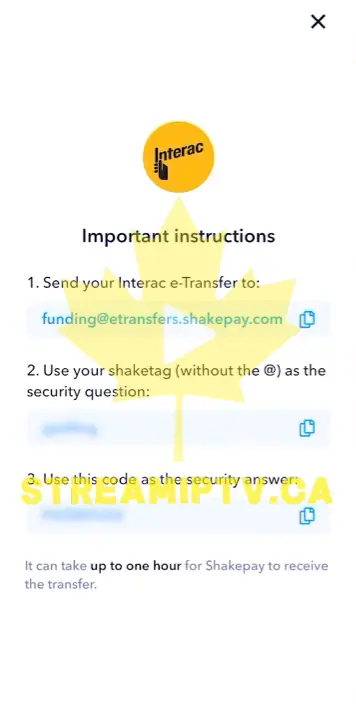
Send the Deposit by e-Transfer
Wait for the Deposit to Arrive
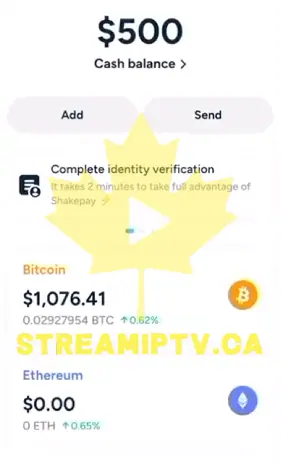
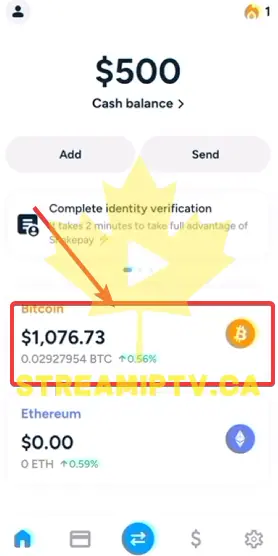
Open the Bitcoin Section
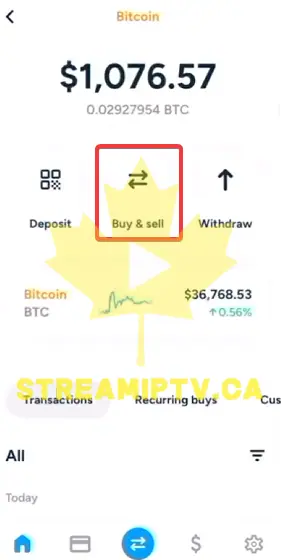
Tap Buy & Sell
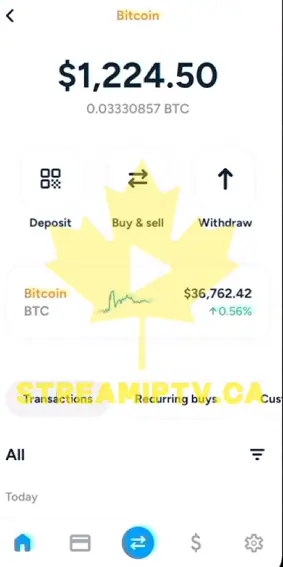
Enter the CAD Amount

Confirm the Bitcoin Purchase

Check the Success Message

Go Back and Start the Withdrawal
Enter the Wallet Address
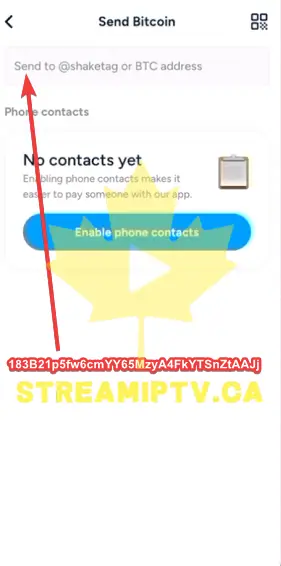
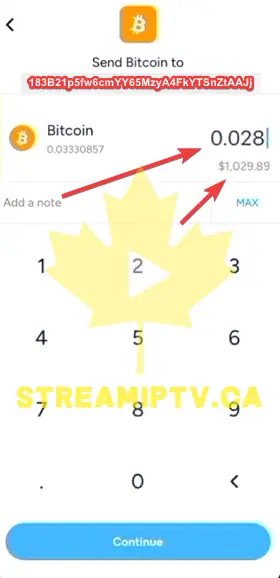
Enter the Bitcoin Amount to Send
Review and Confirm the Withdrawal
Confirm the Crypto Withdrawal by Email
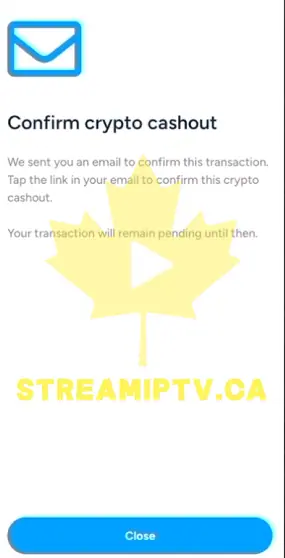
Final step
Done — Your Bitcoin Has Been Sent
Comments (0)
Leave a comment