
Installation
Tivimate
6 steps
How to Add Xtream Codes to TiviMate ?
Slideshow Mode
Follow each step fullscreen. Swipe, drag or use ←→ keys.
Learn how to connect your IPTV subscription to TiviMate using Xtream Codes. Follow this step-by-step guide to add your server URL, username, and password in minutes.
Was this helpful?
Text size:
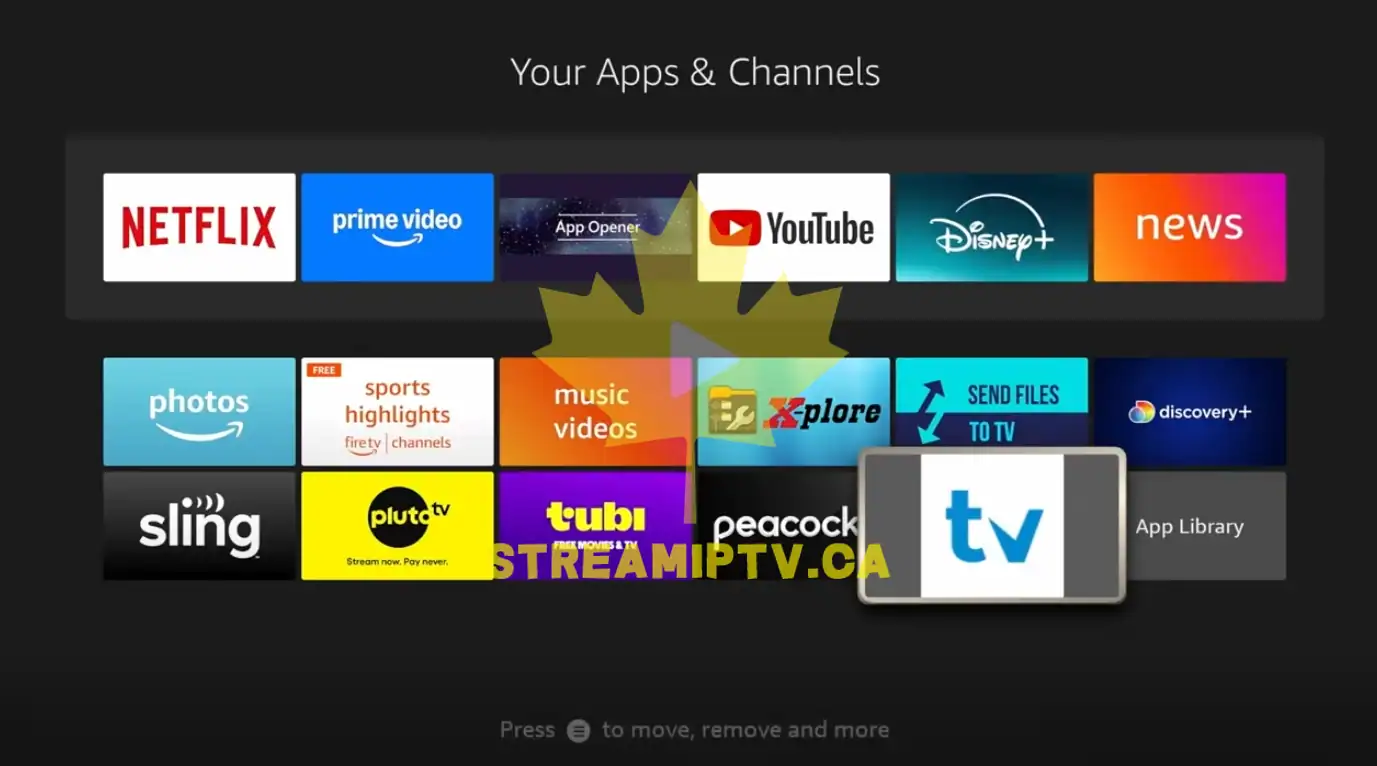
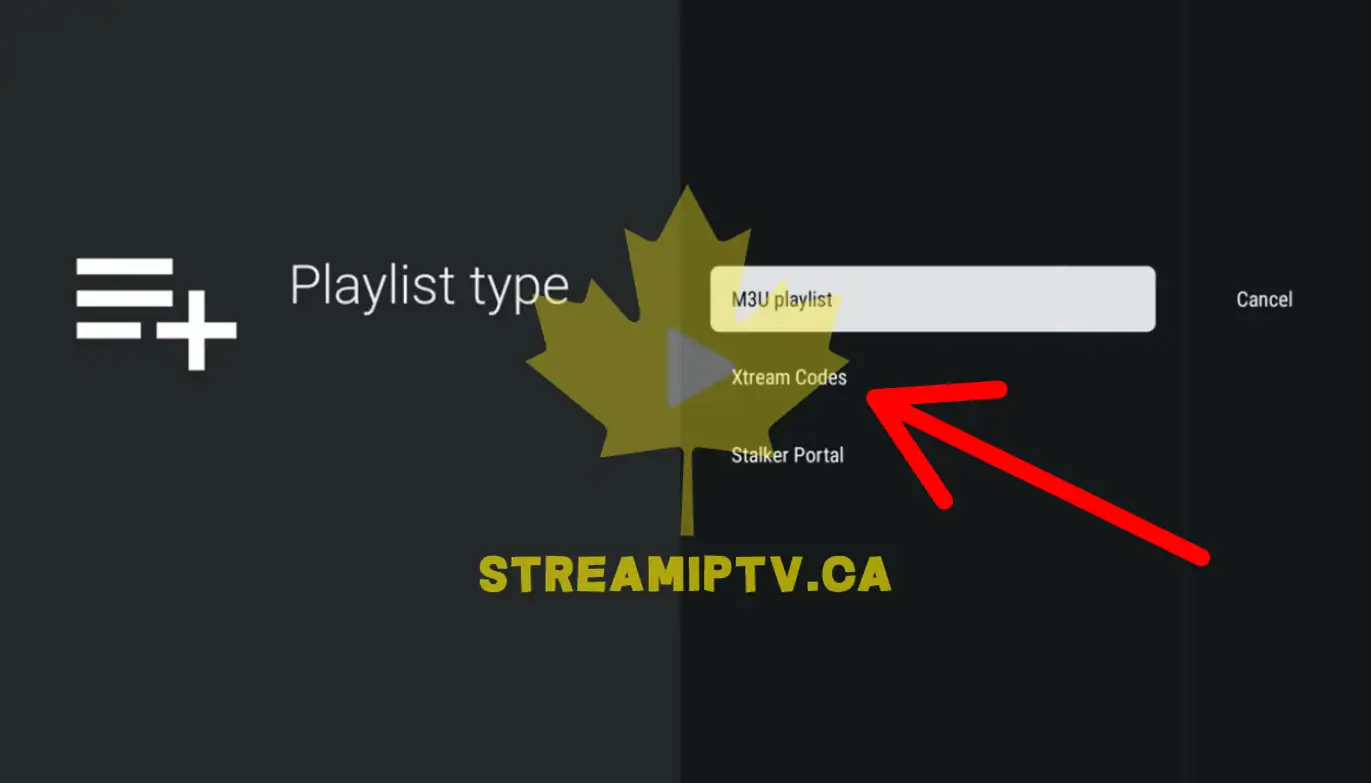
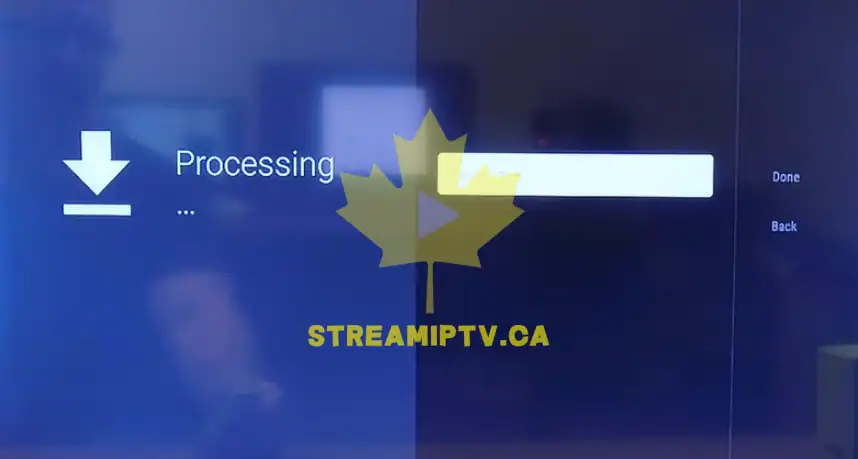
TiviMate is one of the most popular IPTV players available for Android TV and Amazon FireStick devices. It offers a modern interface, advanced TV guide support, favorites management, catch-up features, and an excellent viewing experience. The easiest way to connect an IPTV subscription to TiviMate is by using Xtream Codes. This method only requires three pieces of information provided by your IPTV provider: the server URL, username, and password. In this guide, you will learn how to add Xtream Codes to TiviMate and connect your IPTV subscription in just a few minutes. Prerequisite: TiviMate must already be installed on your device. If you have not installed it yet, follow this guide first: How to Install TiviMate on FireStick Once TiviMate is installed, follow the steps below to add your Xtream Codes credentials and start streaming live TV, movies, series, and more.
Start


Final step

🔗
Found this helpful?
Share it with someone who needs it
Comments (0)
Leave a comment