
How to Log In and Authenticate in the TREX Reseller Panel ?
Slideshow Mode
Follow each step fullscreen. Swipe, drag or use ←→ keys.
Learn how to log in to the TREX Reseller Panel using your panel URL, username, and password. Follow this simple step-by-step authentication guide.
Logging in to the TREX Reseller Panel gives you access to the dashboard where you can manage the services associated with your reseller account.
Before starting, make sure you have received the following information from your TREX panel provider:
- Your TREX Reseller Panel URL: https://activationpanel.ru/
- Your username
- Your password
Follow the steps below to authenticate and access your TREX Panel.
Start
Open the TREX Reseller Panel Login Page
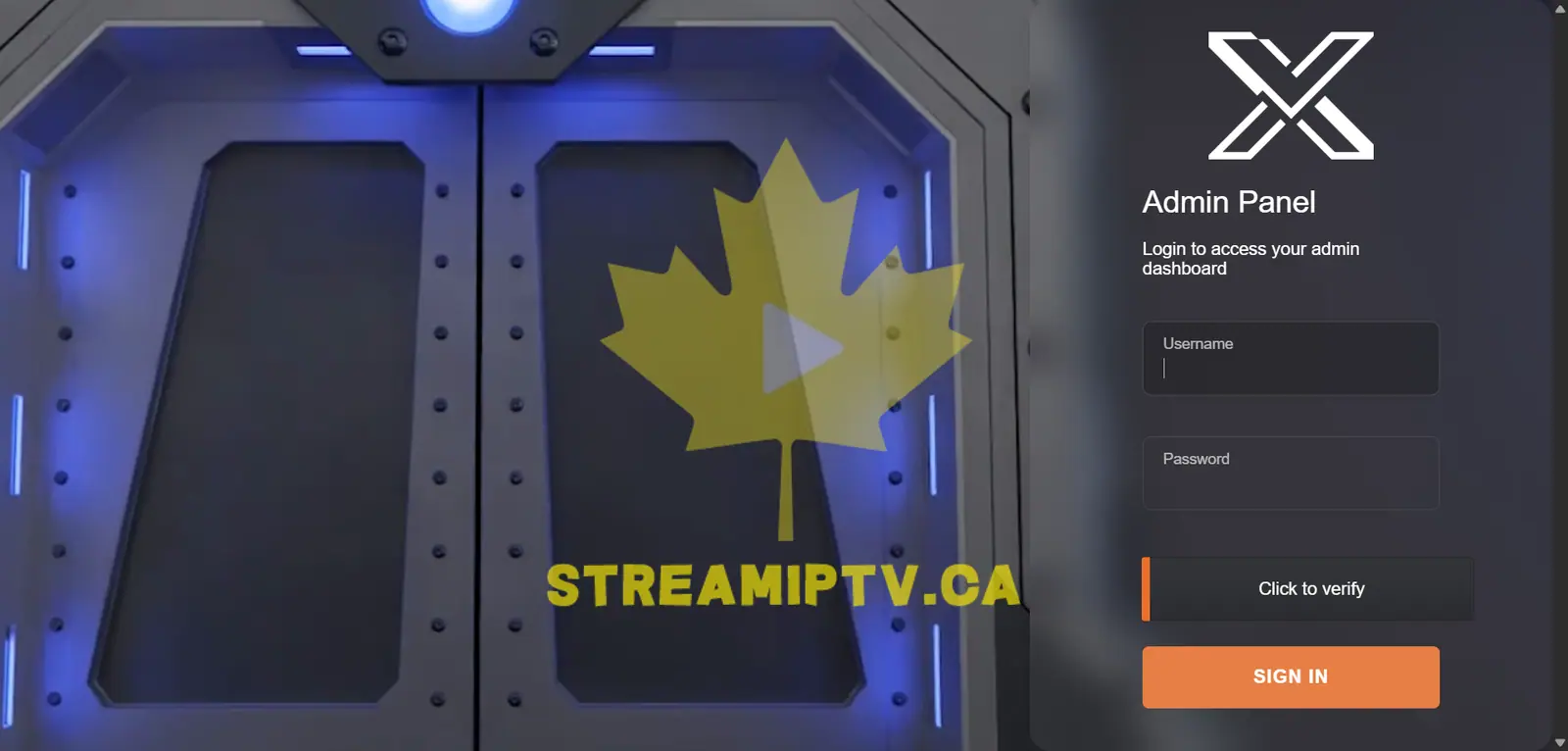
Open your browser and go to the TREX Reseller Panel login page provided with your reseller account.
Enter Your TREX Username
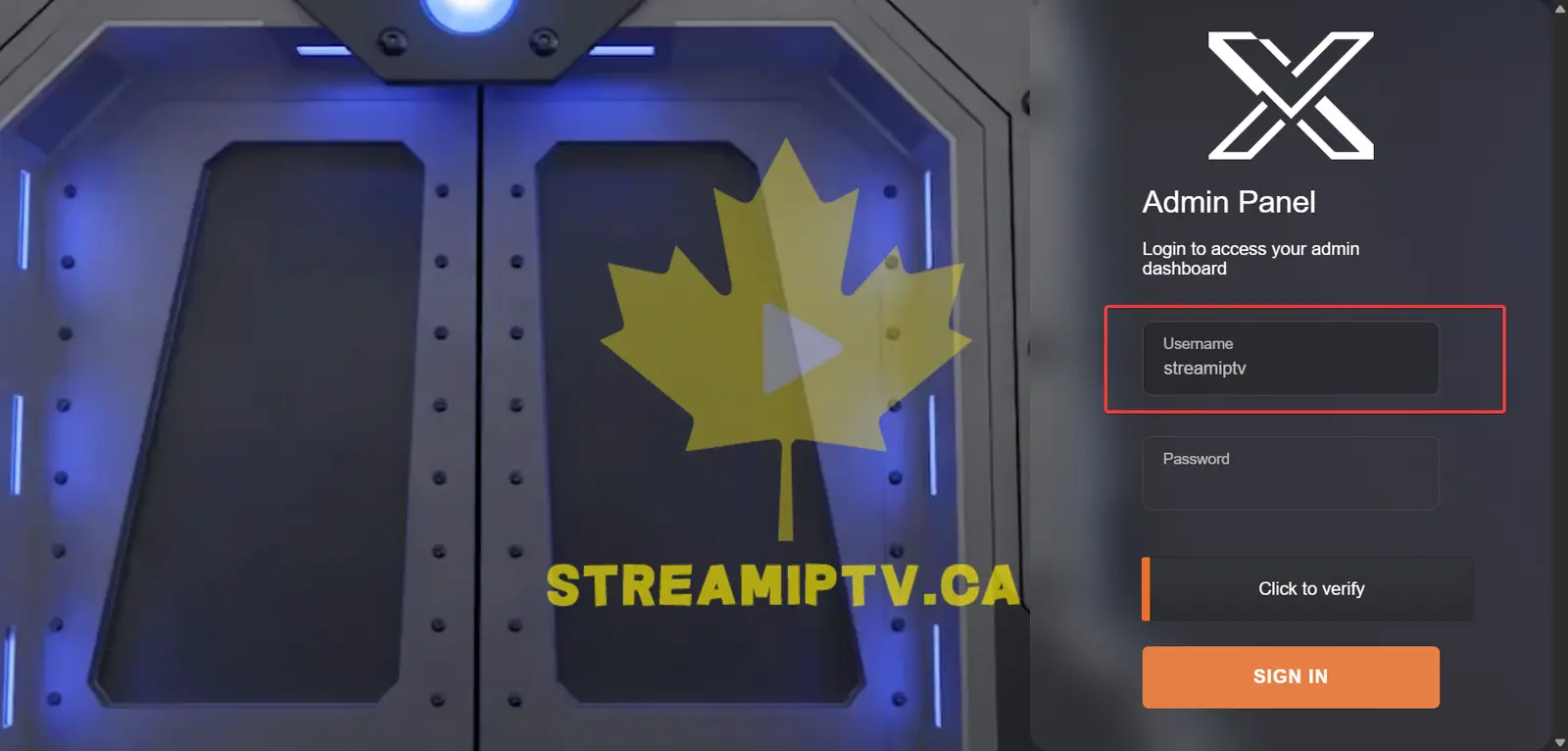
Enter your TREX reseller username in the Username field.
Enter Your TREX Password
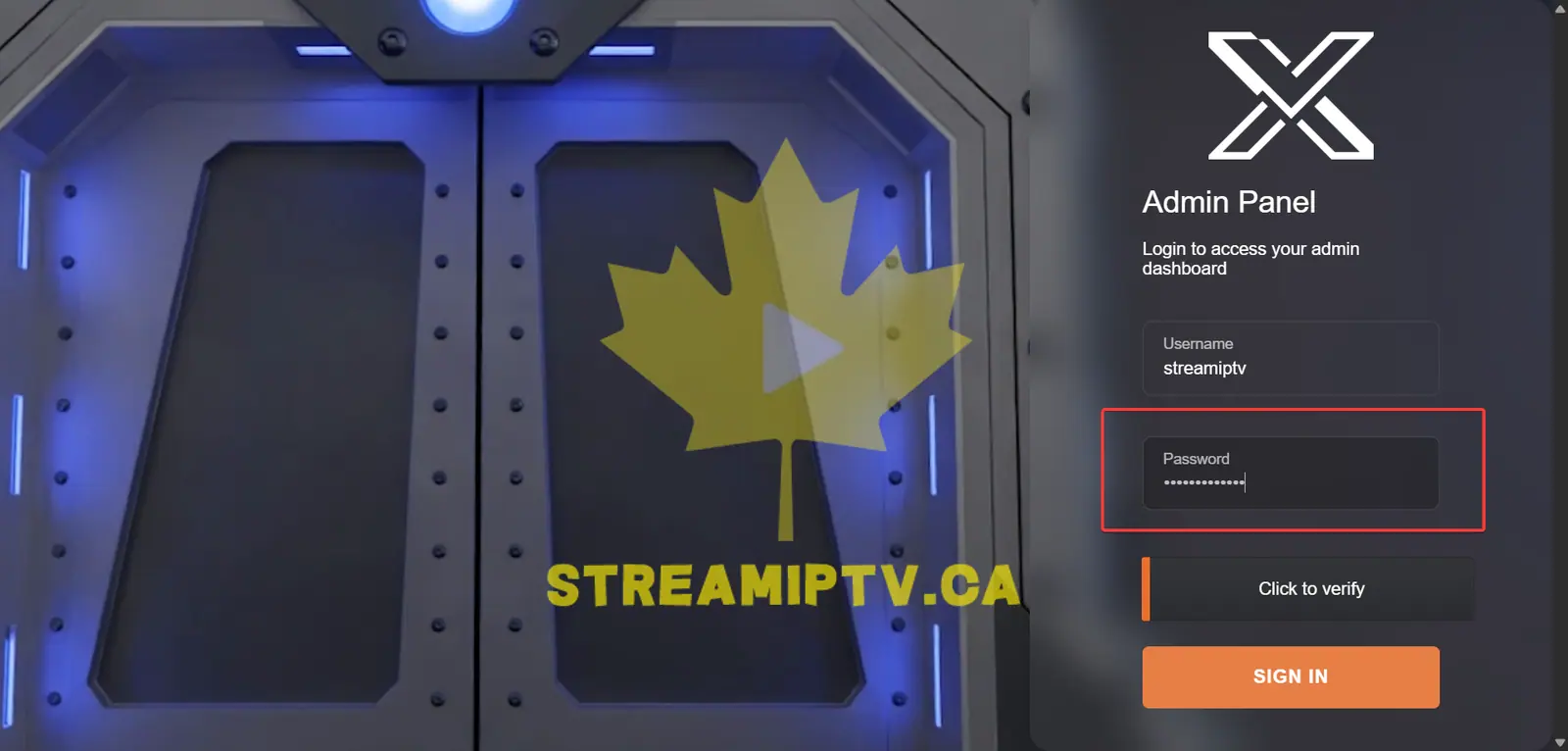
Type your TREX Panel password exactly as provided. Check for extra spaces or typing errors.
Complete the Verification
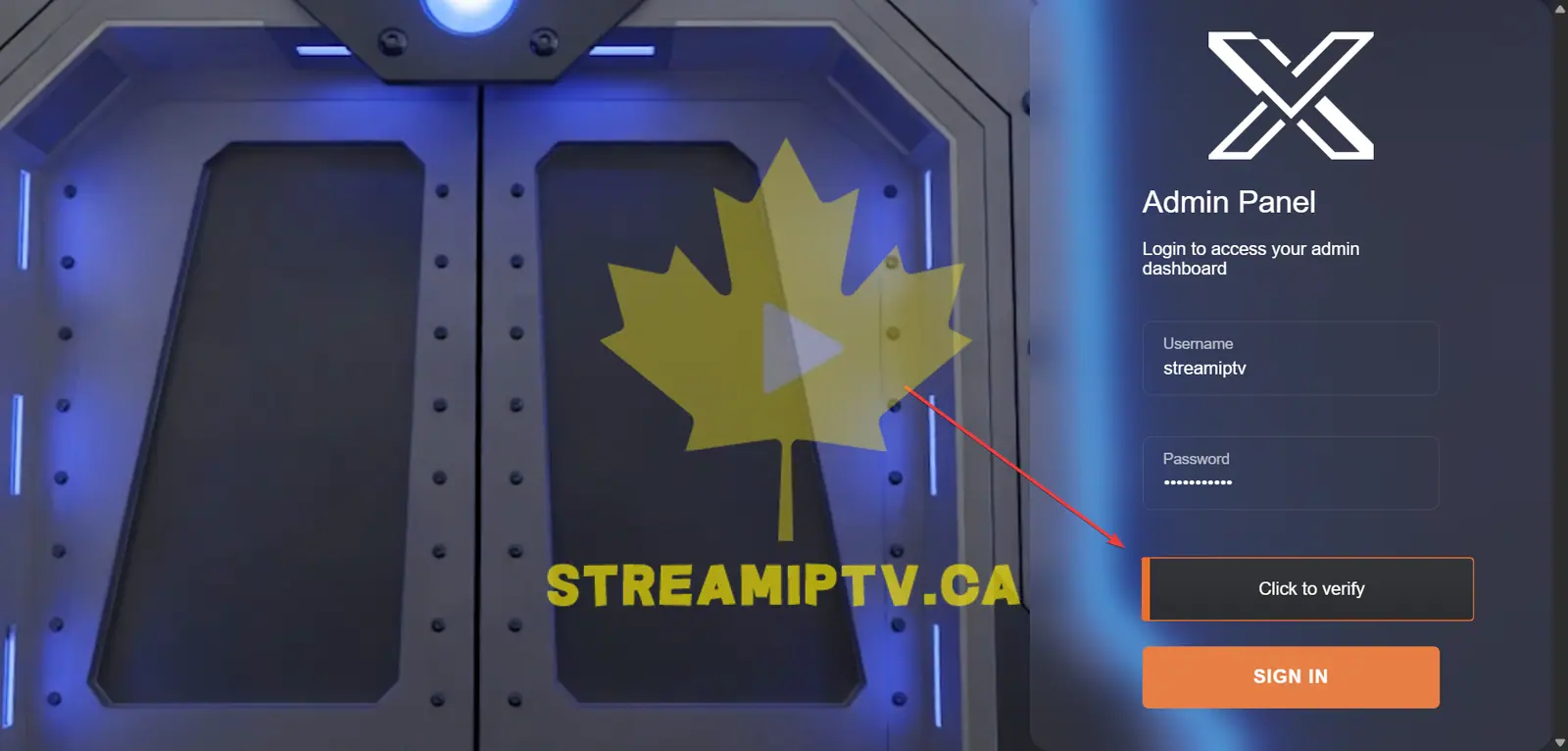
Click Click to verify and complete the security verification before signing in.
Sign In to the TREX Reseller Panel
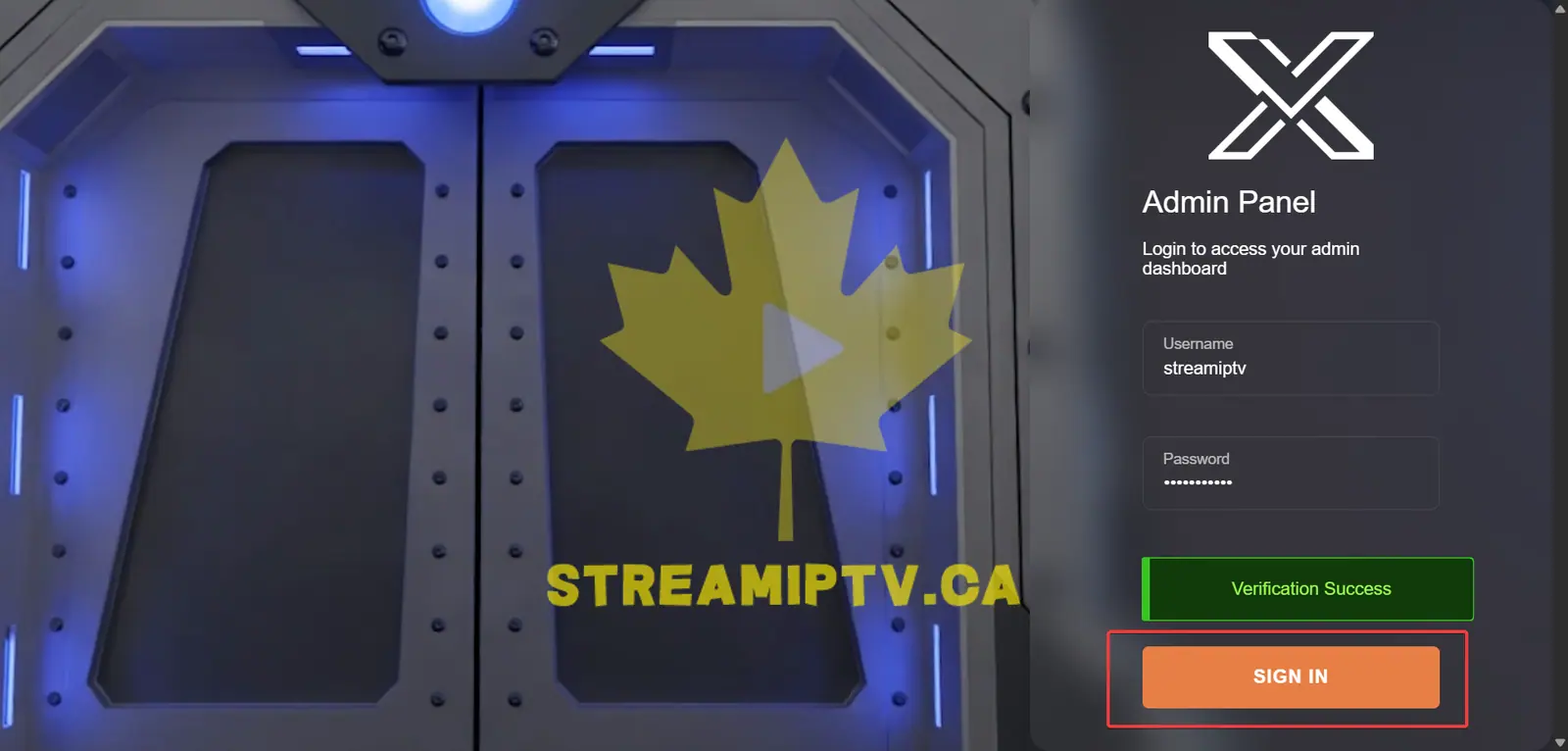
Click SIGN IN. If your credentials are correct, you will be redirected to your TREX reseller dashboard.
Final step
Welcome to the pannel
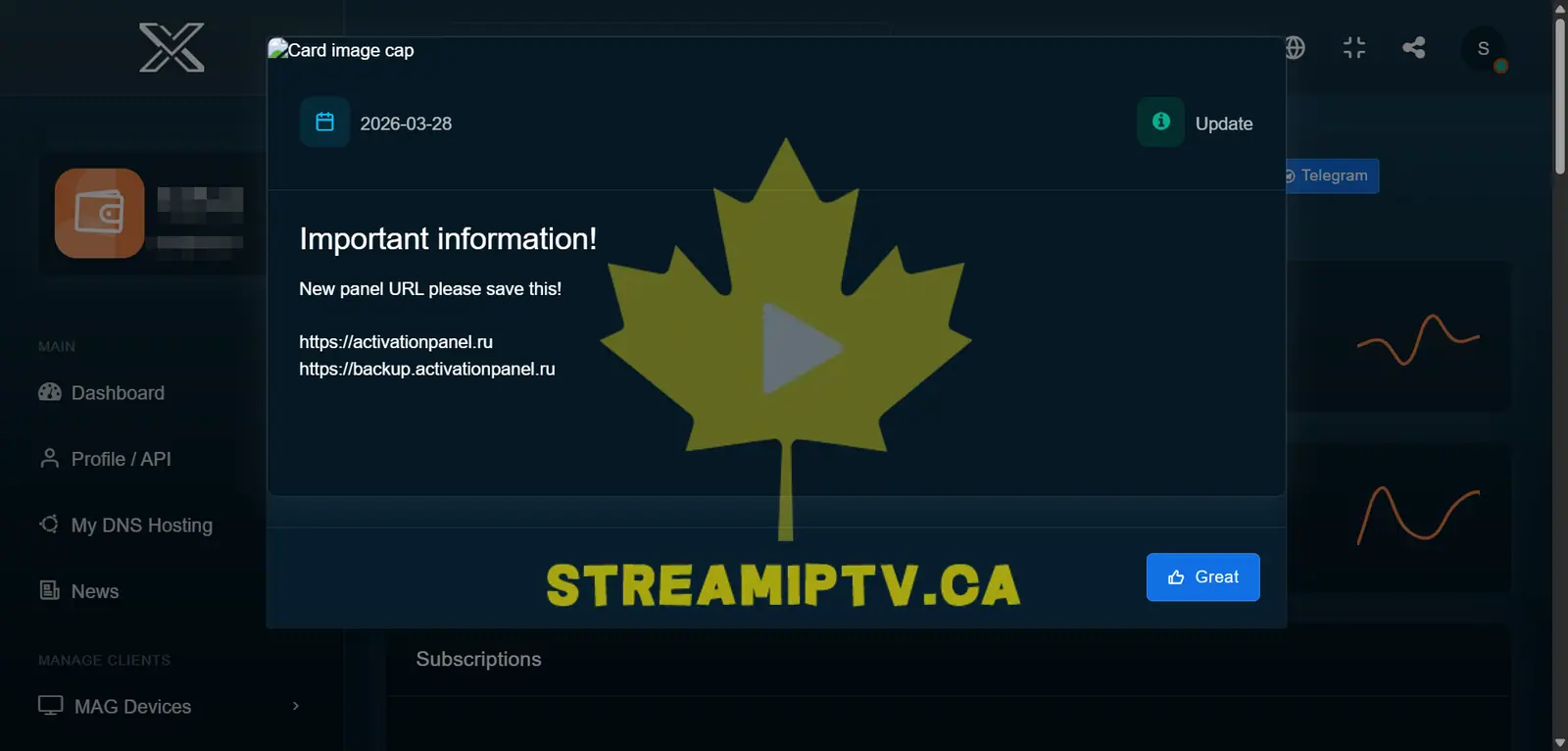
You are now logged in to the TREX Reseller Panel dashboard, where you can manage your reseller account and available services.
Comments (0)
Leave a comment