
Installation
Tivimate
4 steps
How to Install TiviMate on FireStick
Slideshow Mode
Follow each step fullscreen. Swipe, drag or use ←→ keys.
Learn how to install TiviMate on FireStick in minutes. Follow this step-by-step guide to download the app, connect your IPTV subscription, and start watching live TV, movies, and series.
Was this helpful?
Text size:
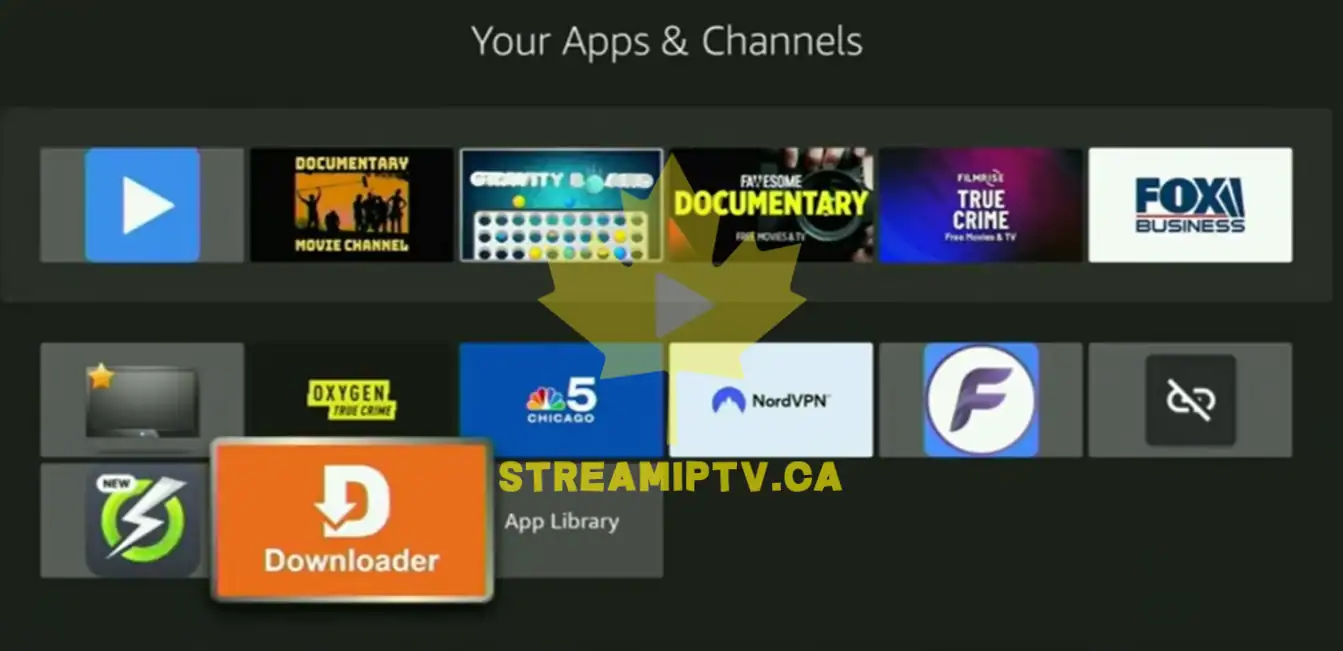
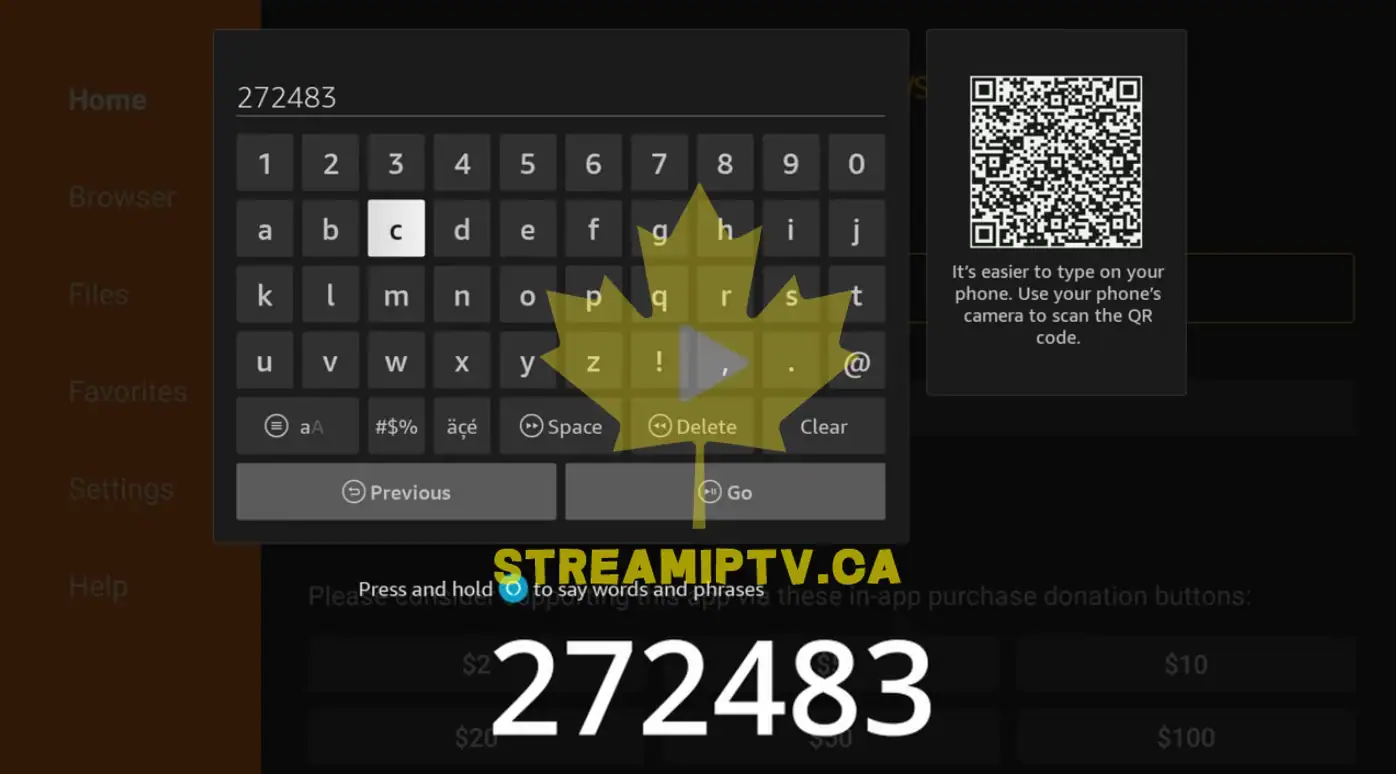
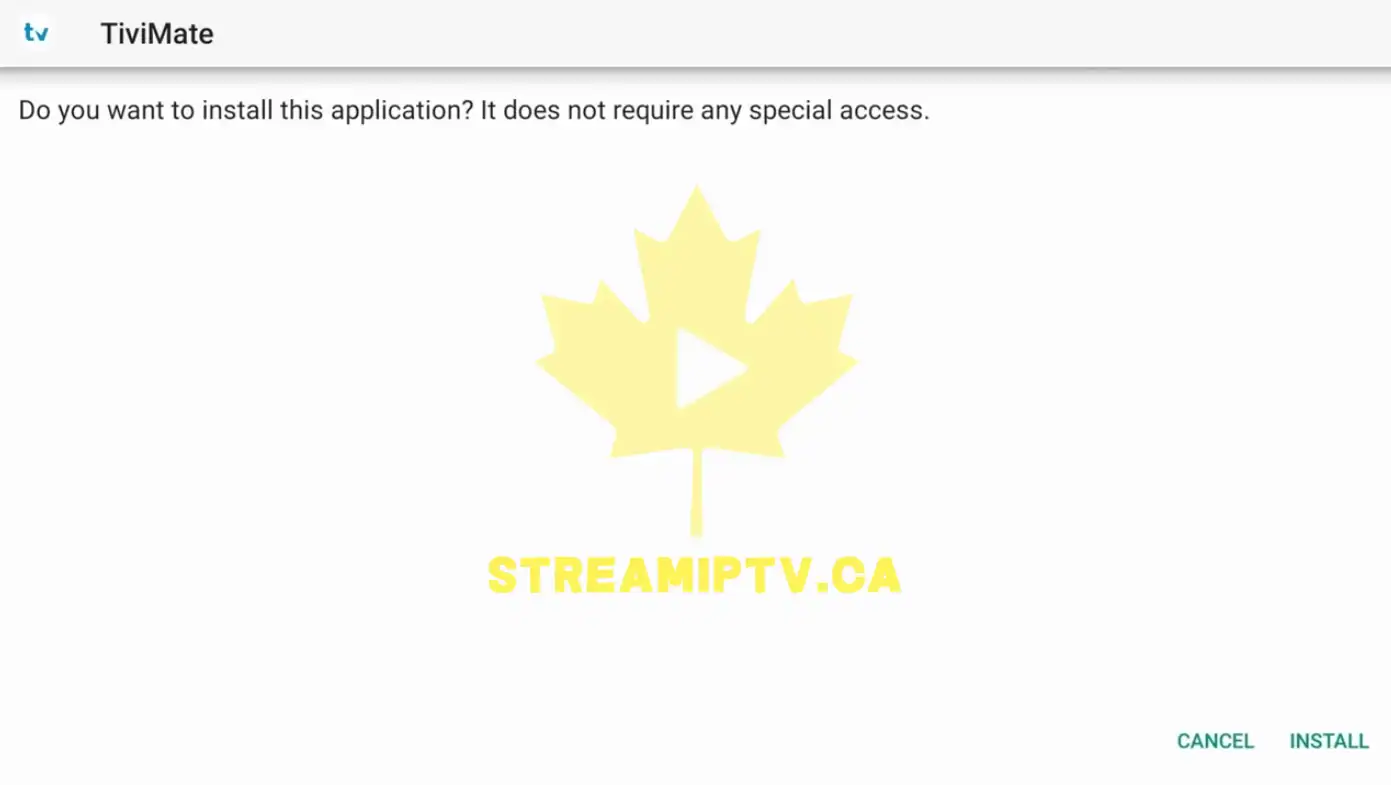
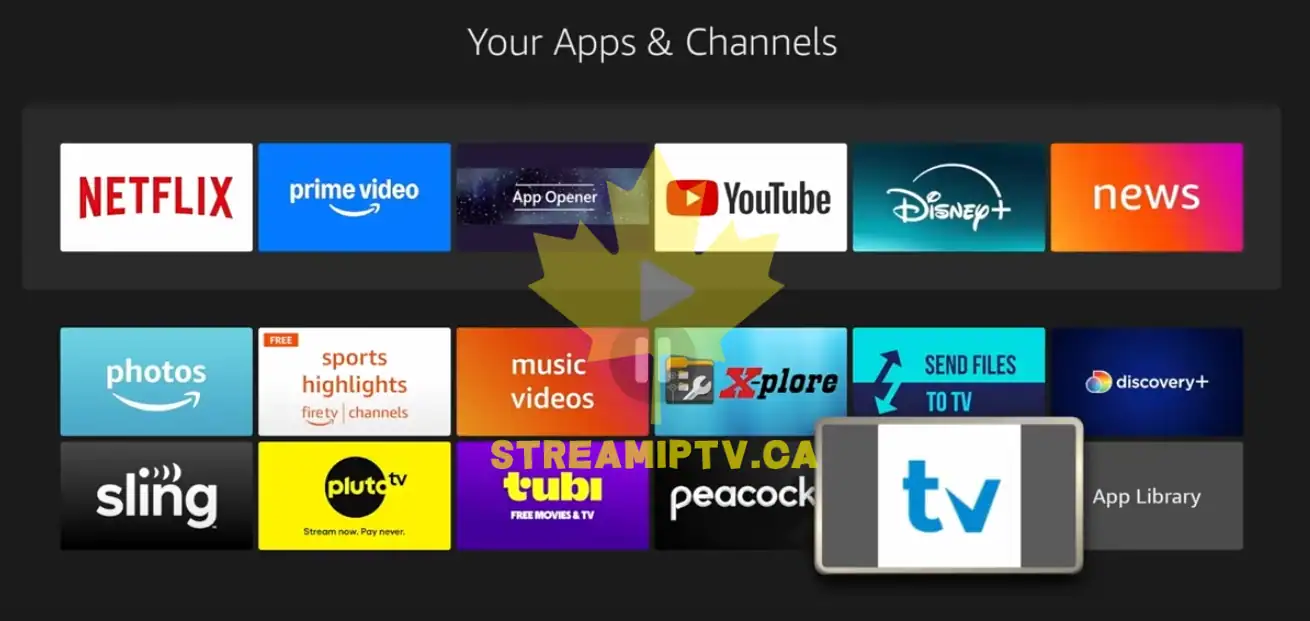
TiviMate is one of the most popular IPTV players available for Amazon FireStick. It offers a modern interface, advanced TV guide support, favorites management, catch-up features, and a premium viewing experience. In this guide, you will learn how to install TiviMate on FireStick and configure it with your IPTV subscription using Xtream Codes. Prerequisite: If Downloader is not installed on your FireStick, follow this guide first: Full Steps to Install Downloader on Fire TV Stick Once Downloader is installed, continue with the steps below.
Start
Final step
🔗
Found this helpful?
Share it with someone who needs it
Comments (0)
Leave a comment