How to Install Hot IPTV on LG Smart TV
Slideshow Mode
Follow each step fullscreen. Swipe, drag or use ←→ keys.
Learn how to install Hot IPTV on an LG Smart TV. Follow this step-by-step guide to download, install, and launch Hot IPTV in just a few minutes.
Hot IPTV is a modern IPTV player available on LG Smart TVs. It allows you to watch live TV channels, movies, and series using your IPTV subscription through a simple and user-friendly interface.
In this guide, you will learn how to install Hot IPTV on your LG Smart TV directly from the LG Content Store.
Once the installation is complete, you will be ready to activate the application and connect your IPTV subscription.
Start
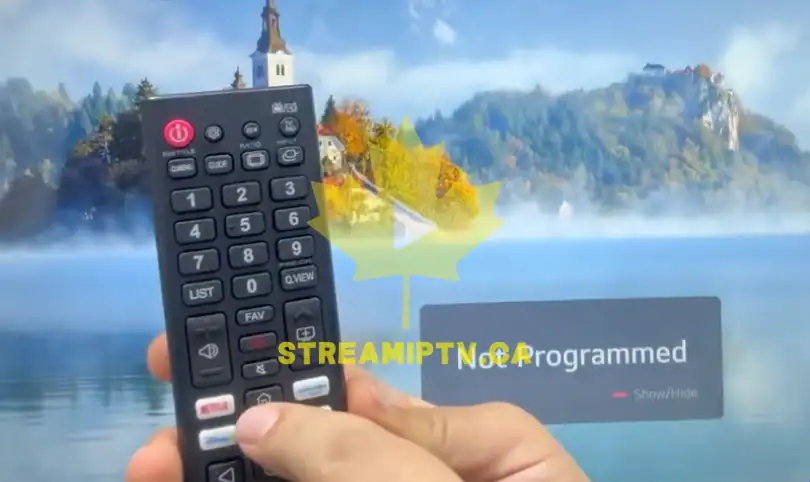
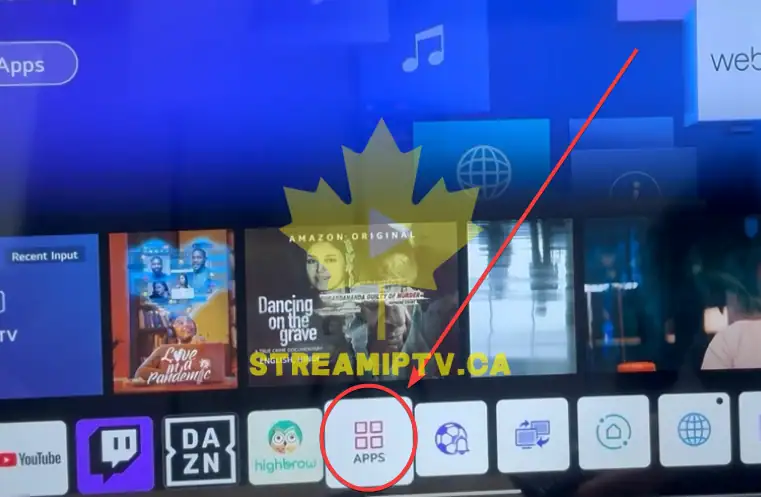
Open the Main Menu
Press the Home or Menu button on your LG Smart TV remote control to open the main menu.
Open the Apps Section
Navigate to the Apps section or LG Content Store from the main menu.
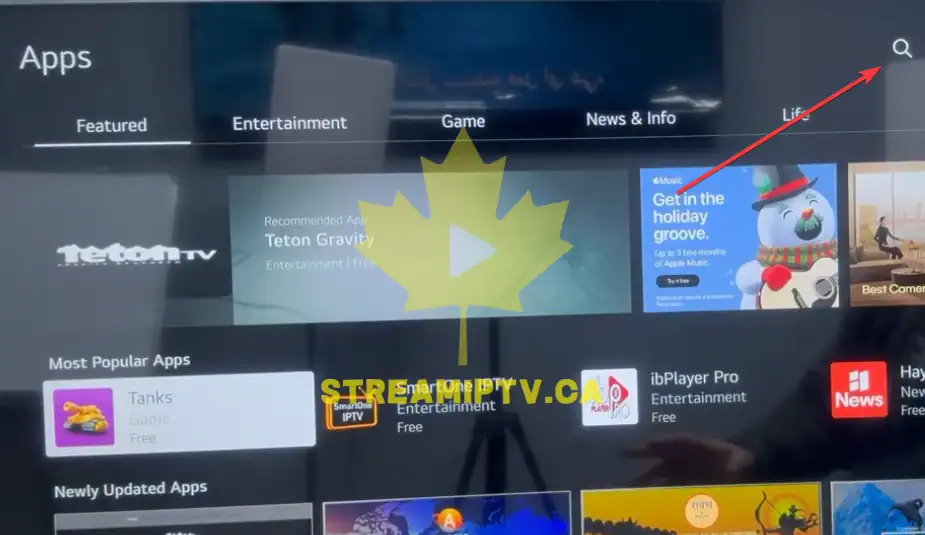
Click the Search Icon
Select the search icon (magnifying glass) located at the top of the screen.
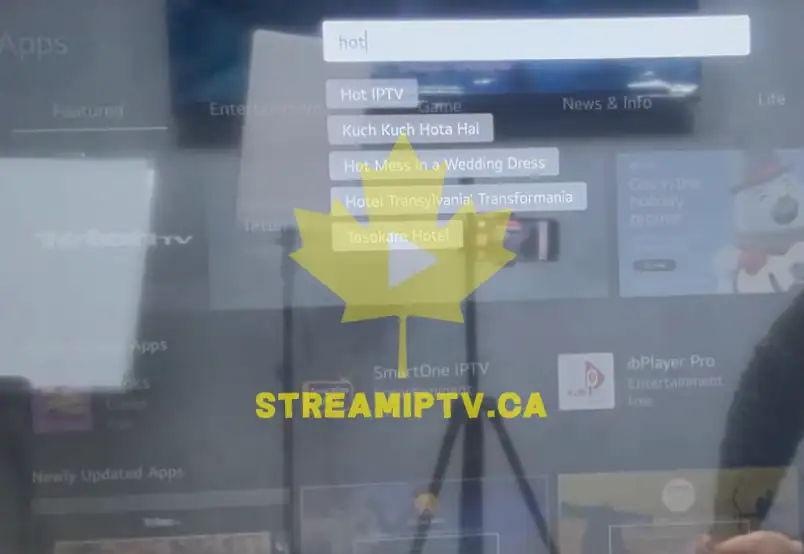
Search for "Hot IPTV"
Type "Hot IPTV" using the on-screen keyboard and start the search.
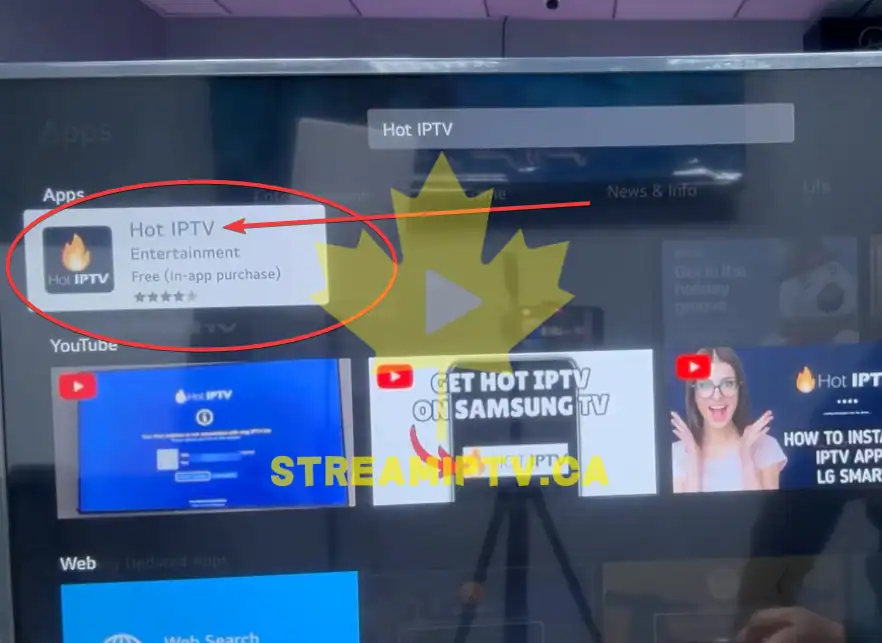
Select Hot IPTV
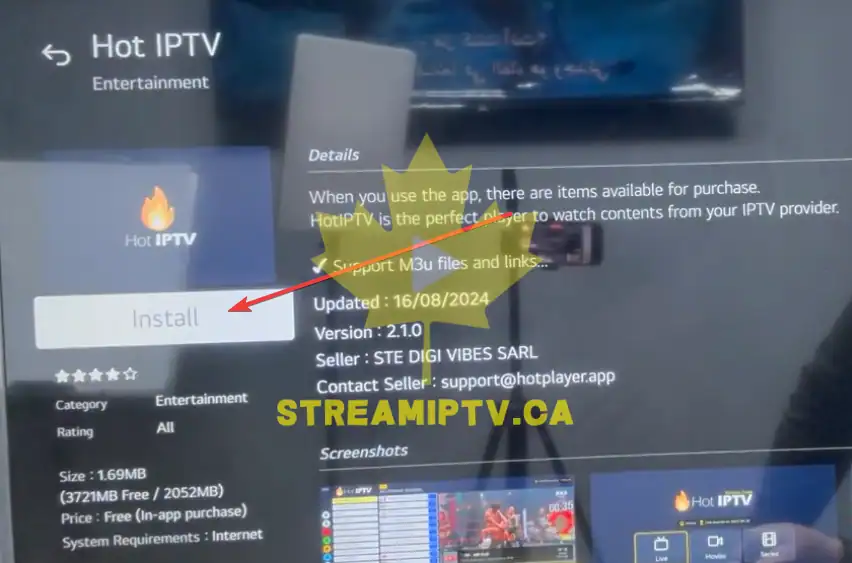
Click the Hot IPTV application from the search results to open its information page.
Click Install
Click the Install button and wait for the application to download and install on your LG Smart TV.
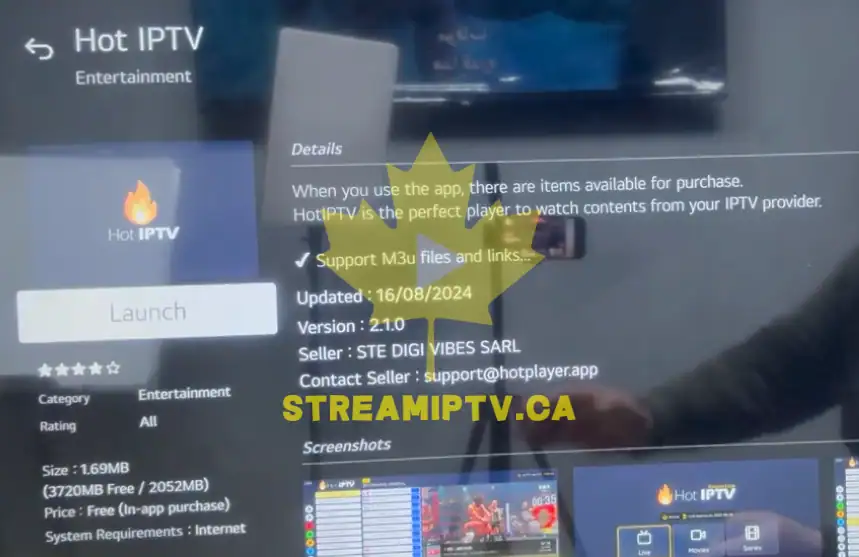
Click Open
Once the installation is complete, click Open to launch the Hot IPTV application.
Final step
Hot IPTV Is Ready to Use
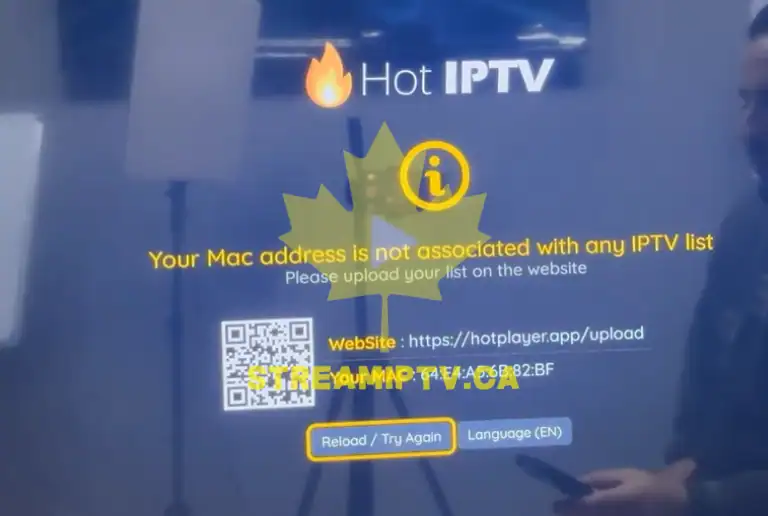
Congratulations! Hot IPTV is now installed on your LG Smart TV. You can now activate the application and add your IPTV subscription.