
 How to Buy Crypto (ShakePay)
IPTV in Brampton: How to Choose a Legal, Reliable Service in 2026
You want to cut your cable bill. You searched iptv brampton, and every result promised 50,000 channels for less than a coffee run. That is the problem. Almost every page on this topic is a sales pitch, not a guide. Meanwhile, the questions you actually have go unanswered.
Is it legal here? Will it survive on your internet plan? What happens when the stream freezes during a Leafs game? This guide answers those questions for a Canadian reader. In other words, it is a buyer's checklist, not an ad.

IPTV Explained: What You Are Really Buying
IPTV stands for Internet Protocol Television. Instead of a coaxial cable or a satellite dish, the TV signal travels over your home internet. That is the whole technology. It is the same delivery method Netflix, Crave and CBC Gem already use.
However, there is a key difference. Most IPTV providers sell live channels, not just on-demand shows. You get a channel list, a programme guide, and often a catch-up feature. As a result, the experience feels much closer to cable than to a typical streaming app.
So what are you buying? Two things, really. First, access to a server that carries the channels. Second, the rights behind those channels. The first part is easy for anyone to set up. The second part is expensive and hard. That gap explains almost everything else in this guide.
Is IPTV Legal in Brampton and the Rest of Canada?
Yes, the technology is legal. Watching TV over the internet breaks no Canadian law. That said, the provider matters enormously.
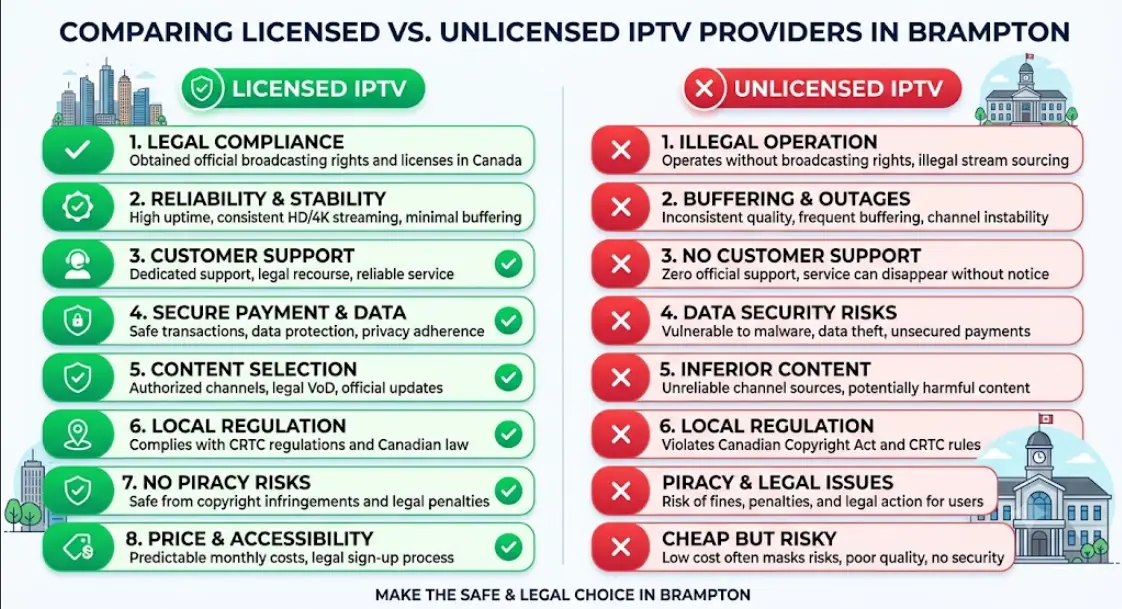
A licensed service pays broadcasters and rights holders for the channels it carries. An unlicensed service simply takes the feeds and resells them. Canadian courts treat that second group seriously. In November 2019, the Federal Court ordered several major ISPs to block a service called GoldTV. It was the first nationwide blocking order in Canada. The Federal Court of Appeal upheld it in 2021. In 2022, the Federal Court went further and granted a "dynamic" order covering live sports streams.
What does that mean for you? Your risk is mostly practical, not criminal. Enforcement in Canada has targeted the operators and their infrastructure, not individual viewers. Still, if your provider gets blocked, your subscription stops working. You paid a year up front, and there is no refund desk to call.
Rule of thumb: if a package includes every premium sports channel, every movie network, and every pay-per-view event for one low monthly fee, nobody paid for those rights.
For background, you can read the CBC's report on the first blocking order or the text of the Copyright Act itself. This article is general information, not legal advice.
What to Look for in an IPTV Brampton Provider
Most comparison pages rank services by channel count. That number tells you nothing. A serious provider is easy to identify once you know the signals. Here is what to check before you enter a card number.
Green flags of a legitimate service
- A named business with a real Canadian address or clear corporate ownership.
- Published terms of service and a refund policy you can actually read.
- Normal payment methods — credit card or a recognised processor.
- A channel list that looks realistic, not infinite.
- Support you can reach by email or phone, not only by WhatsApp.
- Clear pricing with no pressure to buy a "lifetime" plan today.
Red flags that should stop you
- Payment only by e-transfer, gift card or cryptocurrency.
- A "lifetime subscription" for a one-time fee. No rights holder licenses content forever.
- Every premium sports and movie channel bundled at a rock-bottom price.
- No company name anywhere on the site.
- Instructions telling you to hide your traffic from your ISP.
- Reseller offers pushed at you before you have even tried the service.
That last point deserves attention. If a provider wants you selling subscriptions within minutes of signing up, you are looking at a pyramid of resellers, not a broadcaster. Additionally, resellers disappear fast. Your login dies with them.
Internet Speed and Wi-Fi: What Brampton Homes Actually Need
This is where most complaints begin. People blame the service when the real culprit sits in the basement. Live TV is unforgiving. Unlike Netflix, it cannot buffer ahead for thirty seconds. Any dip in your connection shows up on screen immediately.
Use this as a planning guide, per simultaneous stream:
| Quality | Comfortable speed per stream | Good for |
|---|---|---|
| SD (480p) | 3–5 Mbps | News, kids' channels, a tablet |
| HD (720p–1080p) | 10–15 Mbps | Most live TV and sports |
| 4K / UHD | 25 Mbps or more | Big-screen sports and films |
Now multiply. Two TVs in HD plus someone gaming needs real headroom. A 100 Mbps plan handles a typical Brampton household comfortably. Meanwhile, older 25 or 50 Mbps plans struggle once three devices compete.
Wired beats wireless, every time
Run an Ethernet cable to your main TV if you can. It is the single biggest upgrade most people can make. Wi-Fi in Brampton's townhouses and semis fights through drywall, ductwork and dozens of neighbouring networks. As a result, speeds swing wildly at peak hours. If a cable is impossible, use the 5 GHz band and move the router out of the basement corner. A powerline adapter or a mesh node is a reasonable second choice.
Which Devices Work Best for Live TV Streaming
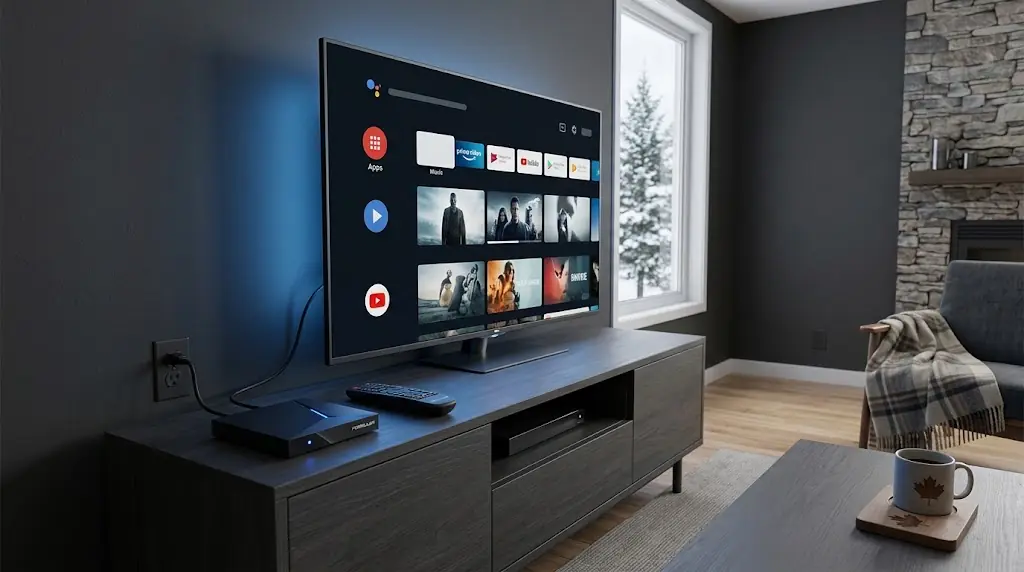
Almost any modern device can handle IPTV. Some handle it far better than others. Here is the honest ranking based on how these devices behave in real homes.
- Android TV / Google TV boxes: the most flexible option. App choice is wide and Ethernet ports are common.
- Amazon Fire TV Stick 4K: cheap and popular. However, storage is tight and Wi-Fi only on most models.
- Samsung and LG Smart TVs: convenient, since nothing extra plugs in. App availability varies by model year.
- Apple TV 4K: excellent performance and a strong picture. Fewer IPTV apps, though, and a higher price.
- Phones, tablets and laptops: fine for testing a service quickly.
One warning about older Smart TVs. A 2017 model may run the app, but slowly. Channel changes drag and the guide stutters. For example, a $60 streaming stick often outperforms the TV's own software by a wide margin. If your setup feels sluggish, add a box before you blame the provider.
How to Set Up an IPTV Service on Your Smart TV
- Confirm your internet first. Run a speed test on the TV itself, not on your phone. Compare the result against the table above.
- Sign up and request a short trial. Most reputable providers offer one. Use it before committing to any long plan.
- Install the app your provider recommends. Download it from the official app store on your TV or box. Never sideload a random file from a link in a chat message.
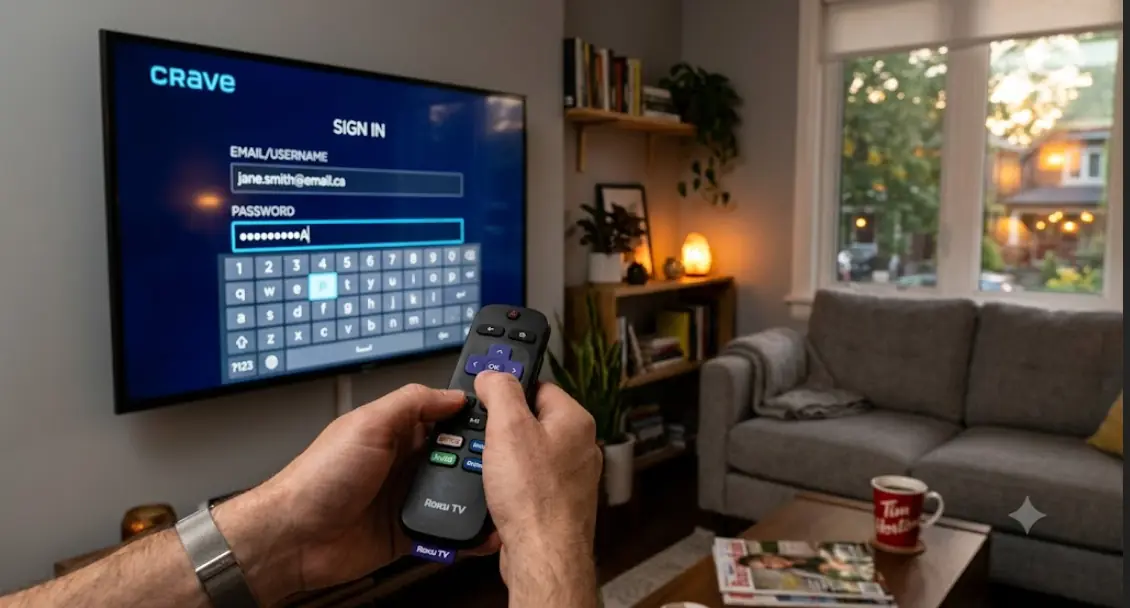
- Enter your login details. Providers usually supply either a username and password with a server address, or a single playlist link.
- Let the channel guide load fully. The first sync can take several minutes. Do not panic if the list looks empty at first.
- Test the busy hours. Watch a live sports channel between 7 and 10 p.m. That window exposes weak servers immediately.
- Only then pay for a longer term. If anything failed during the trial, it will fail again in February.
Some apps ask for a playlist URL instead of a login screen. The two common formats look like this:
M3U playlist:
http://your-provider-domain.com:PORT/get.php?username=USERNAME&password=PASSWORD&type=m3u_plus&output=ts

Xtream Codes login:
Server URL: http://your-provider-domain.com:PORT
Username:   USERNAME
Password:   PASSWORD
Your provider supplies those exact values. Treat them like a password, because that is effectively what they are. Sharing them usually breaks the terms of service and can get your account cut off.
Fixing Buffering, Freezing and Audio Drift
Buffering has a handful of causes. Work through them in order, because the cheap fixes solve most cases.
Try these first
- Restart the streaming device, then the router. Do it in that order.
- Switch that TV to a wired connection for one evening as a test.
- Lower the stream from 4K to HD and watch whether the problem disappears.
- Pause any large downloads or cloud backups running in the house.
- Clear the app's cache, then reload the channel guide.
When the problem is not your setup
Some patterns point straight at the provider. For example, if only one channel stutters while the rest are perfect, that is a server-side issue. The same goes for freezing that appears only during major games. Audio drifting out of sync after twenty minutes is another classic sign of an overloaded server.
Contact support and describe the pattern precisely. A good provider will move you to another server. On the other hand, a service that blames your internet without asking a single question is telling you something useful about itself.
IPTV vs Cable in Brampton: An Honest Comparison
IPTV is not automatically better. It is different, and it suits some households far more than others.
| Factor | IPTV | Traditional cable |
|---|---|---|
| Contract | Usually monthly, easy to leave | Often one to two years |
| Equipment | Device you already own, in most cases | Rented box, sometimes per TV |
| Reliability | Depends entirely on your internet | Very consistent |
| International channels | Usually a strong point | Limited add-on packs |
| Local Canadian stations | Varies by provider | Always included |
| Support | Varies enormously | Established, if slow |
Brampton is one of Canada's most multicultural cities. That shapes demand here. Many households want channels from South Asia, the Caribbean, the Middle East or Europe alongside Canadian networks. Cable add-on packs rarely cover that mix well. Consequently, internet-delivered TV is genuinely appealing for a lot of local families — provided the service is legitimate.
One practical note. If your household depends on CTV, Global or CBC, check that they are included before switching. An over-the-air antenna also pulls in Toronto-area stations free, and it pairs well with a streaming plan.
Before You Pay: A Short Sanity Check
Take five minutes and answer these questions. If any answer worries you, wait.
- Can I name the company behind this service?
- Did I test it during peak hours on my own TV?
- Is the payment method one I can dispute later?
- Does the price make sense for licensed content?
- Am I being pushed toward a long plan before I have tested anything?
Start monthly. Always. A year-long plan saves a little money and costs a great deal if the service disappears in week three. If you want device-by-device setup walkthroughs before you commit, streamiptv.ca keeps guides organised by platform.
Also called internet protocol television, internet TV or streaming TV, this technology is here to stay. The good providers in this space are the ones that behave like real businesses. Judge them on that, not on a channel count.
FAQ
Is iptv brampton service legal in Canada?
The technology is completely legal. Legality depends on whether your provider holds the broadcasting rights for the channels it sells. Licensed services are lawful, and unlicensed ones have been the subject of Federal Court blocking orders in Canada.
How much should an IPTV subscription in Brampton cost?
There is no single fair price, and it changes constantly. Use logic instead of a number. Licensed sports and movie networks cost real money to carry, so a package with everything for a few dollars a month cannot be paying for those rights.
Do I need a VPN to watch IPTV in Canada?
Not for a licensed service. If a provider insists you need one to reach its servers, treat that as a warning sign. A VPN can also slow your connection and cause buffering on live streams.
Can I use IPTV on a regular TV that is not smart?
Yes. Plug in a streaming device such as a Fire TV Stick, an Android TV box or an Apple TV. Any TV with an HDMI port works fine. The TV itself only needs to display the picture.
Why does my stream freeze during hockey games but work fine otherwise?
That points to server load, not your internet. Thousands of viewers hit the same channel at once. A provider with enough capacity handles it, and one without capacity does not.
What internet speed do I need for 4K IPTV streaming?
Budget at least 25 Mbps for each 4K stream, with room to spare. Remember that other devices share that connection. A 100 Mbps plan is a sensible floor for a household running two TVs.
Does IPTV work with Rogers or Bell internet in Brampton?
Yes, any home internet plan carries it. Your ISP simply delivers the data. Note that Canadian ISPs must comply with court-ordered blocks against specific unlicensed services.
Can I watch international channels through a legal IPTV provider?
Absolutely. Many licensed distributors specialise in international programming and hold proper carriage agreements. Ask which specific packages are included, and check that the channels you want are named.
What is an M3U link and do I need one?
An M3U is a playlist file that tells an app where the channels live. Some providers use it, while others use a login and server address instead. Either method is normal, and your provider tells you which one applies.
Is a free IPTV trial in Canada safe to try?
A short trial from an established provider is a reasonable way to test performance. Avoid trials that ask you to install an app file from outside an official app store. Also avoid any trial that demands full payment details up front.
Can I record live TV or rewind a channel?
Many services offer catch-up or a cloud recording feature. Availability depends on the provider and the specific channel. Ask directly, because it is often limited to a subset of channels.
How many TVs can I watch at once?
That depends on your plan's connection limit and your internet speed. Most providers sell one or two simultaneous streams by default. Extra streams usually cost more, so check before assuming.
What happens if my IPTV provider suddenly shuts down?
You lose access, and refunds are rare with prepaid annual plans. This is the strongest practical argument for paying monthly. It also explains why an established, transparent company is worth slightly more per month.
Is IPTV cheaper than cable for a Brampton household?
Often, yes, especially once you drop rented equipment fees. Factor in your internet plan, though. If you need to upgrade your speed to make it work, the savings shrink.


Comments (0)
Leave a comment