
Tip: Ethernet on TV boxes gives best stability.
StreamIPTV · Standard Plan · 12 Months
Standard IPTV — 12 Months (Blue Pack)
One full year of stable viewing. Best Standard value for comfort and simplicity.
Yearly IPTV subscription focused on stability, big catalog, and simple setup.
SKU: iptv_standard_12m
Highlights
About this item
- Year plan comfort: no frequent renewals, stable everyday experience.
- Huge Live TV + big VOD catalog for entertainment all year.
- Optimized streaming with tuned stability (device + network quality matters).
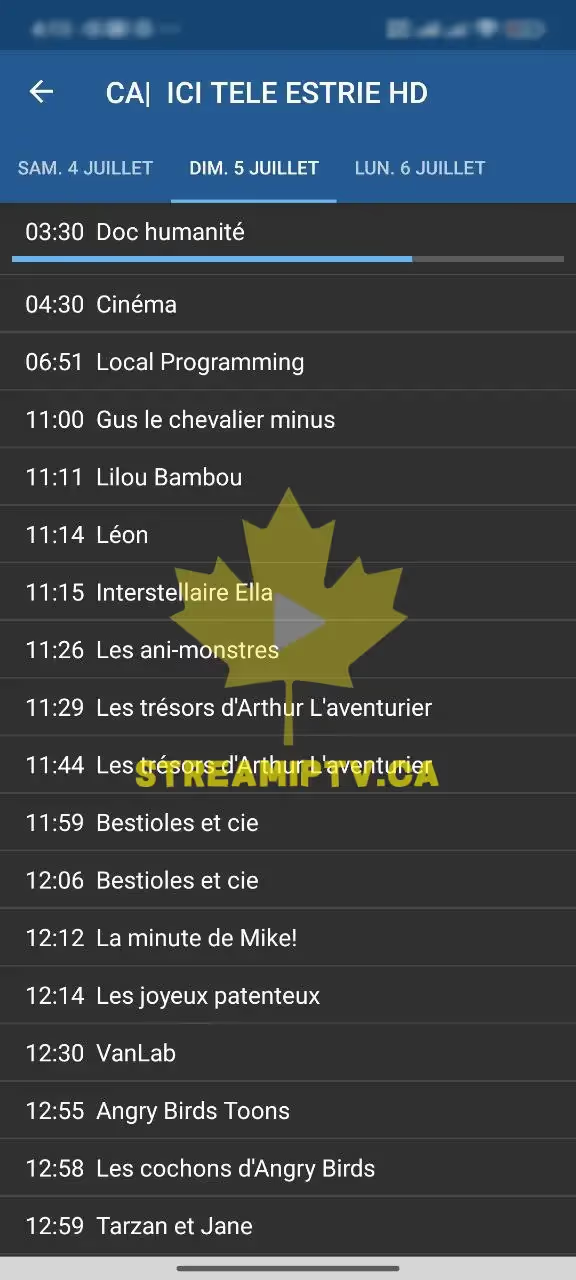
- EPG where available + app guidance for best experience.
- Perfect for households: choose 1–5 connections to match simultaneous streams.
Description
The 12-month Standard plan is designed for users who want stability all year: large catalog, solid performance, and a smooth setup experience.
If you want maximum convenience on a Standard plan, 12 months is the best choice. One checkout and you’re covered for a full year. It’s the best plan for families, shared homes, and people who watch regularly and want reliability more than anything.
Compatible Devices
- › Android TV / Android Box / Firestick
- › Smart TV via compatible IPTV apps
- › Mobile (iOS/Android) via IPTV apps
- › PC via IPTV players
Not sure yet? Try it free for 24 hours →
Product FAQ
More FAQs →What's Included
- Access for 12 months
- Setup steps
- Support for installation
Delivery: Fast delivery after checkout + setup guidance.
Why Buy From Us
- ● Best Standard value for long-term users
- ● Ideal for families and shared homes
- ● Less renewal stress, more watching
Best for
See It On Your Devices
Real screenshots from the StreamIPTV service — on TV, browser, and phone.
Live TV
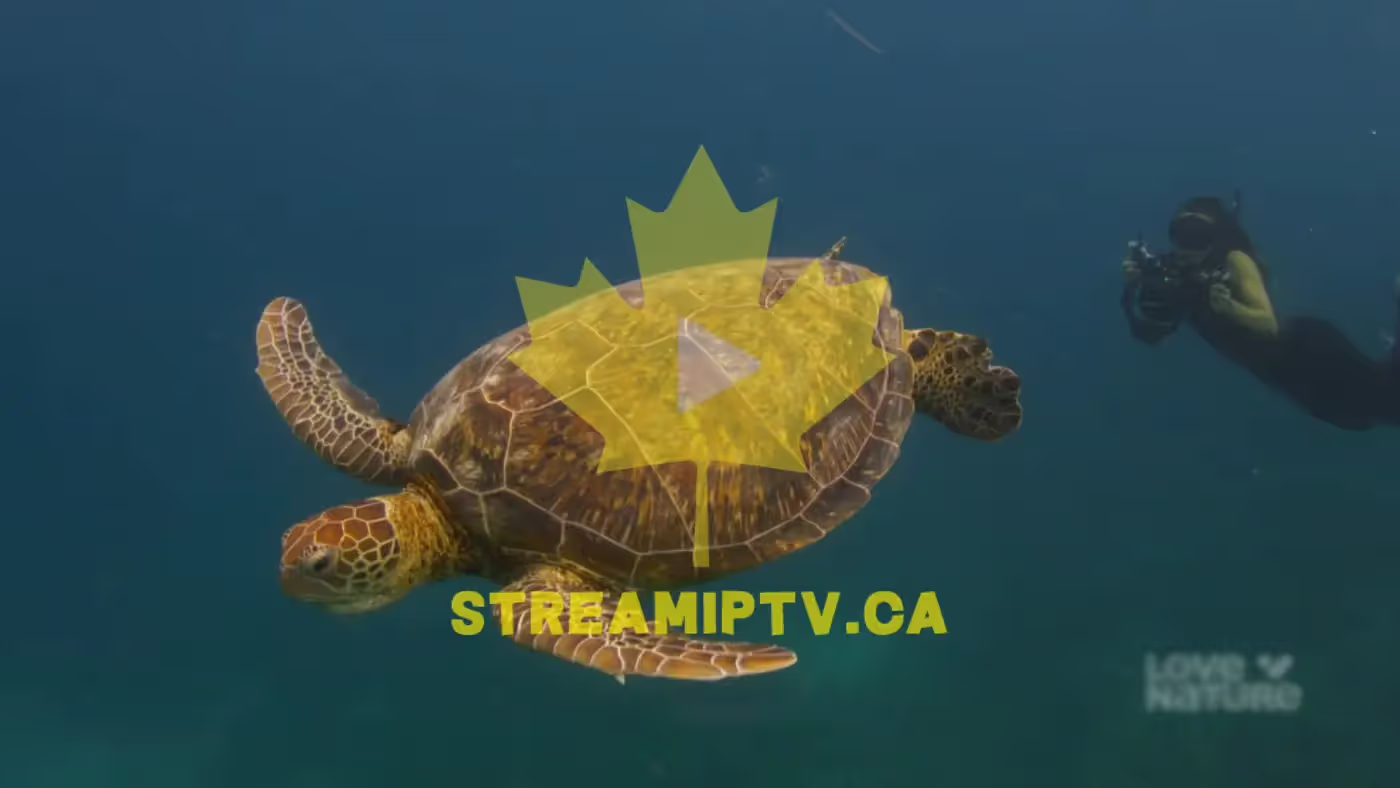
Sports on TV

In Your Browser

EPG / Guide
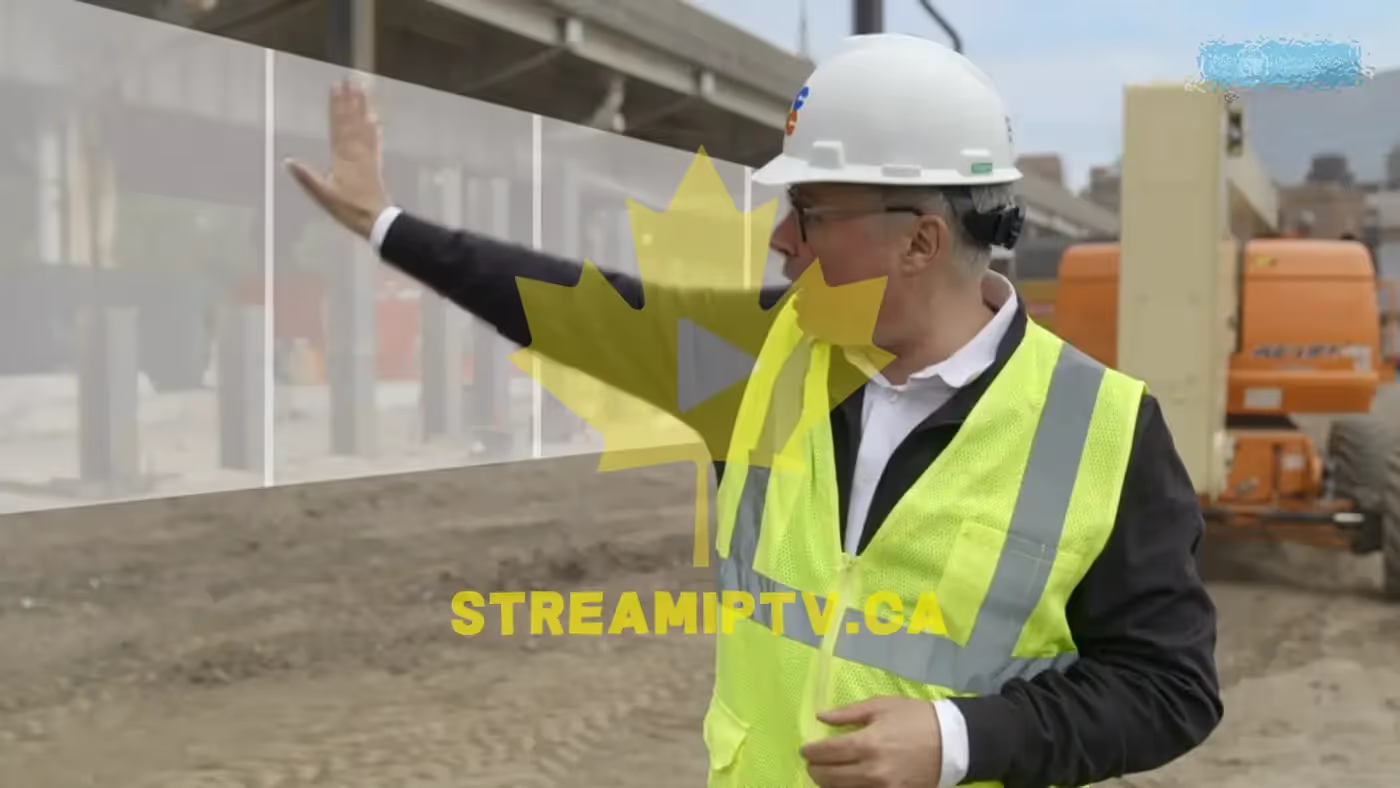
VOD in Browser
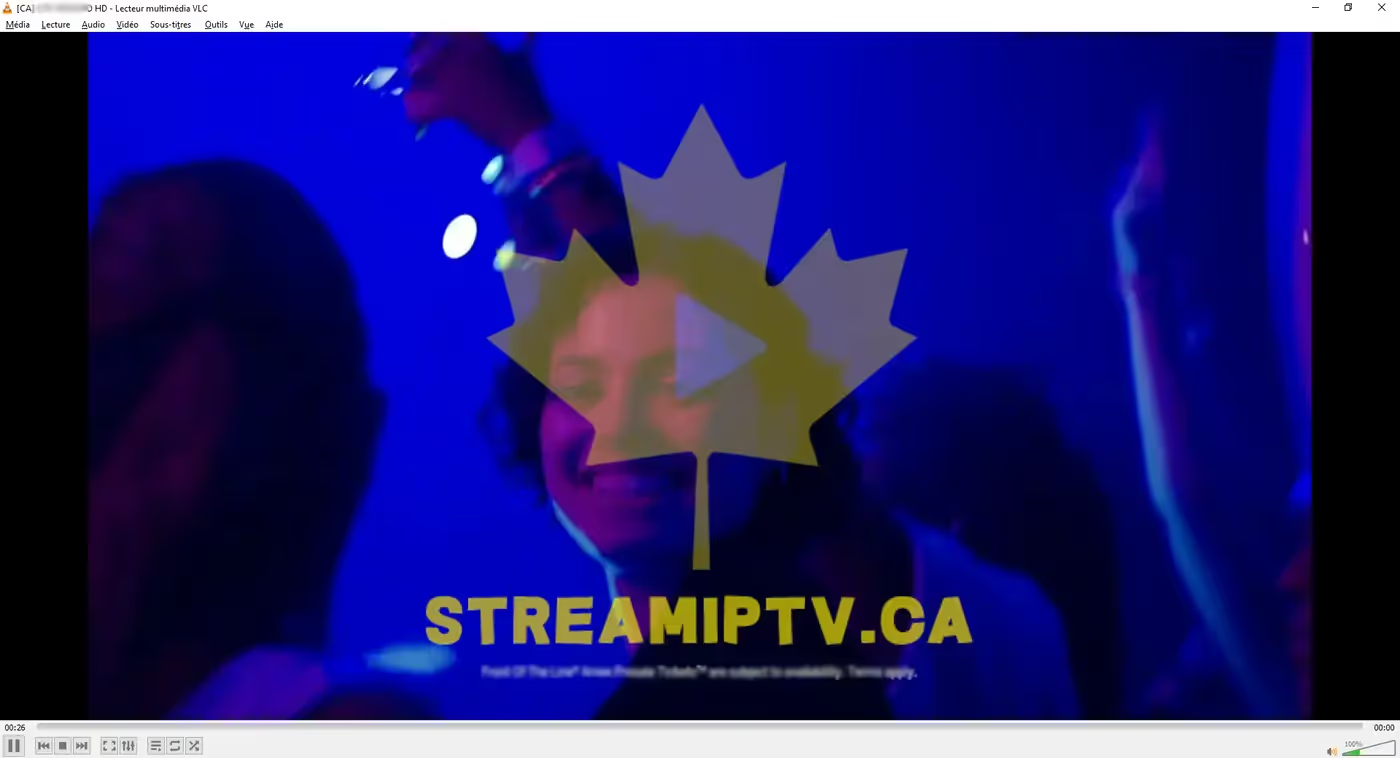
On Your Phone

Proof from Real Clients — WhatsApp
Conversations with clients who received their service. Click any screenshot to view full size.
Buying Guide: Standard IPTV — 12 Months (Blue Pack)
Twelve months is where the Standard plan turns into a "set it and forget it" subscription: one checkout, one full year of the Blue Pack catalog (15,000+ channels, 60,000+ VOD), and no renewal reminders until next year. It's priced for people who've already used IPTV — or already used a shorter StreamIPTV plan — and know they want to keep it running without thinking about it monthly.
It's a strong fit for families and shared homes in particular, since the yearly commitment amortizes well across multiple connections, and support is included for the initial setup on whichever devices your household uses (Smart TV, Android box, Firestick, phone, or PC). The comfort trade-off is straightforward: you're committing to a year, but the per-month rate is meaningfully better than 3 or 6 months, and you skip the renewal admin twice or four times over.
If a full year still feels like a big first step, start with the 3 or 6-Month plan and upgrade later — the catalog and setup stay identical, only the price-per-month and renewal frequency change.
How Setup Works
- 1 Install a compatible IPTV app on your device (we point you to one during checkout).
- 2 Checkout with this plan → your M3U/Xtream credentials arrive by email within minutes.
- 3 Enter your credentials in the app → your channels and VOD load automatically.
- 4 Pick your connection count based on how many screens you’ll run at the same time — you can add more later from your account.