
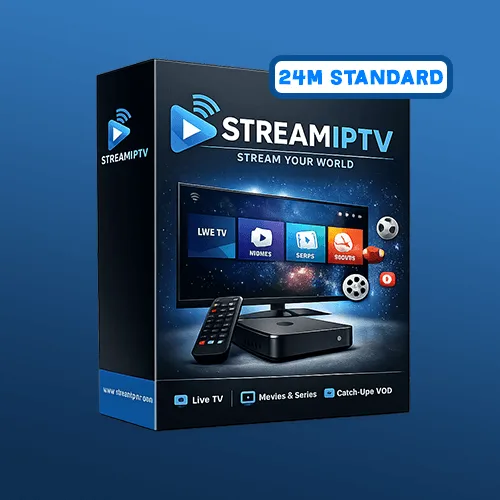
Tip: Ethernet on TV boxes gives best stability.
StreamIPTV · Standard Plan · 48 Months
Standard IPTV — 48 Months (Blue Pack)
Maximum savings: four full years locked in at the lowest monthly rate.
Four-year IPTV subscription at the lowest monthly rate — maximum Standard savings.
SKU: iptv_standard_48m
Highlights
About this item
- Lowest price per month of any Standard plan — locked in for 4 years.
- 15,000+ live channels including Canadian, US, sports and French.
- VOD library — movies & series included.
- All devices: Smart TV, Firestick, Android, iOS, PC.
- Setup help included.
Description
48 months Standard gives you the lowest monthly cost of any plan and eliminates renewal decisions for four full years.
Lock in the best Standard rate for four years. Same 15,000+ live channels, VOD library, multi-connection support — just at the lowest possible monthly price.
Compatible Devices
- › Android TV / Android Box / Firestick
- › Smart TV via compatible IPTV apps
- › Mobile (iOS/Android)
- › PC via IPTV players
Not sure yet? Try it free for 24 hours →
Product FAQ
More FAQs →What's Included
- Access for 48 months
- Setup steps
- WhatsApp support
Delivery: Fast delivery after checkout + setup guidance.
Why Buy From Us
- ● Absolute lowest monthly rate on Standard
- ● Four years without renewals
- ● Perfect for permanent home setups
Best for
See It On Your Devices
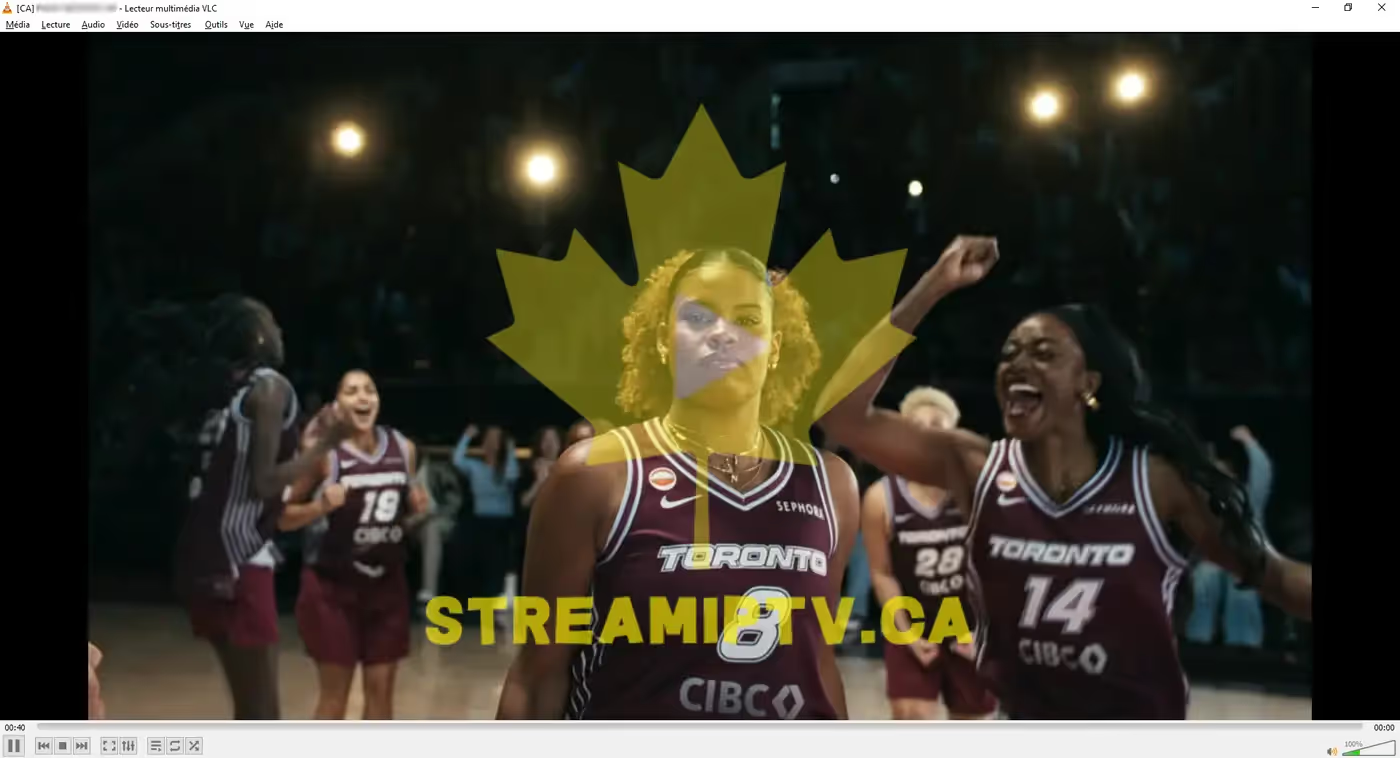
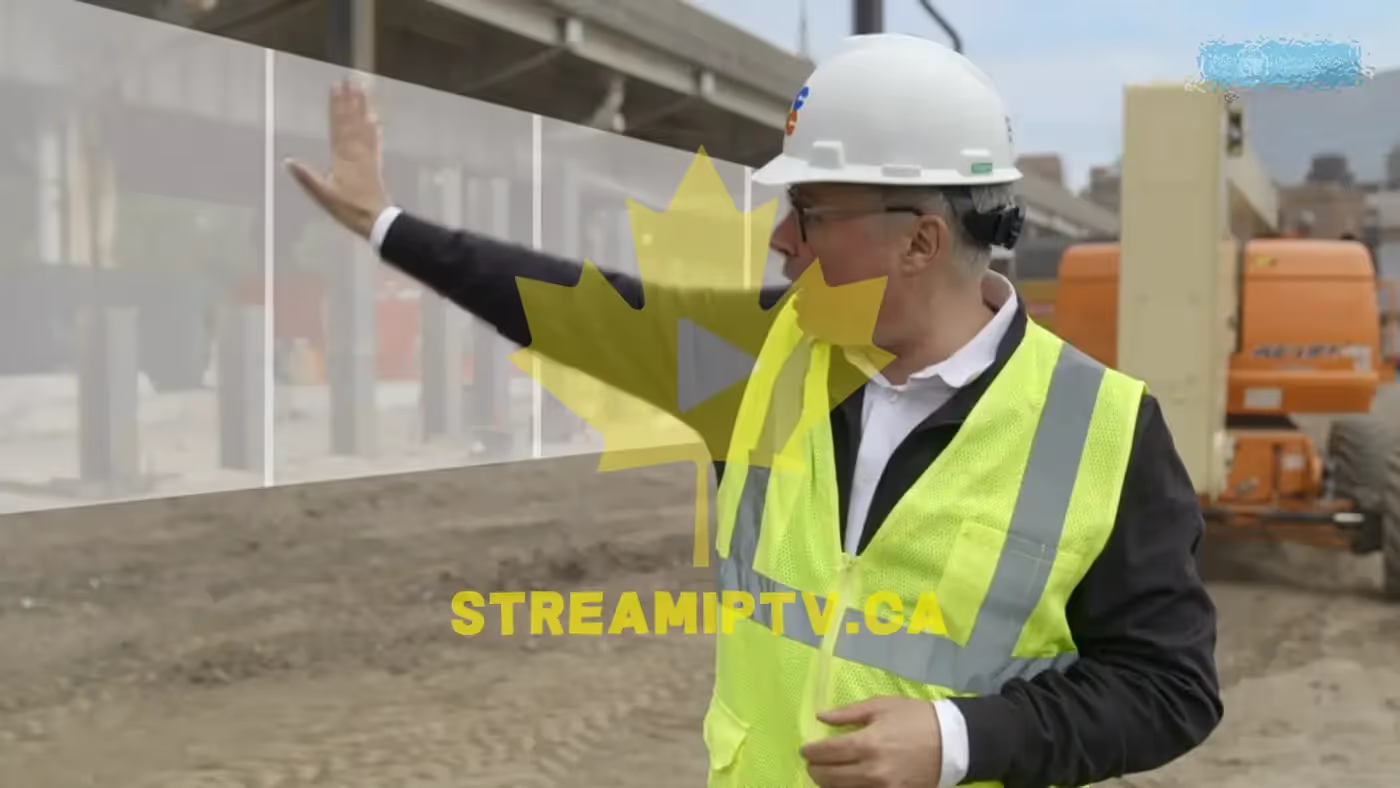
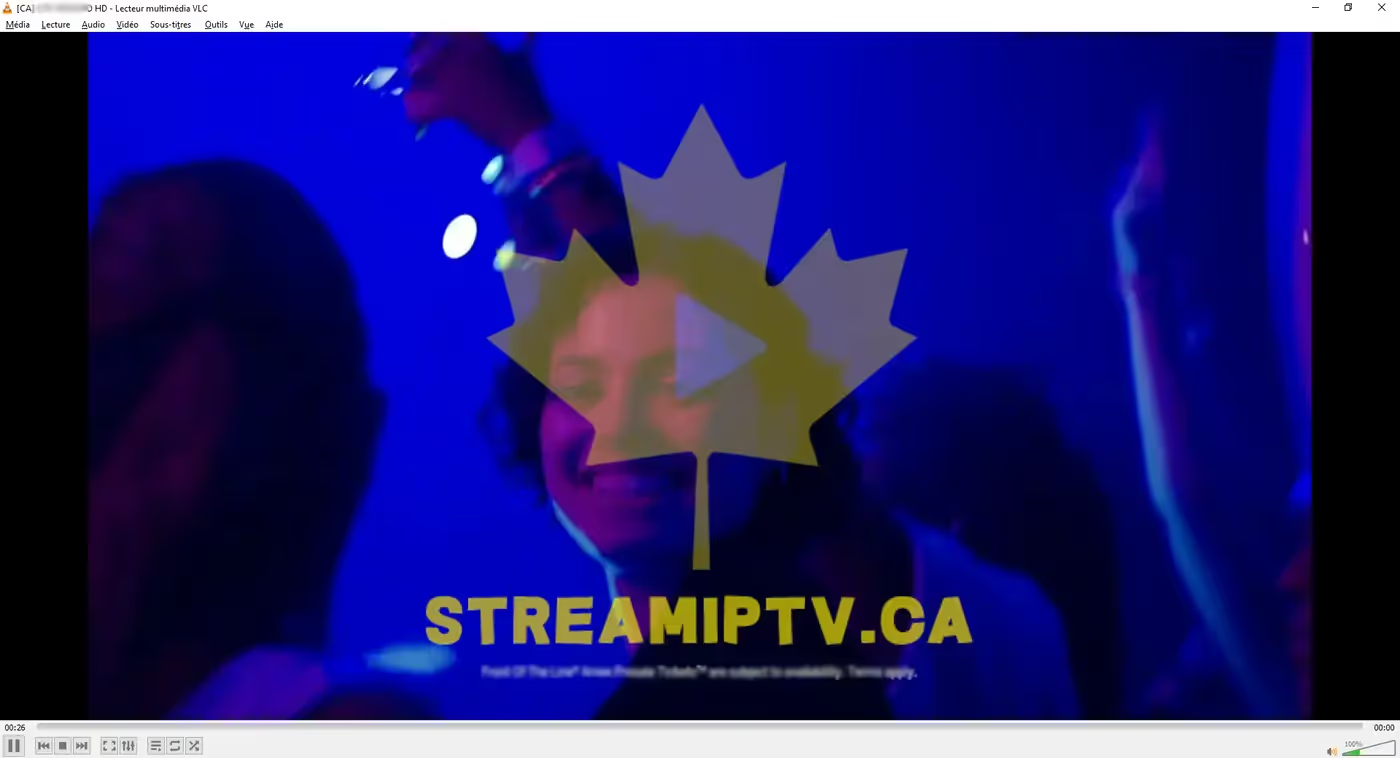
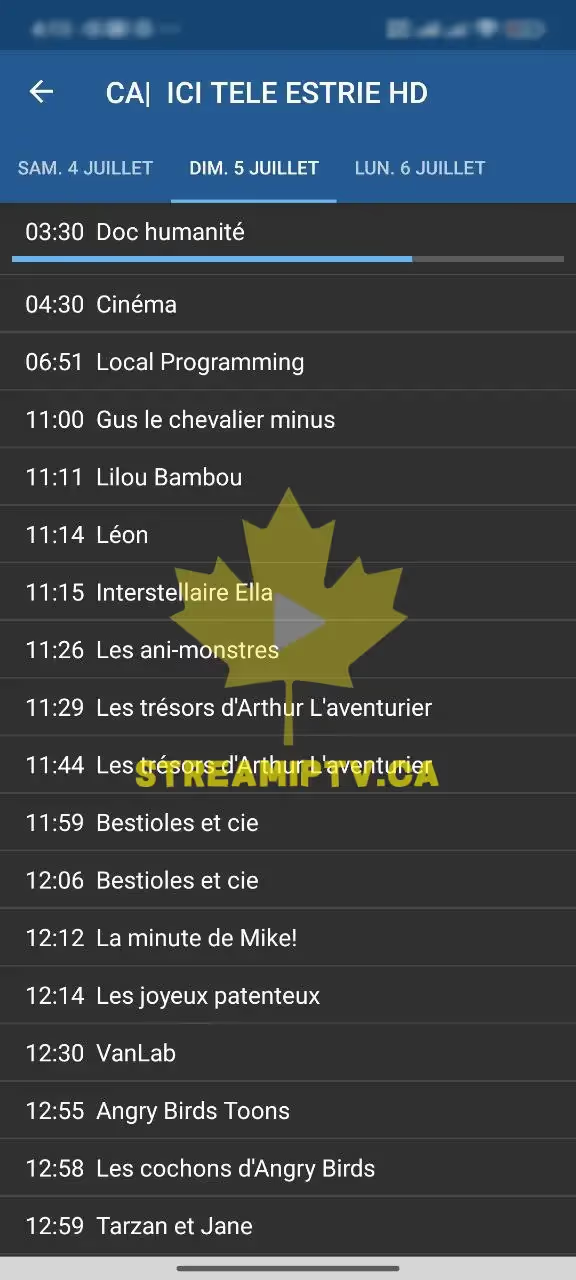
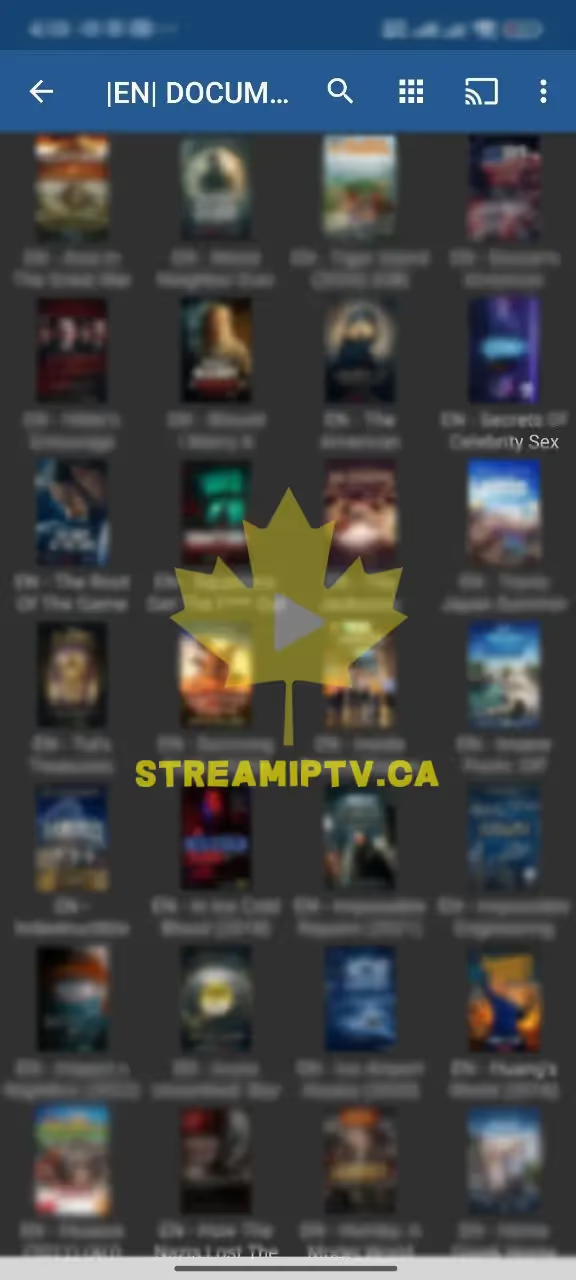
Real screenshots from the StreamIPTV service — on TV, browser, and phone.
Live TV
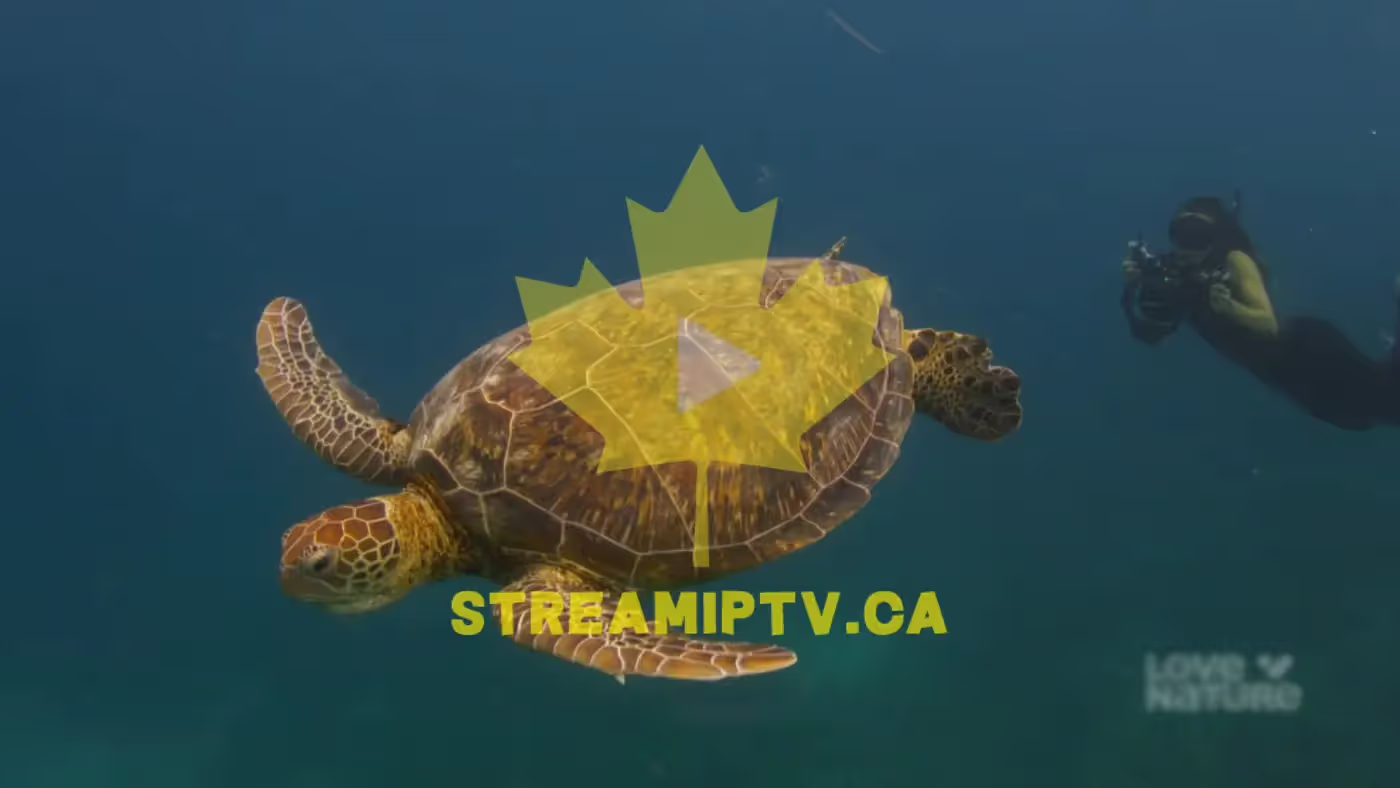
Sports on TV
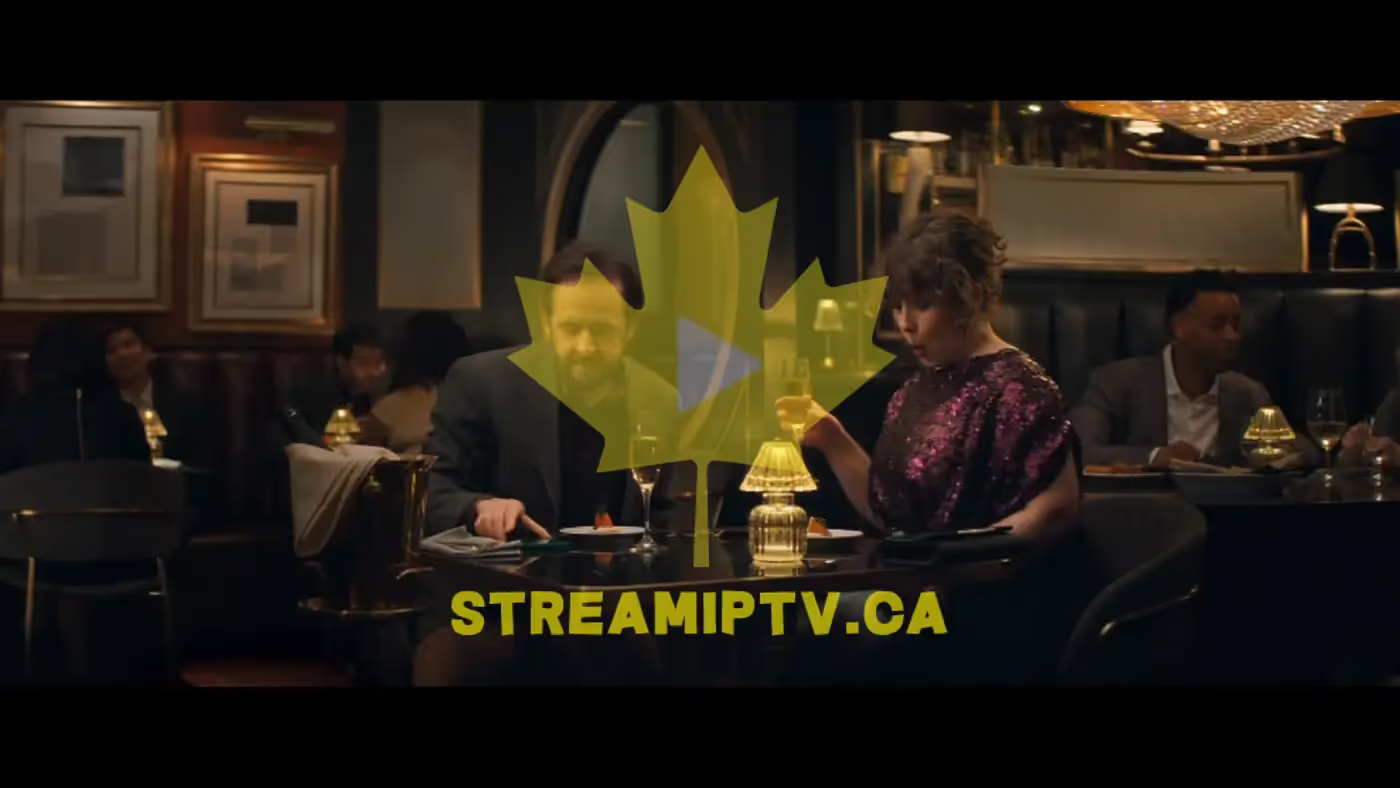
In Your Browser
EPG / Guide
VOD in Browser
On Your Phone

Proof from Real Clients — WhatsApp
Conversations with clients who received their service. Click any screenshot to view full size.
Buying Guide: Standard IPTV — 48 Months (Blue Pack)
Four years, one checkout: the 48-Month Standard plan exists purely to hit the lowest possible monthly cost for households that are certain they'll be using StreamIPTV long-term. You get the identical Blue Pack catalog as every other Standard duration — 15,000+ channels, 60,000+ VOD — with the same setup steps and the same per-connection pricing, just spread over the longest commitment we offer.
It makes the most sense for a permanent home setup where the device and connection count are already known and unlikely to change for years: a family TV, a shared household login, or a long-term rental/property where IPTV replaces cable outright. Because this is our biggest commitment tier, it's not the plan to start with if you're still evaluating your device or app — the 3-Month plan covers that job at a much lower up-front cost, and you can always move to 12, 24, or 48 months later once you know IPTV (and StreamIPTV specifically) is a fit for your household.
Every Standard duration shares the same channel lineup and support — 48 months simply locks in the best price per month for people who already know they're staying.
How Setup Works
- 1 Install a compatible IPTV app on your device (we point you to one during checkout).
- 2 Checkout with this plan → your M3U/Xtream credentials arrive by email within minutes.
- 3 Enter your credentials in the app → your channels and VOD load automatically.
- 4 Pick your connection count based on how many screens you’ll run at the same time — you can add more later from your account.