
Tip: Ethernet on TV boxes gives best stability.
StreamIPTV · Standard Plan · 6 Months
Standard IPTV — 6 Months (Blue Pack)
The sweet spot: fewer renewals, better value, same stable streaming experience.
Popular 6-month IPTV plan with stable streaming, big catalog and simple setup.
SKU: iptv_standard_6m
Highlights
About this item
- Most popular duration: less renewals, more peace of mind.
- Stable streaming experience optimized for daily watching.
- Big Live TV lineup + strong VOD library for movies/series.
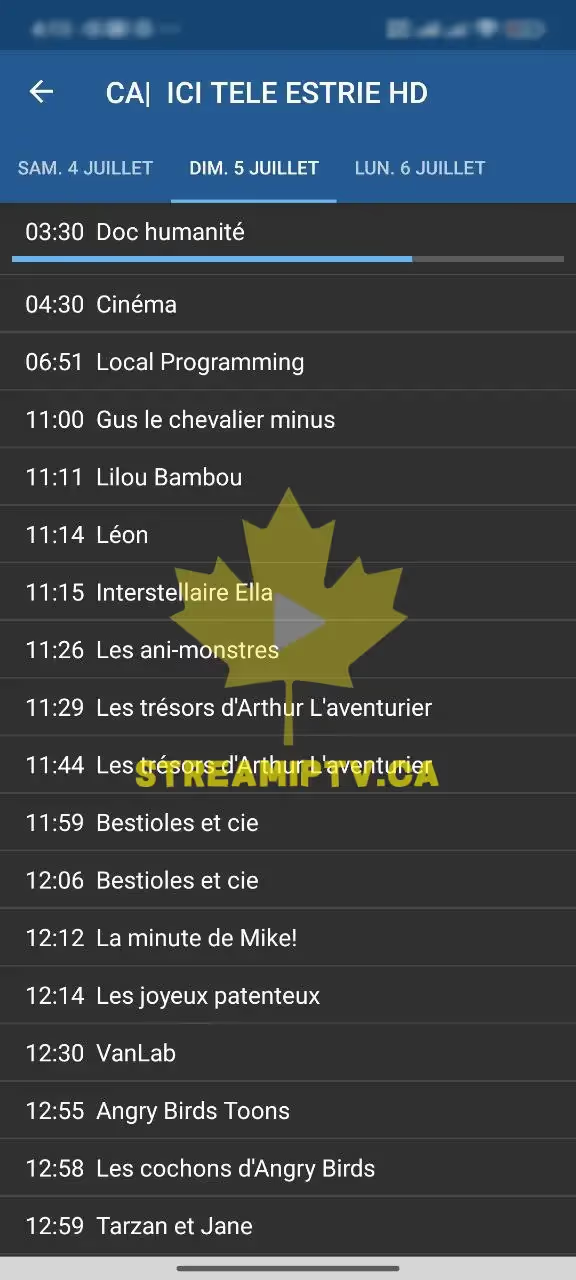
- EPG support where available + categories for faster browsing.
- Support + setup help included to get you watching quickly.
Description
6 months is the go-to Standard plan for most users: better value than short plans and comfortable enough to enjoy long-term without frequent renewals.
If you already know you’ll use IPTV regularly, 6 months is the smartest choice. It reduces renewal hassle while keeping an excellent price-to-performance balance. The Blue Pack stays focused on stability and simplicity—exactly what most homes need.
Compatible Devices
- › Android TV / Android Box / Firestick
- › Smart TV via compatible IPTV apps
- › Mobile (iOS/Android) via IPTV apps
- › PC via IPTV players
Not sure yet? Try it free for 24 hours →
Product FAQ
More FAQs →What's Included
- Access for 6 months
- Setup steps
- Support for installation
Delivery: Fast delivery after checkout with setup guidance.
Why Buy From Us
- ● The best Standard value-duration
- ● Perfect for daily users who hate monthly renewals
- ● Great for families (with multi-connection options)
Best for
See It On Your Devices
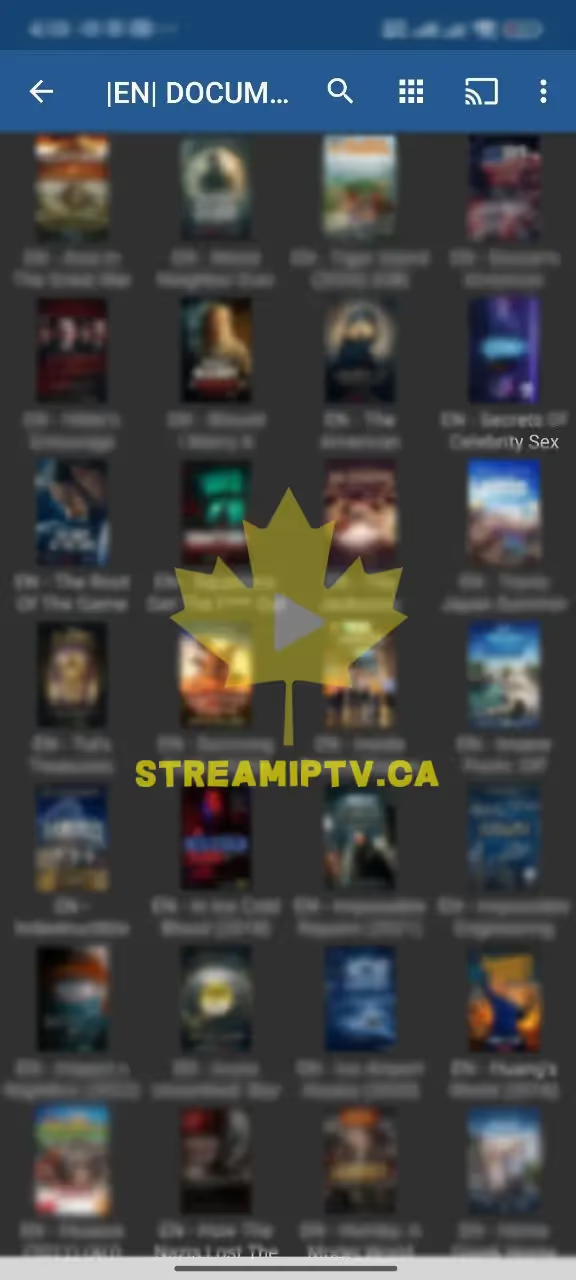
Real screenshots from the StreamIPTV service — on TV, browser, and phone.
Live TV
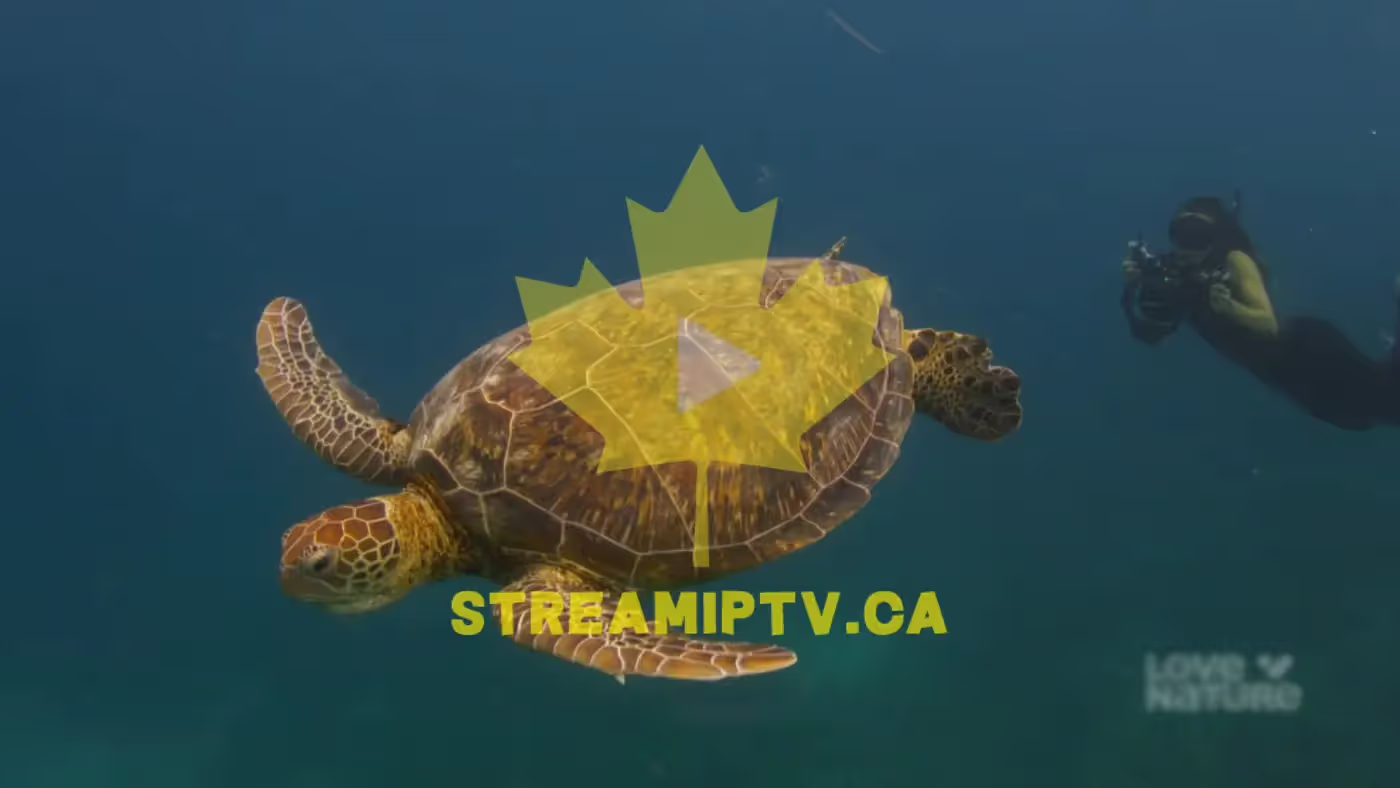
Sports on TV

In Your Browser

EPG / Guide
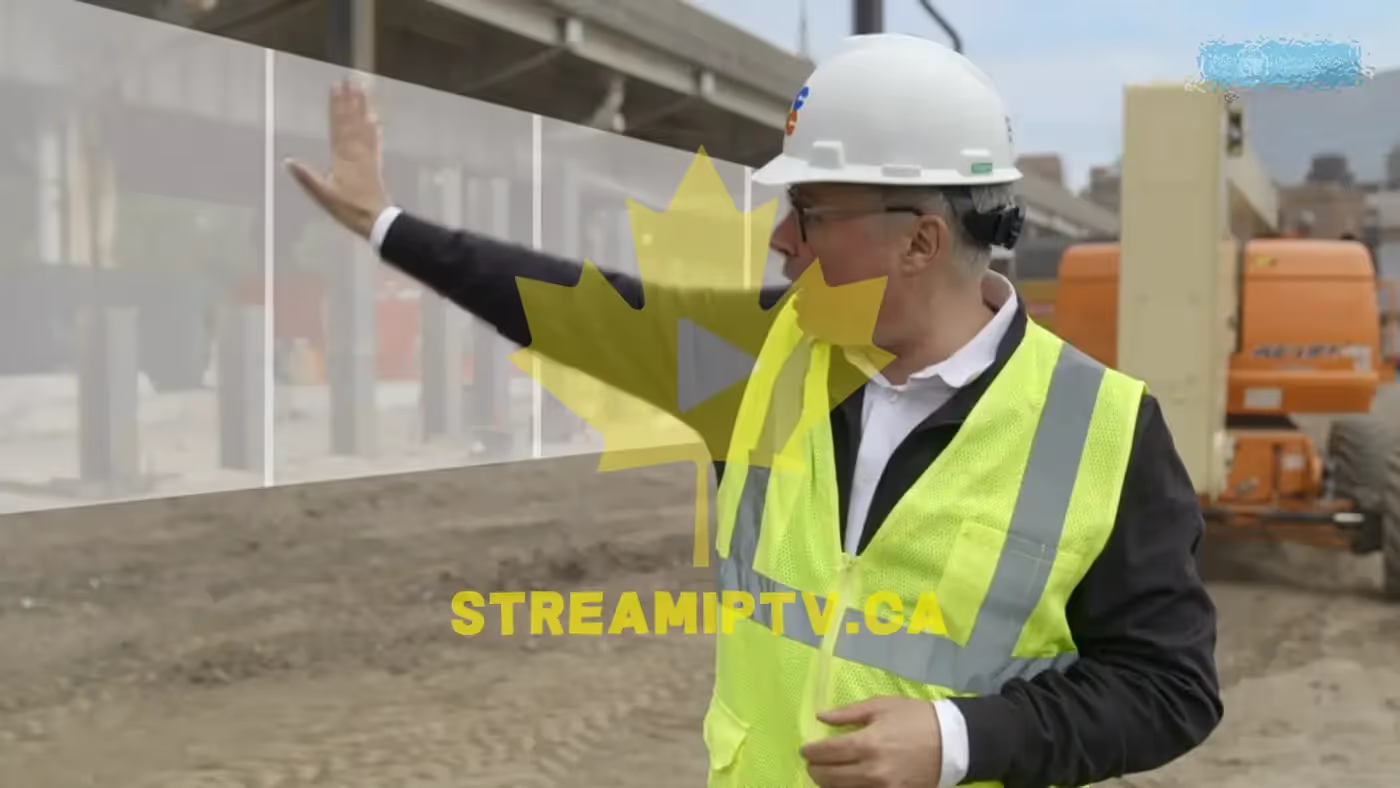
VOD in Browser

On Your Phone

Proof from Real Clients — WhatsApp
Conversations with clients who received their service. Click any screenshot to view full size.
Buying Guide: Standard IPTV — 6 Months (Blue Pack)
Six months is the most-chosen Standard duration, and for a simple reason: it's long enough to stop thinking about renewals for a while, and it drops the per-month cost noticeably compared to the 3-Month plan, without asking for a full year of commitment. You still get the complete Blue Pack lineup — 15,000+ live channels, 60,000+ VOD titles — tuned for stability under Anti-Freeze™, which matters most for households that watch daily rather than occasionally.
This duration suits families and shared homes well: pick your connection count based on how many people stream at once, and everyone gets the same catalog and setup regardless of device (Android TV, Firestick, Smart TV apps, phones, or PC players). Setup takes minutes — install a player, get your credentials at checkout, log in, watch.
If your household already knows it's in for the long haul, 12 or 24 months push the per-month price down further for the same Standard experience; if you want to test the waters first, the 3-Month plan above is the lower-commitment option.
How Setup Works
- 1 Install a compatible IPTV app
- 2 Checkout → receive credentials
- 3 Login → start streaming
- 4 Choose connections based on number of simultaneous streams