
Tip: Ethernet on TV boxes gives best stability.
StreamIPTV · Standard Plan · 24 Months
Standard IPTV — 24 Months (Blue Pack)
Long-term comfort + maximum Standard savings. Built for stability and simplicity.
Two-year IPTV subscription for maximum Standard savings and long-term comfort.
SKU: iptv_standard_24m
Highlights
About this item
- Longest Standard duration: maximum savings and minimal renewals.
- Stable experience built for everyday viewing and family use.
- Big catalog for Live TV + VOD (movies + series).
- Choose multi-connections to match household streaming needs.
- Setup help included so you start the right way.
Description
24 months Standard is the long-term plan for users who want maximum savings and a stable everyday experience.
If you want to lock in the best Standard savings and avoid renewals, this is the plan. Great for households that want a stable setup with optional multiple connections for multiple simultaneous streams.
Compatible Devices
- › Android TV / Android Box / Firestick
- › Smart TV via compatible IPTV apps
- › Mobile (iOS/Android) via IPTV apps
- › PC via IPTV players
Not sure yet? Try it free for 24 hours →
Product FAQ
More FAQs →What's Included
- Access for 24 months
- Setup steps
- Support for installation
Delivery: Fast delivery after checkout + setup guidance.
Why Buy From Us
- ● Best long-term savings on Standard
- ● Ideal for permanent home setups
- ● Less renewal time, more watching
Best for
See It On Your Devices
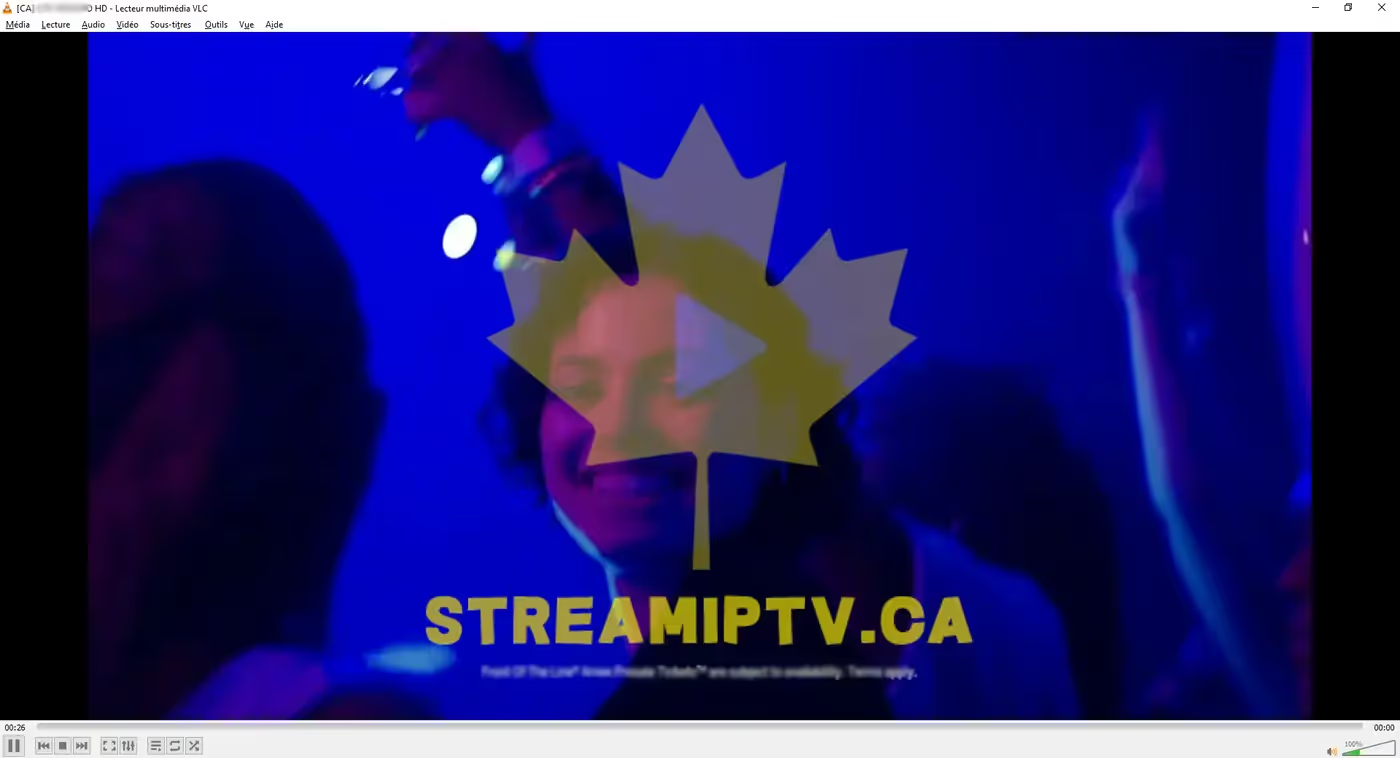
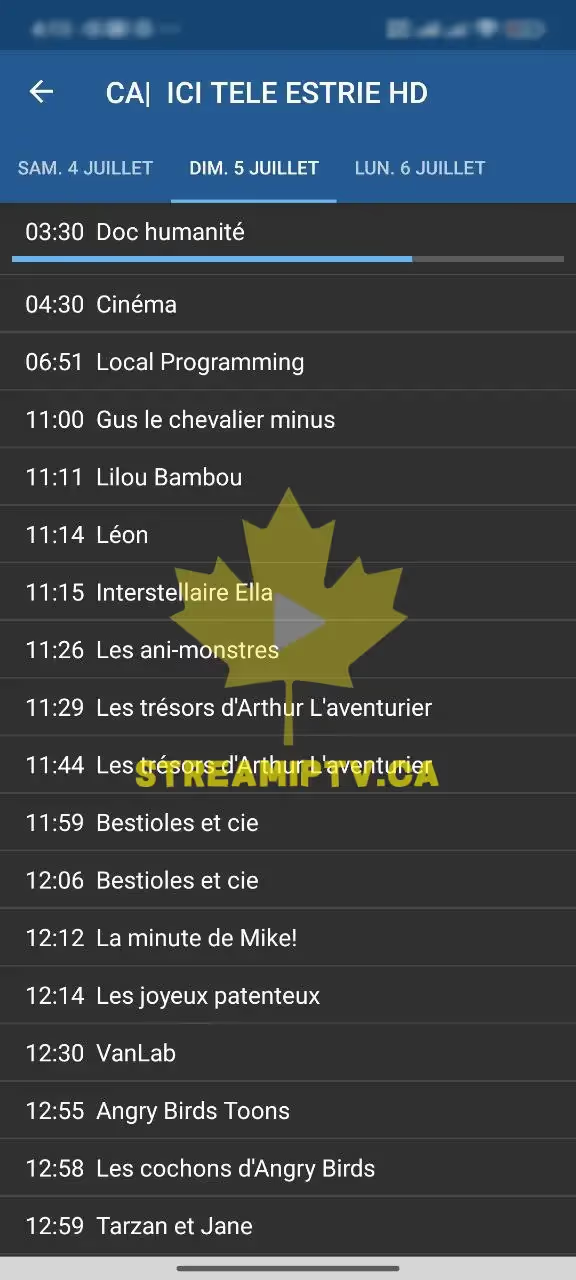
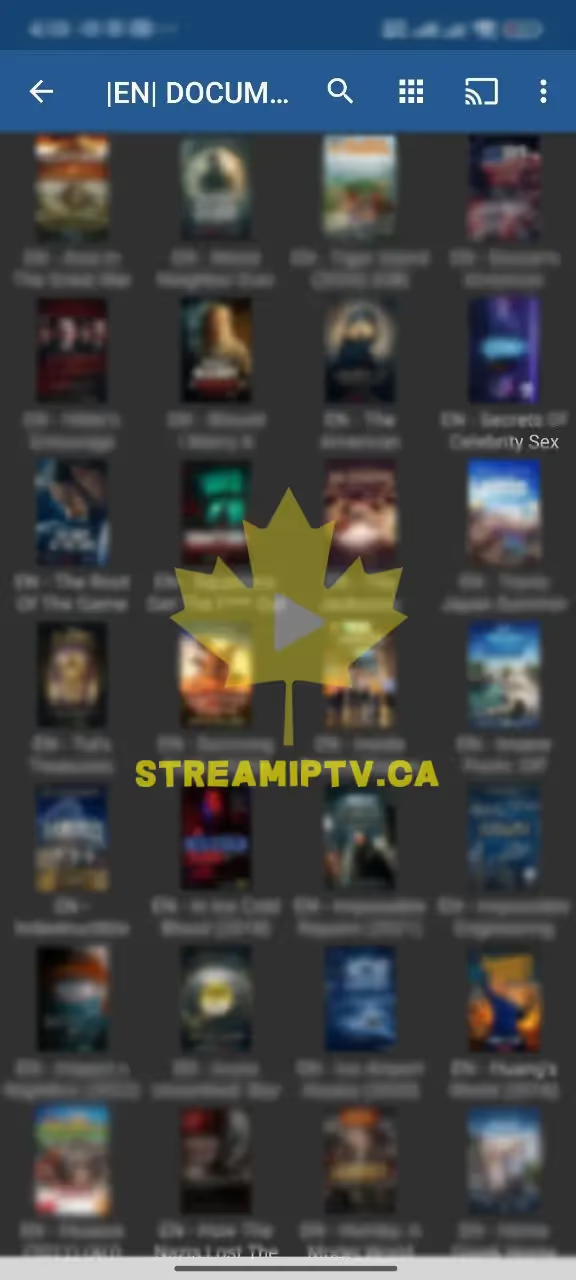
Real screenshots from the StreamIPTV service — on TV, browser, and phone.
Live TV
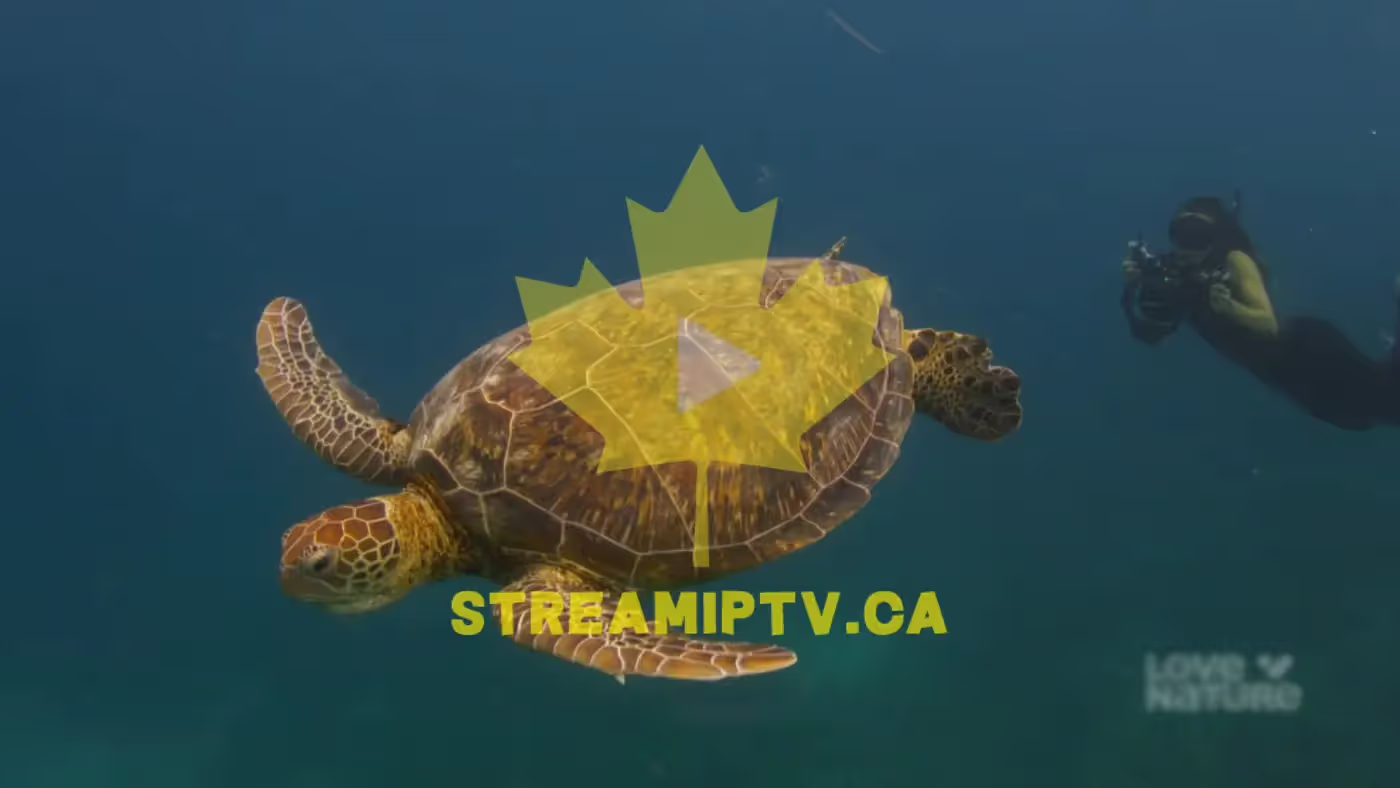
Sports on TV

In Your Browser

EPG / Guide

VOD in Browser
On Your Phone

Proof from Real Clients — WhatsApp
Conversations with clients who received their service. Click any screenshot to view full size.
Buying Guide: Standard IPTV — 24 Months (Blue Pack)
The 24-Month Standard plan is for households that have already decided IPTV is a permanent part of how they watch TV, and want the lowest realistic per-month rate without going to the full 48-month extreme. Two years is enough runway that most people only think about their subscription once every couple of years, while still keeping the same 15,000+ channel, 60,000+ VOD Blue Pack lineup and the same day-to-day stability as every other Standard duration.
This plan tends to suit long-term home setups best — a household TV, a family shared login, or a fixed device setup where the connections and devices aren't changing often. Because it's a bigger up-front commitment, we'd point anyone still unsure about their device, app, or usage pattern toward the 3-Month plan first; the catalog and setup process are identical across every Standard duration, so nothing about the experience changes once you're in — only the renewal frequency and the price you're locking in.
For the absolute lowest per-month cost on Standard, the 48-Month plan below goes one step further.
How Setup Works
- 1 Install a compatible IPTV app on your device (we point you to one during checkout).
- 2 Checkout with this plan → your M3U/Xtream credentials arrive by email within minutes.
- 3 Enter your credentials in the app → your channels and VOD load automatically.
- 4 Pick your connection count based on how many screens you’ll run at the same time — you can add more later from your account.