
 How to Buy Crypto (ShakePay)
IPTV in Brampton: What Actually Matters
Brampton sits in the Peel Region, one of the fastest-growing parts of the Greater Toronto Area, with a housing mix that ranges from detached homes in Mount Pleasant and Credit Valley to high-rise towers along Kennedy Road and Queen Street. That mix matters more than most guides admit: the setup that works cleanly in a detached home with a private fibre line is not always the setup that works in a condo tower sharing bandwidth with two hundred other units during Friday night hockey. This guide is written specifically for that range of situations, not a generic national one.
If you searched for IPTV Brampton because your current cable bill keeps climbing or a Facebook Marketplace reseller sold you a service that stopped working after two weeks, the rest of this page walks through what a legitimate, working setup actually looks like here: which internet providers in the area handle IPTV well, which devices make sense for a Brampton household, how to install a service correctly the first time, and what a real streaming provider Canada-wide should be transparent about before you pay for anything.
Internet Providers Serving Brampton and What They Mean for Streaming
Most Brampton addresses fall under Bell Fibe, Rogers Ignite, or one of the independent resellers that ride on that same infrastructure, such as TekSavvy or Distributel. A handful of newer developments near Mount Pleasant GO and the Bram West employment corridor have access to fuller fibre builds with higher realistic upload speeds, which matters more for IPTV than most people expect — a slow upload can cause more buffering during peak hours than a slow download does, because your router is also juggling other devices sending data out.
For most single-family homes in Brampton, a plan in the 150–300 Mbps range over Ethernet or 5GHz Wi-Fi is enough to run one or two simultaneous IPTV streams in HD/FHD without issue, so long as the router isn't shared with heavy background traffic like large cloud backups. Condo and apartment buildings are the exception worth planning around: shared building Wi-Fi or older in-suite routers can introduce congestion during 7–10 PM, which is exactly when most households are watching live TV. If that's your situation, a wired Ethernet connection from your router to your streaming device — even a short run behind a TV console — removes most of that variability.
Popular Brampton Neighborhoods and Streaming Performance
Streaming performance varies more by building type than by neighborhood, but a few local patterns are worth knowing. Mount Pleasant and Credit Valley are mostly newer detached and townhome builds with modern in-unit wiring, which tends to mean fewer Wi-Fi dead zones. Springdale and Sandalwood have a denser mix of townhomes and semis where routers are often placed in a basement or far corner, which can weaken the signal reaching a second-floor bedroom TV — a Wi-Fi extender or mesh node near the streaming device usually fixes that specific problem. The downtown core around Queen Street and Main Street, along with the high-rises near the Brampton GO and Mount Pleasant GO stations, is where shared-building congestion is most common, since dozens of units are pulling from the same backhaul during prime time.
None of this changes what the IPTV service itself delivers — the channel library, uptime, and support are identical regardless of postal code — but knowing which pattern applies to your building saves time troubleshooting a problem that's actually about Wi-Fi placement, not the subscription.
What You Get With an IPTV Service in Brampton
StreamIPTV's plans work identically whether you're in Brampton, Mississauga, or anywhere else in Canada — the service is not city-specific, which is the point. Depending on plan, subscribers get access to a channel library of 15,000 to 40,000+ live channels, a full video-on-demand library of movies and series, and 99.9% uptime backed by redundant Canadian-facing server infrastructure. Activation typically completes within 1 to 3 minutes of payment confirmation, and every plan carries a genuine 7-day money-back guarantee alongside a 24-hour free trial that requires no credit card.
Support is handled by real people — not a chatbot — through WhatsApp, email, and live chat, daily from 6 AM to 11 PM ET. That distinction matters more in a market where a lot of small Brampton-area resellers operate as one-person side businesses with no fixed support hours; if a stream goes down during a Raptors game, the difference between a published support window and radio silence is the entire value of the subscription.
Devices That Work Well for a Brampton Household
The right device depends on what's already in the living room. Amazon Fire TV Stick and Fire TV Cube are the most common starting point because they're inexpensive and widely available at retailers across Brampton's Bramalea City Centre and Trinity Common shopping areas. For households that already own a Samsung, LG, or Sony Smart TV, no extra hardware is needed — the app installs directly. Chromecast with Google TV, Apple TV, Roku, Nvidia Shield, and generic Android TV boxes all work as well, using standard third-party players such as IPTV Smarters Pro, TiviMate, GSE Smart IPTV, or XCIPTV Player.
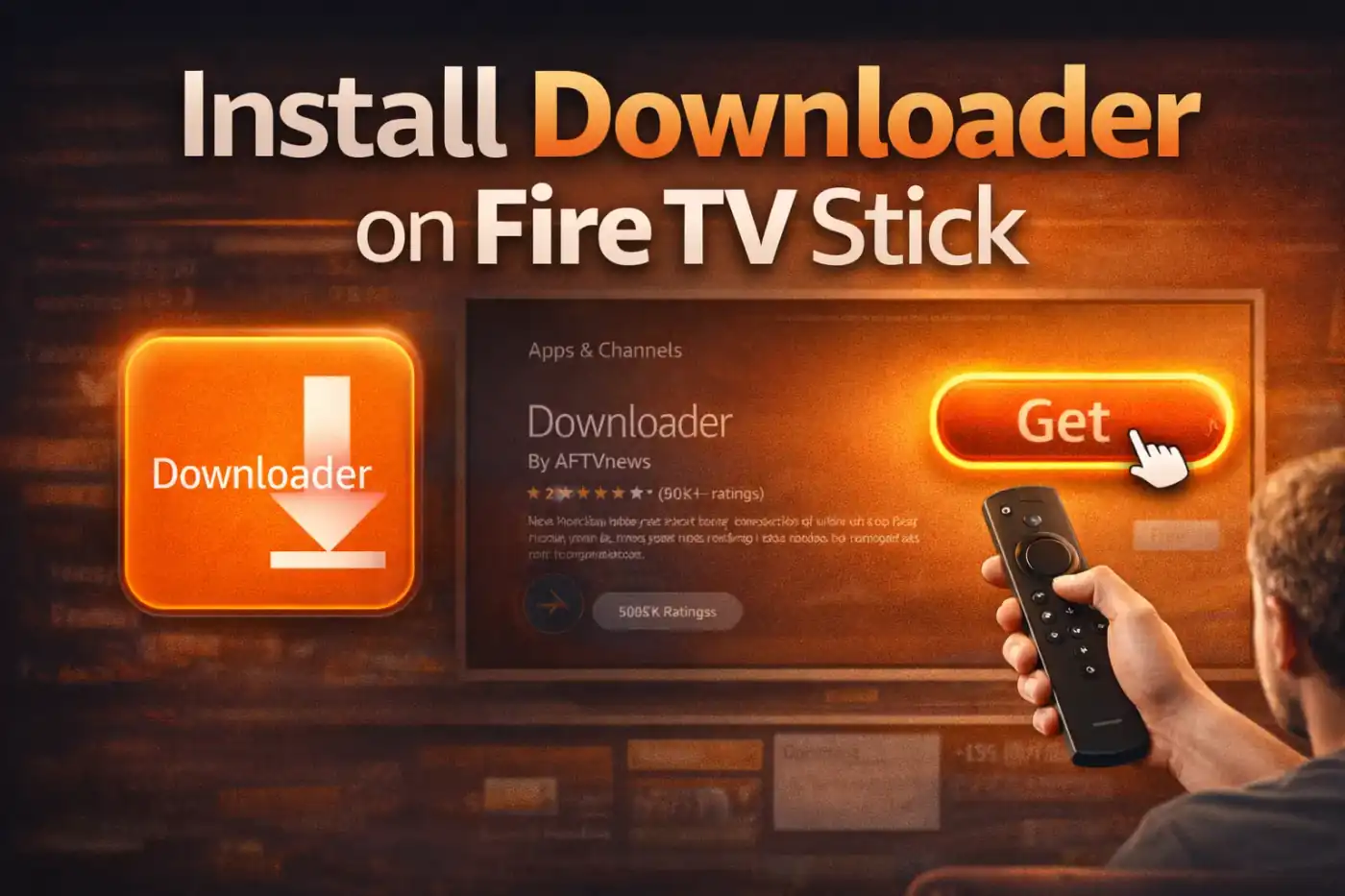
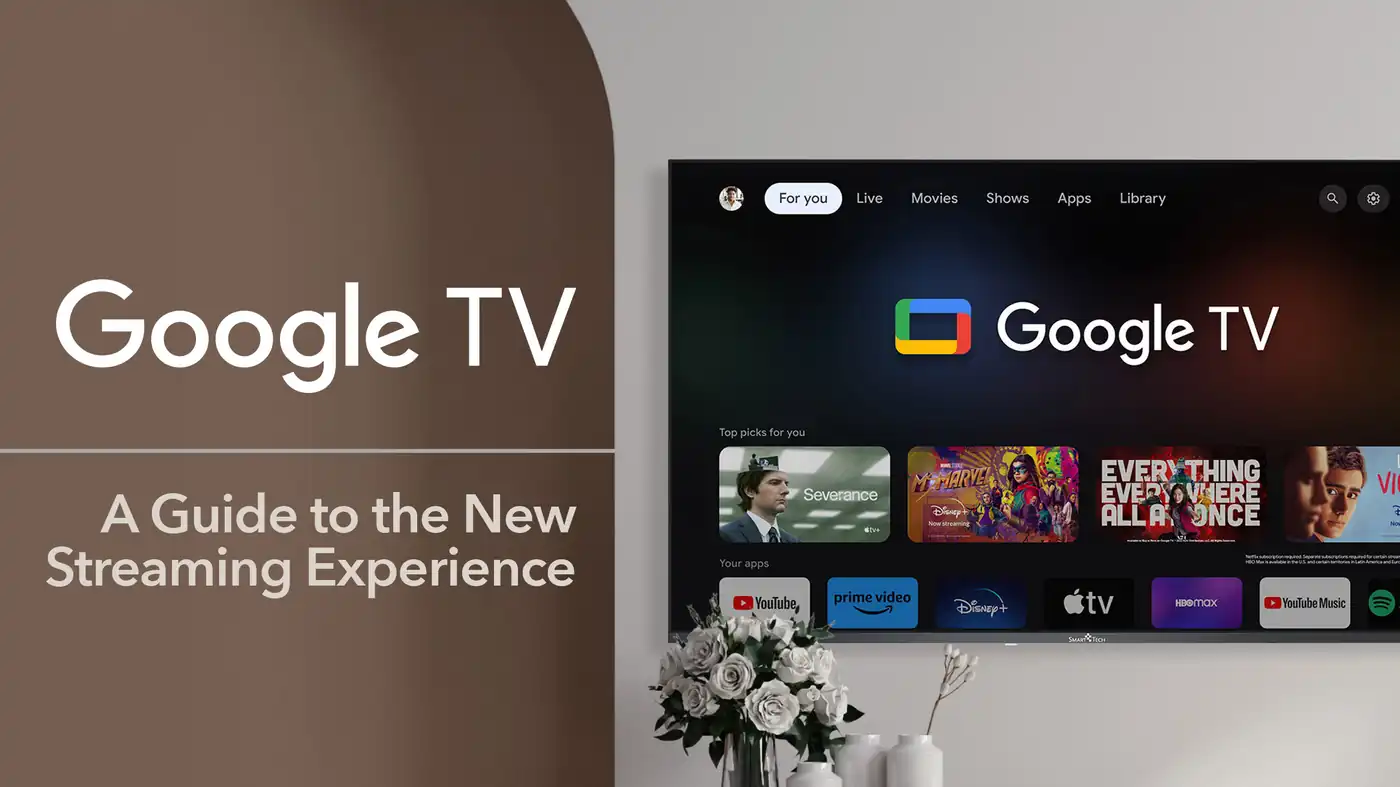
Setup follows the same core steps across devices: install a player app, then enter either an M3U playlist link or Xtream Codes credentials, both emailed automatically after activation along with a device-specific guide. Readers on Fire TV Stick who need the Downloader app first can follow our separate Downloader app installation guide; Android TV and Google TV owners can use the dedicated Google TV setup walkthrough; and anyone installing on a Windows PC can follow the Smarters Pro for Windows guide.
How to Set Up IPTV in Brampton, Step by Step
- Sign up for a 24-hour free trial — no credit card required — to confirm channel quality on your own network before paying anything.
- Check your email for the M3U playlist link or Xtream Codes credentials, usually delivered within a few minutes.
- Install a compatible player app on your device: IPTV Smarters Pro, TiviMate, or GSE Smart IPTV are the most reliable starting points.
- Enter your credentials or paste the M3U link into the player app exactly as emailed, without extra spaces.
- Wait for the channel list and EPG (TV guide) to load fully — this can take 30–90 seconds on the first launch.
- If you’re in a condo or apartment with shared Wi-Fi, connect your streaming device to Ethernet where possible, or move it closer to the router.
- Test a live channel during peak evening hours (7–10 PM) specifically, since that’s when Brampton’s shared building networks are busiest.
- If everything runs smoothly during the trial, choose a plan on the pricing page and continue with the same credentials — nothing needs to be reinstalled.
Fixing Common Connection Problems in Brampton Homes
The two most common issues reported by GTA-area subscribers are buffering during peak hours and a device losing connection overnight. Both usually trace back to the same root cause: Wi-Fi congestion rather than the IPTV service itself. Restarting the router weekly, keeping the streaming device on the 5GHz band instead of 2.4GHz, and avoiding running a stream on the same access point as a large download all reduce buffering meaningfully. For persistent overnight disconnects on a box-style device, our IPTV box disconnect guide covers the router and power-saving settings that most often cause it.
If a specific channel underperforms while others run fine, that's typically a source-side issue rather than a local network problem, and it's exactly what a published support channel is for — StreamIPTV's WhatsApp and live chat support exist so a subscriber can report it the same day rather than guessing at router settings that won't fix a server-side problem.
Is IPTV Legal to Use in Brampton, Ontario?
IPTV as a delivery technology is legal across Canada, including Brampton — it's simply television delivered over an internet connection instead of coaxial cable or satellite, the same underlying method several major Canadian telecoms use for their own set-top boxes. What determines legality in any specific case is whether the content being delivered is properly licensed by the provider. Subscribers should always confirm their usage complies with Canadian copyright law, and our full breakdown of the distinction is covered on the Is IPTV Legal in Canada? page.
Pricing, the Free Trial, and What to Check First
StreamIPTV pricing is published in CAD with no hidden renewal jump, starting from $7.49/mo depending on plan length and connection count. Every plan includes the full channel library and VOD access — there's no artificially limited "starter" tier — and the difference between Standard and Premium plans comes down to simultaneous connections and 4K availability, broken down on the Standard vs Premium comparison. Before paying any Canada IPTV service, it's worth confirming three things directly: whether a real trial is offered without payment info, what the actual refund window is, and whether support hours are published rather than vague. StreamIPTV publishes all three, and the 24-hour trial exists specifically so a Brampton household can verify performance on their own network before committing.
IPTV vs. Cable: Comparing Costs in Brampton
A typical cable bundle from a major Brampton-area provider runs well past $100/month once regional sports fees, equipment rental, and taxes are added, and that's usually before any promotional discount expires. StreamIPTV plans start from $7.49/mo in CAD, with no equipment rental and no regional sports surcharge layered on afterward — the price shown is the price paid, and it doesn't change partway through a plan term. Over a 12-month period, the gap between a cable bundle and an IPTV subscription commonly adds up to several hundred dollars, which is the main reason most new subscribers make the switch in the first place, rather than any single feature comparison.
The trade-off worth being honest about: IPTV depends on a stable home internet connection, so a household without a strong internet plan already in place should budget for that first — cable, by contrast, runs over its own dedicated line. For most Brampton homes already paying for broadband internet regardless, that's a non-issue, since the same connection covers both browsing and streaming.
IPTV Glossary: Terms You'll See During Setup
A short reference for terms that come up during activation, since most confusion during setup is vocabulary, not difficulty. M3U is a playlist file format that tells a player app where to find live channels — StreamIPTV emails a direct M3U link after activation. Xtream Codes is an alternative login method using a server URL, username, and password instead of a single link; both do the same job. EPG stands for Electronic Program Guide, the on-screen TV schedule that shows what's airing now and later on each channel. VOD means video-on-demand — the movie and series library available outside of live channels. A connection (or line) refers to one simultaneous stream; a household watching on two devices at once needs a plan with two connections. Buffering is the pause-and-reload symptom almost always caused by local Wi-Fi congestion rather than the streaming service itself, which is why the Wi-Fi troubleshooting steps earlier in this guide matter more than most people expect.
Also Searched As
Depending on how someone phrases the same need, this guide covers what's commonly searched as an IPTV provider Canada households can verify before paying, a general IPTV service Canada setup reference, or simply a Canadian IPTV option for a Brampton or wider Peel Region address. The setup steps and network advice above apply the same way regardless of which phrase brought you here.
FAQ
Does IPTV work well in Brampton condos and apartment buildings?
Yes, but shared building Wi-Fi during peak evening hours (7–10 PM) is the most common cause of buffering. Connecting the streaming device to Ethernet, or to the 5GHz band close to the router, resolves most of it. The service itself performs identically regardless of building type — the variable is always the local network.
Which internet provider works best for IPTV in Brampton?
Bell Fibe and Rogers Ignite both handle IPTV well at typical residential speeds, as do reseller ISPs like TekSavvy or Distributel running on the same infrastructure. What matters more than the specific provider is upload speed and whether the connection is shared across many devices during peak hours.
Do I need a specific device to use IPTV in Brampton?
No. Fire TV Stick, Android TV boxes, Samsung/LG/Sony Smart TVs, Apple TV, Chromecast with Google TV, Roku, and Windows or Android devices all work through standard third-party player apps. Most Brampton households already own at least one compatible device.
Is there a free trial before paying for an IPTV service in Canada?
Yes. StreamIPTV offers a full 24-hour free trial with no credit card required, giving access to the same live channels and VOD library as paying subscribers so performance can be tested on your own network first.
What should I check before choosing an IPTV provider in Canada?
Verify whether a real free trial is offered without payment info, what the refund window actually is, whether support hours are published, and whether pricing is shown in CAD with no hidden renewal jump. A provider that avoids answering any of these directly is worth being cautious about.
How much does IPTV cost compared to cable in Brampton?
StreamIPTV plans start from $7.49/mo in CAD with no equipment rental or regional sports surcharge, compared to a typical Brampton-area cable bundle that often exceeds $100/month once fees and taxes are included.
What is the difference between M3U and Xtream Codes?
Both deliver the same channel and VOD access. M3U is a single playlist link entered into a player app, while Xtream Codes uses a server URL plus a username and password. StreamIPTV provides both after activation, so either works.







Comments (0)
Leave a comment