In Waterloo, ditch the cable hassle and save big. Discover how IPTV Waterloo delivers faster setup, global channels and smarter streaming in 2025.
Canada-first • USA coverage
Fast activation, stable streaming, 24/7 support.
Canada-first IPTV blog with USA coverage second: setup guides, troubleshooting, app reviews, streaming quality tips, and StreamIPTV updates. Built for real devices and real internet conditions across Canada (priority, Québec included), with USA guidance second.
Official domain: streamiptv.ca
Fast find
Browse setup, buffering fixes, apps, and StreamIPTV updates.
Canada-first IPTV guides with USA coverage second. Setup, troubleshooting, apps, and updates.
In Waterloo, ditch the cable hassle and save big. Discover how IPTV Waterloo delivers faster setup, global channels and smarter streaming in 2025.
Does your IPTV box lose connection often? Learn how to fix device disconnect issues, stabilize your network, and stream smoothly without interruptions.
Learn how to set up Trex IPTV in 2025 and unlock hidden features and extra channels fast. A complete, human-style guide to boost your streaming experience.
Master your Windows Installation for Smarters Pro with a clear, 2025-ready guide—download, secure login, EPG, fixes, and pro tips. Support available at streamiptv.ca.
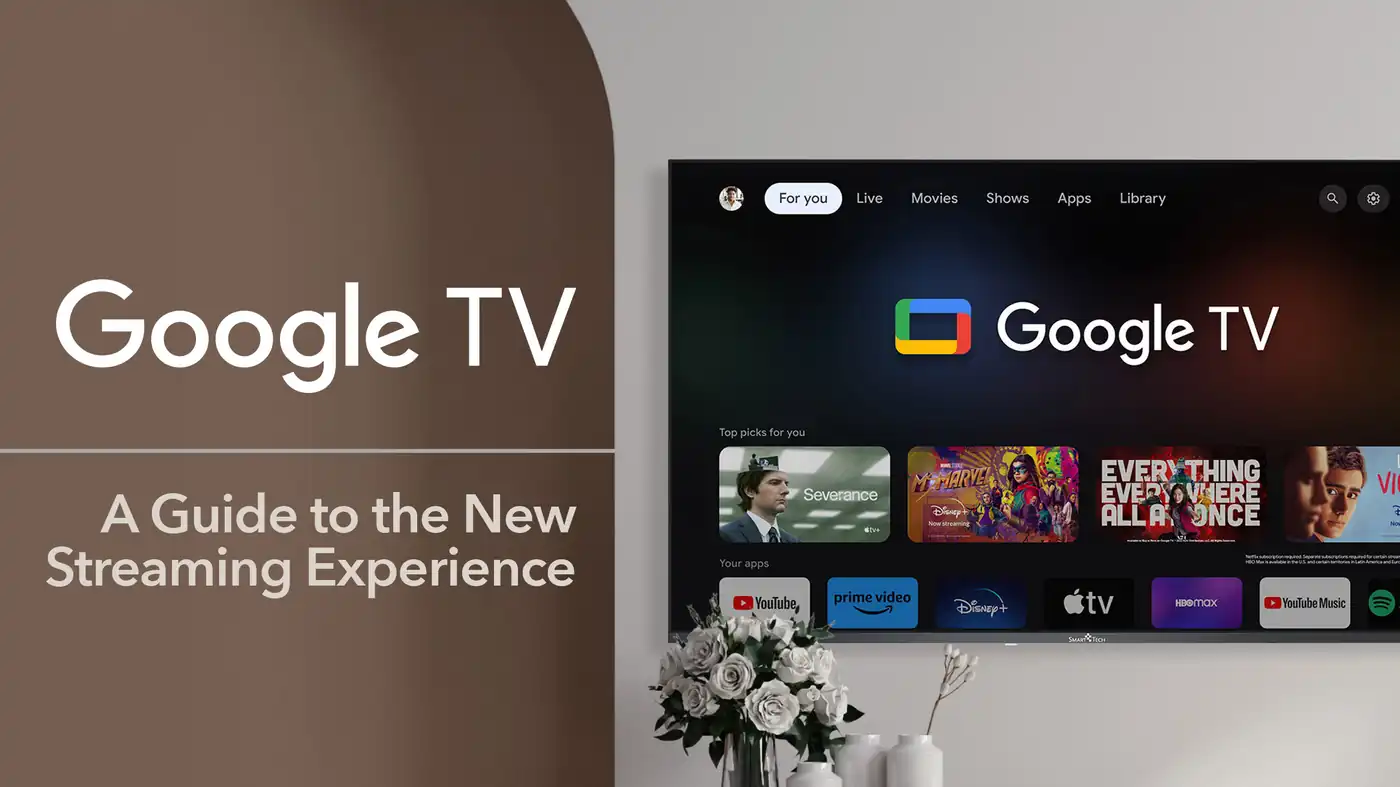
Discover the best methods to install IPTV on Google TV in 2025. Learn direct install, sideloading, casting, and why StreamIPTV.ca is the top provider.
Learn how to install and set up XCIPTV Player on Android in 2025. Follow this step-by-step guide and connect with StreamIPTV for the best results.
Experience Edge IPTV with ultra-fast streaming, HD quality, and zero buffering. Elevate your entertainment with a platform built for perfection.
Learn how to set up your Mag Box in 2025 with this step-by-step IPTV installation guide. Configure portals, save settings, and start streaming today.
Discover why Diablo IPTV is dominating streaming in 2025. Learn its features, pricing, pros, cons, and why users prefer StreamIPTV.ca.
This section is built to convert and to help: internal shortcuts to the most useful guides, practical checklists, and buyer-ready steps. If you want stable streaming, faster activation, and predictable troubleshooting, start with the “windows” below.
The fastest path: pick a device, pick a player, import playlist, validate network.
Fix buffering systematically: wired test, router quality, DNS, player buffer, device limits.
If you contact support, this reduces time-to-fix. Canada-first triage; USA second.
Step 1
Count your simultaneous screens
1 connection = 1 stream at a time.
Step 2
Pick duration for stability
Longer plans reduce reactivation steps.
Step 3
Choose device + app combo
We provide setup guidance (Canada first).
If you’re in Canada, start here. These links help you find the right setup and fixes faster.
USA guidance is included second for mainstream devices and apps.
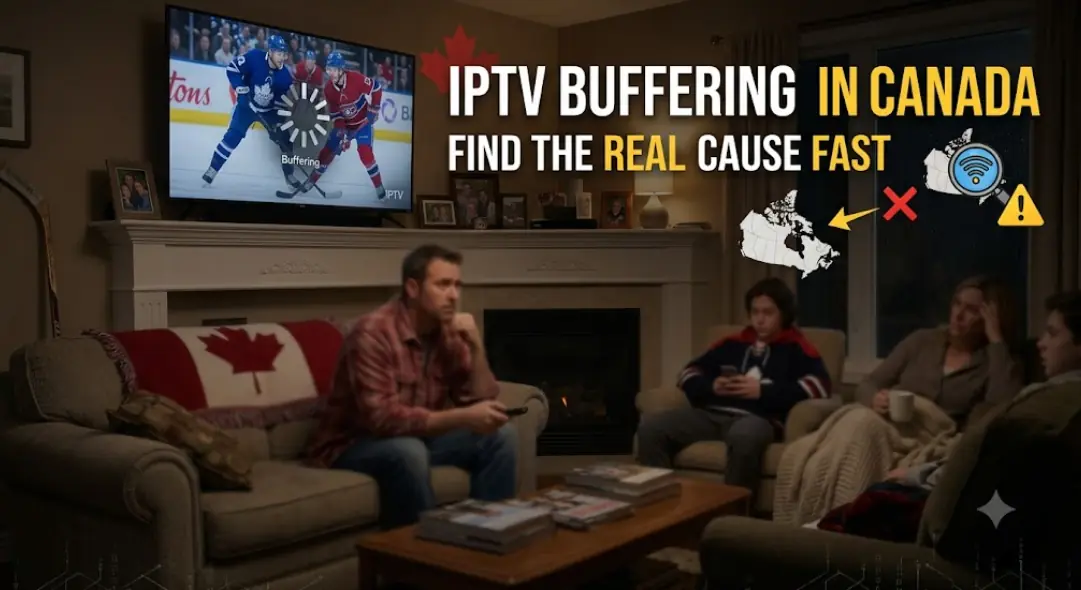
Buffering often comes from Wi-Fi interference, router load, device decoding limits, player buffer settings, or ISP routing. Test Ethernet once, then tune player buffer, confirm device/app combination, and capture the timestamp for support.
Device model, IPTV app name/version, playlist type, exact error text, and the time it happened. Canada-first triage; USA second. Screenshots help when the error is visual.
Yes. Installation on multiple devices is allowed, but simultaneous streaming depends on your connection count (1 connection = 1 active stream).
© 2026 StreamIPTV. Educational guidance for setup and troubleshooting; always follow applicable laws and platform terms.