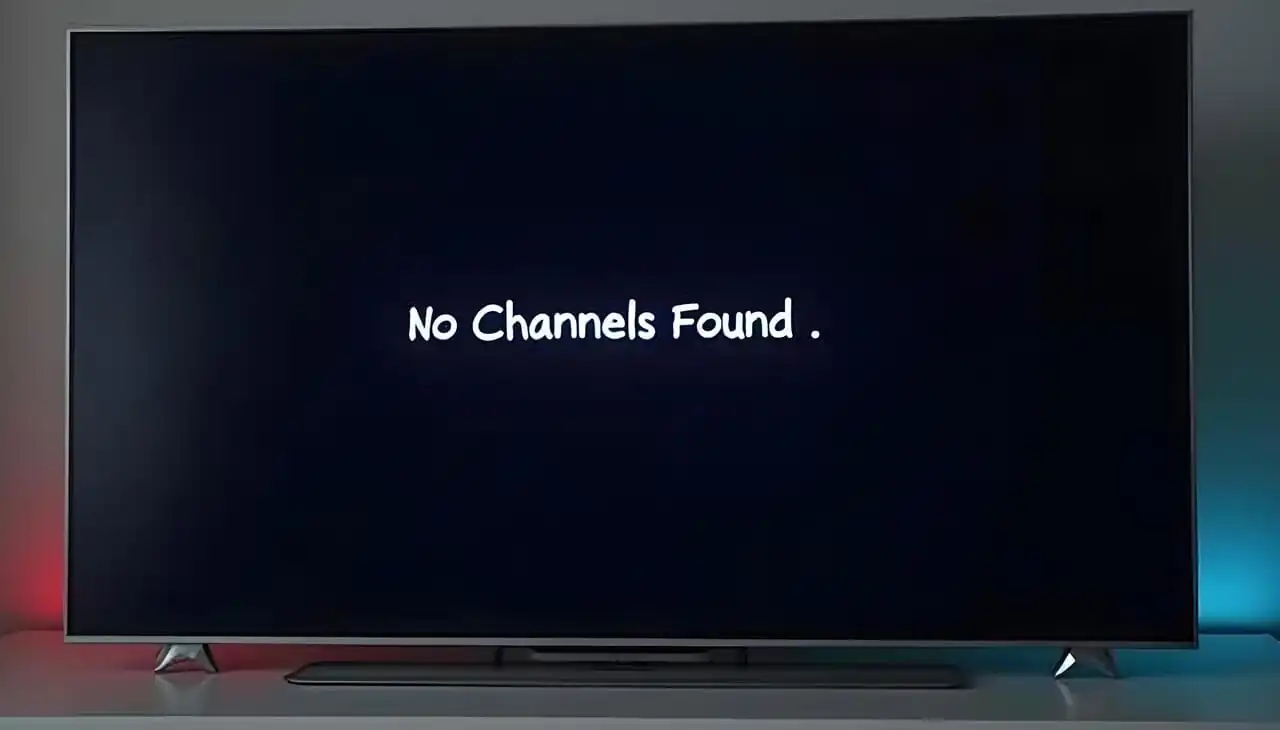
Why Channels Keep Disappearing Without Warning
One night your favourite sports or movie channel is there, the next—it’s gone. Sound familiar? Across Canada, viewers report sudden losses in their channel list without clear notice or explanation. Whether you use cable, IPTV, or streaming bundles, disappearing channels have become a frustrating trend in 2025.

Sometimes it’s a licensing dispute, sometimes a technical update, and sometimes a quiet reshuffle of packages. Providers change lineups frequently to save bandwidth, negotiate new deals, or push users toward premium packs. Understanding how and why it happens is the first step to keeping your channel list stable.
Main Causes of Sudden Channel Changes
1) Content Licensing Disputes
Networks and service providers often fight over renewal terms. When contracts expire, the channel can vanish overnight while negotiations continue. You’ll usually see a message like “Temporarily Unavailable.”
2) Package Restructuring
Providers regroup their offers—moving some stations to new bundles or higher tiers. This tactic pressures subscribers to upgrade. Always review email notices and account messages about “lineup updates.”
3) Regional Blackouts
Sports and local channels may disappear due to broadcast rights restrictions. These are common during playoffs or special events when regional exclusivity applies.
4) Technical or Firmware Updates
Routers, boxes, and apps that fail to refresh channel data can hide or mislabel channels. A simple reboot or rescan often restores a missing channel list.
5) ISP or CDN Problems
If your IPTV source changes CDN servers or load balances, your playlist URL might point to an outdated feed. Refresh your m3u or epg links to pull the latest lineup.
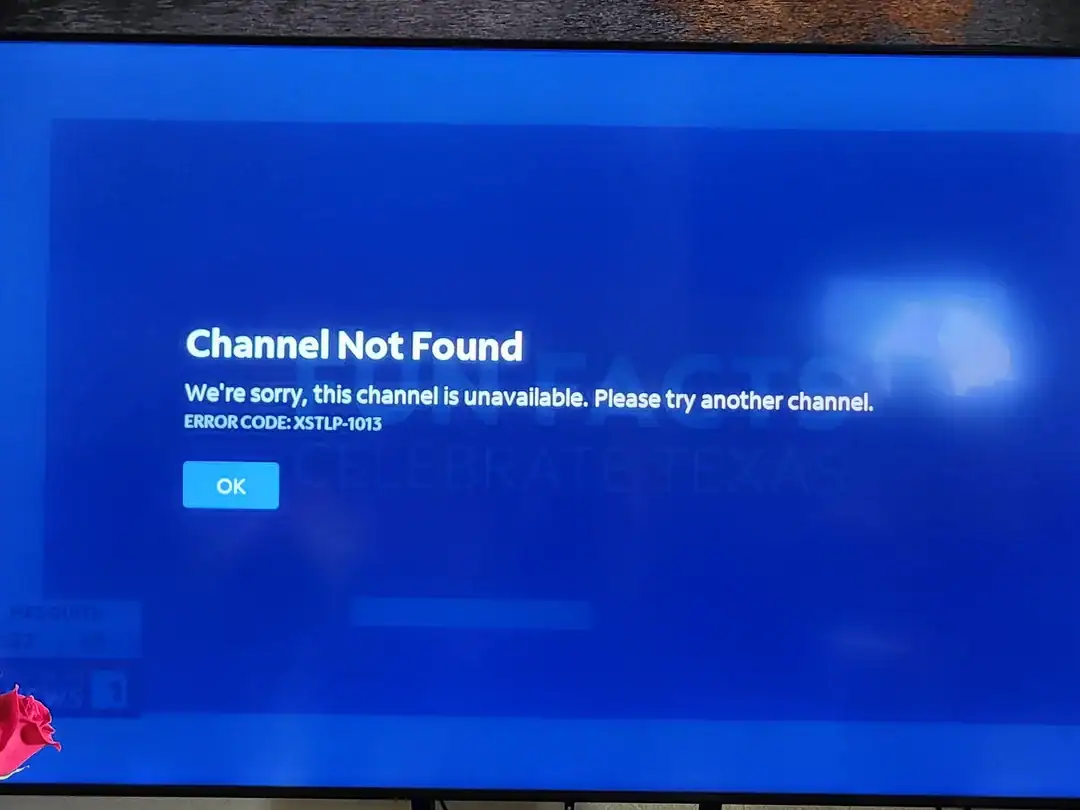
Quick Fixes to Restore Missing Channels
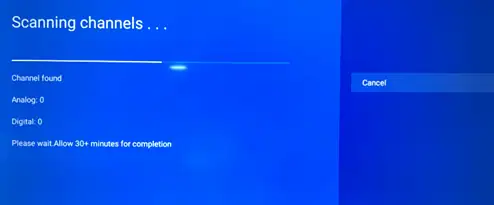
- Rescan or refresh your channel list: On smart TVs or boxes, open settings → Channel setup → Rescan or Update.
- Clear cache & restart device: Temporary glitches can hide feeds or break playlists.
- Check provider updates: Log in to your account portal or email for lineup change announcements.
- Reload IPTV playlist: Replace old URLs with the latest one from your provider (ask support).
- Test on another device: If channels work elsewhere, the issue is local to your box or app.
- Contact support: Politely report which channels vanished and when. Include screenshots or timestamps.
Why Providers Remove Channels Without Notice
In a competitive streaming market, providers frequently adjust lineups for cost efficiency. Dropping underwatched channels saves bandwidth and licensing fees. Unfortunately, most terms of service allow this without warning—though Canadian regulations encourage fair notice. The CRTC recommends providers notify customers at least 30 days in advance for major channel removals.
Tips to Protect Your Channel List
- Keep backups: Save your IPTV playlist locally or export as .m3u so you can compare after updates.
- Track your favourites: Maintain a personal list of must-have channels by name and ID.
- Ask about “stability packs”: Some IPTV services (like streamiptv.ca) offer dedicated servers for premium, long-term channel reliability.
- Avoid over-stuffed bundles: The more channels you add, the higher the chance of change. Build a lean list that matches what you actually watch.
Example: Why Your Channel List Changes Overnight
Mark in Vancouver lost six movie channels one weekend. His provider had quietly moved them into a new “Cinematic Plus” pack. After logging into his account, he found an alert buried in settings. A quick support chat let him switch back to a smaller plan with the same core lineup. The takeaway: always check your provider dashboard before assuming technical failure.
Channel Stability Comparison (2025)
| Provider Type | Avg Channel Stability | Notice Period | Recovery Option |
|---|---|---|---|
| Legacy Cable | 95 % | 30 days | Manual channel scan |
| Major Streaming Bundle | 88 % | 7–14 days | Automatic update |
| Independent IPTV | 92 % | Real-time feed sync | Playlist refresh |
When to Escalate the Issue
If channels disappear repeatedly or without refund, file a formal complaint to the CCTS. Attach your last invoice, missing channel names, and correspondence with support. Under Canadian consumer law, you may claim partial credit if the service no longer matches the package description.
Conclusion
Channel removals are frustrating but rarely permanent. Most channel list issues trace back to software updates, playlist changes, or contract shifts between providers. By backing up playlists, monitoring notifications, and choosing transparent IPTV services like streamiptv.ca, you can avoid nasty surprises and keep your favourite channels intact all year long.
FAQ
Why do channels disappear from my list?
Most disappearances happen due to licensing changes, provider restructuring, or technical errors during updates. Refresh your playlist first before assuming permanent loss.
How often do providers update channel lists?
Large platforms revise monthly or quarterly. Independent IPTV providers update more frequently, often in real time to fix or add feeds.
Can I get a refund for missing channels?
In Canada, yes—if the provider fails to deliver paid content for a significant period. File a documented request referencing the Television Service Provider Code.
How can I prevent sudden removals?
Save your playlist locally, enable update alerts, and subscribe to stable packs rather than ever-changing promotional bundles.
Are all IPTV providers affected by channel changes?
No. Reliable services like streamiptv.ca use multiple content delivery routes and mirrored servers to reduce downtime when channels shift or renew.
What’s the fastest fix for missing channels?
Rescan or refresh your channel list inside the app, restart your device, and reimport your latest playlist link from the provider’s dashboard.






Comments (0)