
 How to Buy Crypto (ShakePay)
IPTV Help Center
Find answers to common IPTV problems — buffering, login errors, EPG issues, app setup and device compatibility. If you can't find what you need, our support team is here to help.
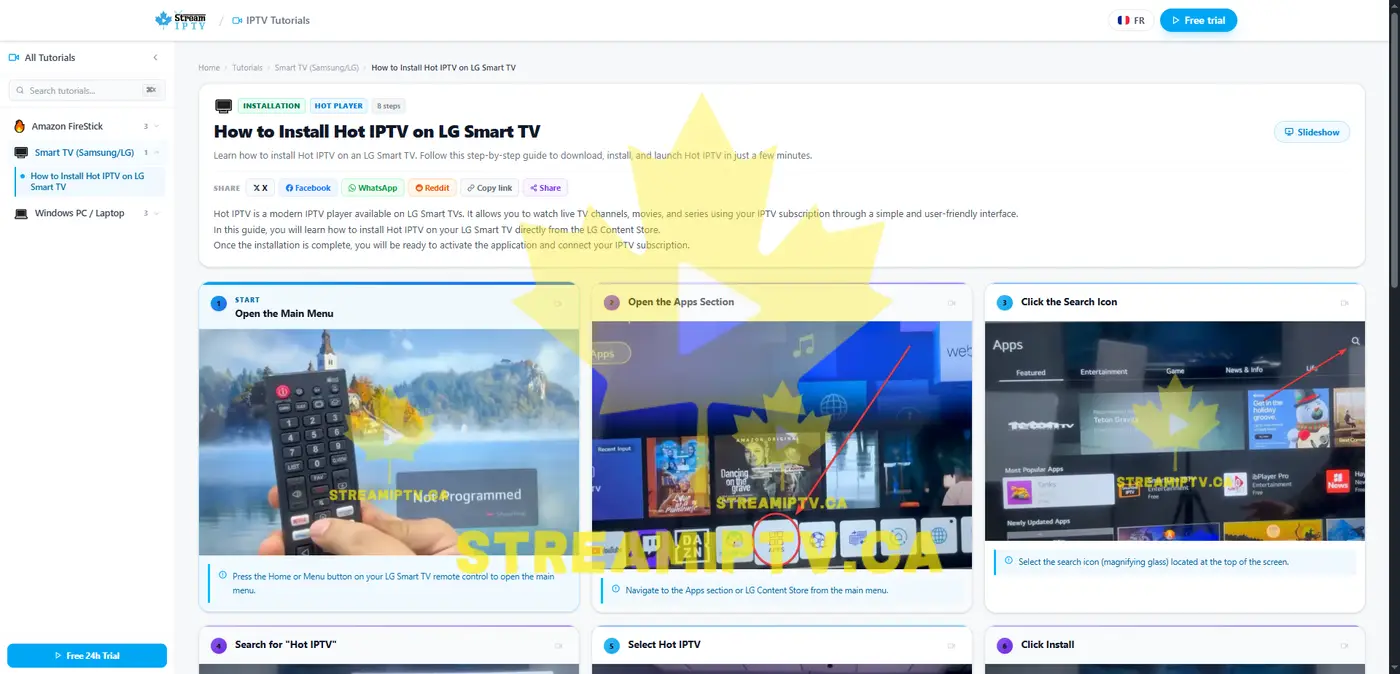
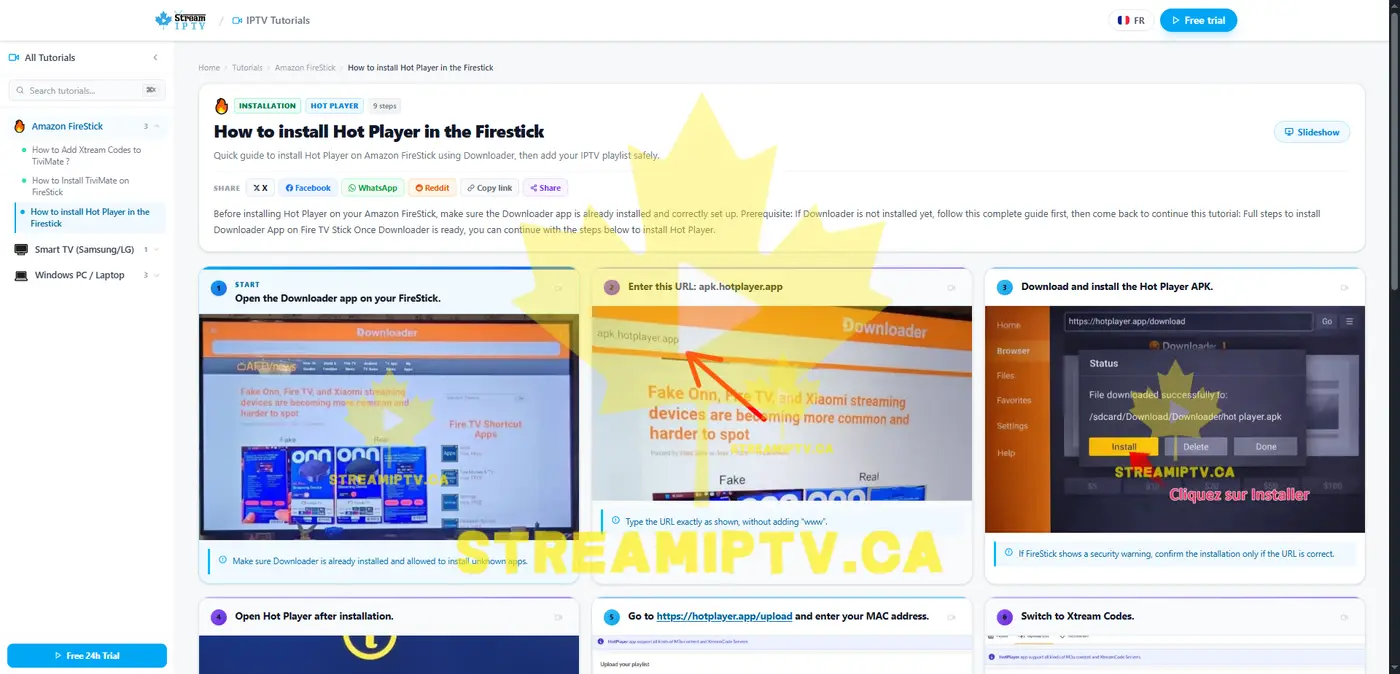
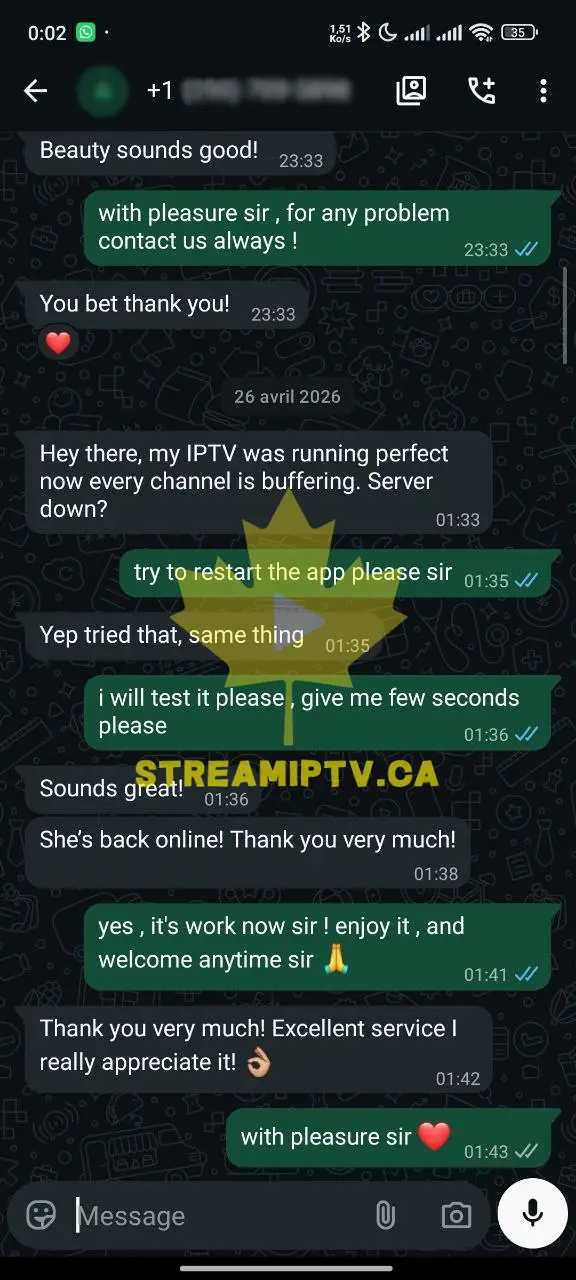
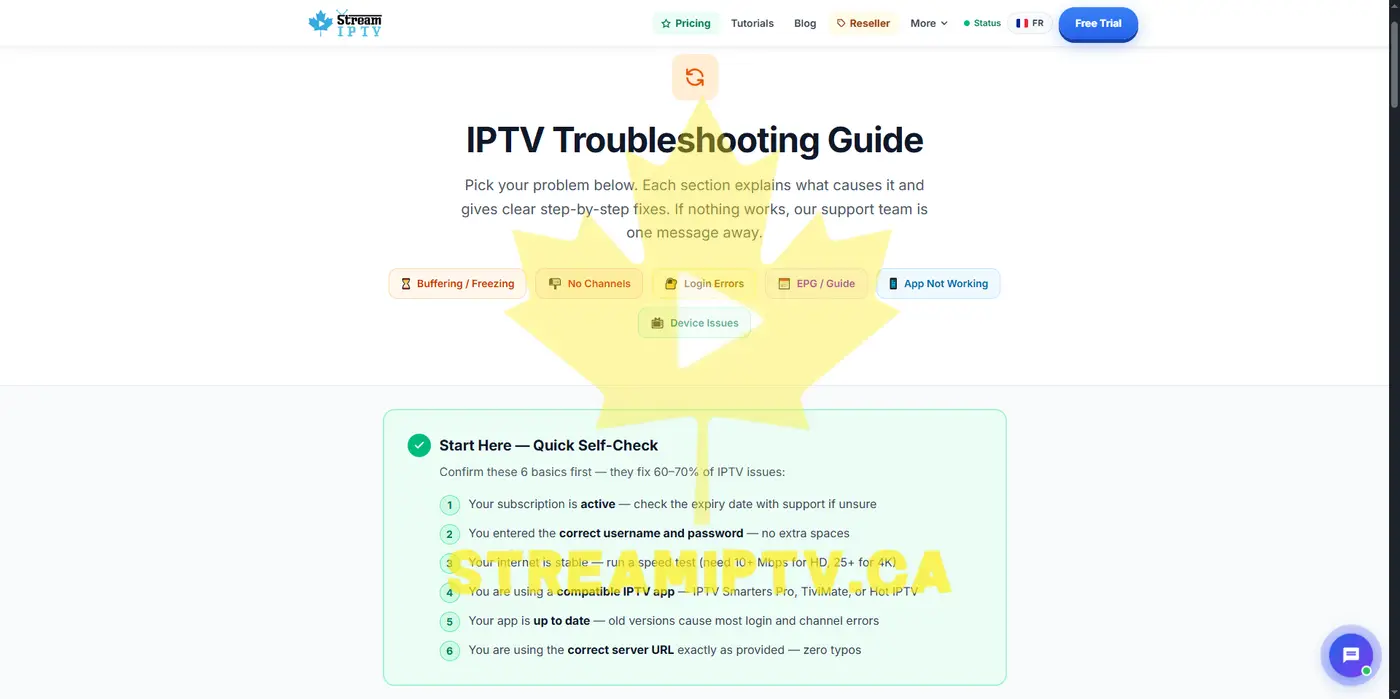
Real Help, Real Screenshots
Evidence of our support quality and setup process — exactly what you'll experience.
Browse by Problem Type
Buffering & Freezing
IPTV stutters, loads slowly or cuts out
Login Problems
Wrong password, authentication error, can't sign in
No Channels Showing
Empty playlist, black screen, channels not loading
EPG No Information
TV guide missing, blank schedule, wrong times
App Not Working
App crashes, won't open, shows error message
Billing & Renewal
Subscription expired, renewal help, refund requests
Buffering & Freezing
IPTV buffering is almost always caused by network speed or Wi-Fi interference. Try these steps in order.
Step 1 — Check your internet speed
Run a speed test on your device. For HD streaming you need at least 15–20 Mbps stable. For 4K, aim for 25+ Mbps. If your speed is low, contact your ISP or move your device closer to the router.
Step 2 — Switch to Ethernet if possible
Wi-Fi can be unstable, especially on 2.4GHz. Connecting your device directly to your router with an Ethernet cable often eliminates buffering completely. If Wi-Fi is required, use 5GHz band.
Step 3 — Restart your router and device
Unplug your router for 30 seconds, then restart. Also close and reopen your IPTV app. Clear the app cache if the option is available in your device settings.
Step 4 — Try a different stream quality or server
Switch to an SD or HD version of the channel if your app offers quality options. Some channels may temporarily have issues — try another channel and check back later.
Still buffering? Contact support
If the issue persists, contact us with: your device model, app name, ISP name, and a description of when buffering happens.
Get Support Help →Login Problems
Login issues are usually caused by incorrect credentials or expired subscriptions.
Check your username and password exactly
Copy-paste your credentials from the activation email instead of typing them. Usernames and passwords are case-sensitive. Avoid adding extra spaces.
Check your subscription status
If your subscription has expired, your login will fail. Contact us to renew or check when your plan expires.
Check the server URL format
When using Xtream Codes, make sure the server URL is entered exactly as provided — including http:// and the correct port number. Do not add a trailing slash.
Can't find your credentials?
Check your spam/junk folder for the activation email. If you still can't find it, contact support with your order email address.
Request Credentials →No Channels Showing
An empty channel list usually means the playlist failed to load.
Refresh or reload your playlist
In your IPTV app, find the option to refresh or update the playlist/M3U. This forces the app to download the latest channel list from the server.
Check the M3U URL is entered correctly
If using an M3U URL, make sure it is entered exactly as provided without any modifications. A single wrong character will cause it to fail.
Try a different compatible IPTV app
If one app doesn't work, try another. Compatible options include TiviMate, IPTV Smarters, Hot IPTV (LG), and IPTVnator (Windows). See our tutorials for setup guides.
EPG No Information
EPG (Electronic Program Guide) shows what's on TV now and next. When it's missing, try these fixes.
Refresh the EPG inside your app
Most apps have an "Update EPG" or "Reload EPG" option in settings. Run it, then wait a few minutes for data to load. On slow connections, EPG loading can take up to 5 minutes.
Check EPG source settings
In apps like TiviMate, make sure the EPG source is set to "Playlist" (uses built-in guide from your subscription). Do not add a separate external EPG URL unless instructed by support.
EPG missing for specific channels
Some channels may not have guide data available. Contact support listing the specific channels affected.
App Not Working
App crashes or errors are usually fixed by a clean reinstall or trying a different app.
Clear cache and restart the app
Go to your device settings → Apps → find your IPTV app → Clear Cache. Then reopen the app. This fixes most crash and loading issues.
Update or reinstall the app
Check if there's an update available for your app. If the problem persists, uninstall and reinstall the app from scratch. You'll need to re-enter your credentials.
Try a different IPTV player
Not all apps work the same way on every device. If one app fails consistently, try a different compatible player. See our setup tutorials for app recommendations by device.
Billing & Renewal
Questions about your subscription, renewal or refund request.
My subscription expired — how do I renew?
Visit our pricing page and choose a new plan, or contact support with your email address and we'll help you renew quickly.
I want a refund
Please contact support before requesting a refund — most issues can be resolved quickly. Review our refund policy for eligibility details. If you haven't tried the free trial yet, we recommend starting there.
I haven't received my credentials after payment
Check your spam/junk folder first. Activation typically takes 1–3 hours. If you still haven't received anything after that, contact support with your order email.
Before Contacting Support
To help us resolve your issue faster, have this information ready:
- Your account email or order number
- Your device model (e.g. LG C3 TV, Amazon Firestick 4K, Samsung Galaxy S23)
- The IPTV app you are using (e.g. TiviMate, Hot IPTV, IPTV Smarters, IPTVnator)
- A clear description of the problem and when it started
- A screenshot of any error message if available
- Your internet provider (ISP) and connection type (Wi-Fi or Ethernet)
Still Need Help?
Our support team is available in English and French. Expected response time: within 24 hours.